7. Configurator, Projector alignment settings
7. CONFIGURATOR, PROJECTOR
ALIGNMENT SETTINGS
Overview
• Lens control
• Alignment pattern
• Gamma adjustment
• Individual color selection
• Horizontal keystone correction
• Blanking adjustment
•ScenergiX
7.1 Lens control
Overview
•Lensshift
• Lens mid position
• Lens zoom
• Lens focus
7.1.1 Lens shift
What can be done?
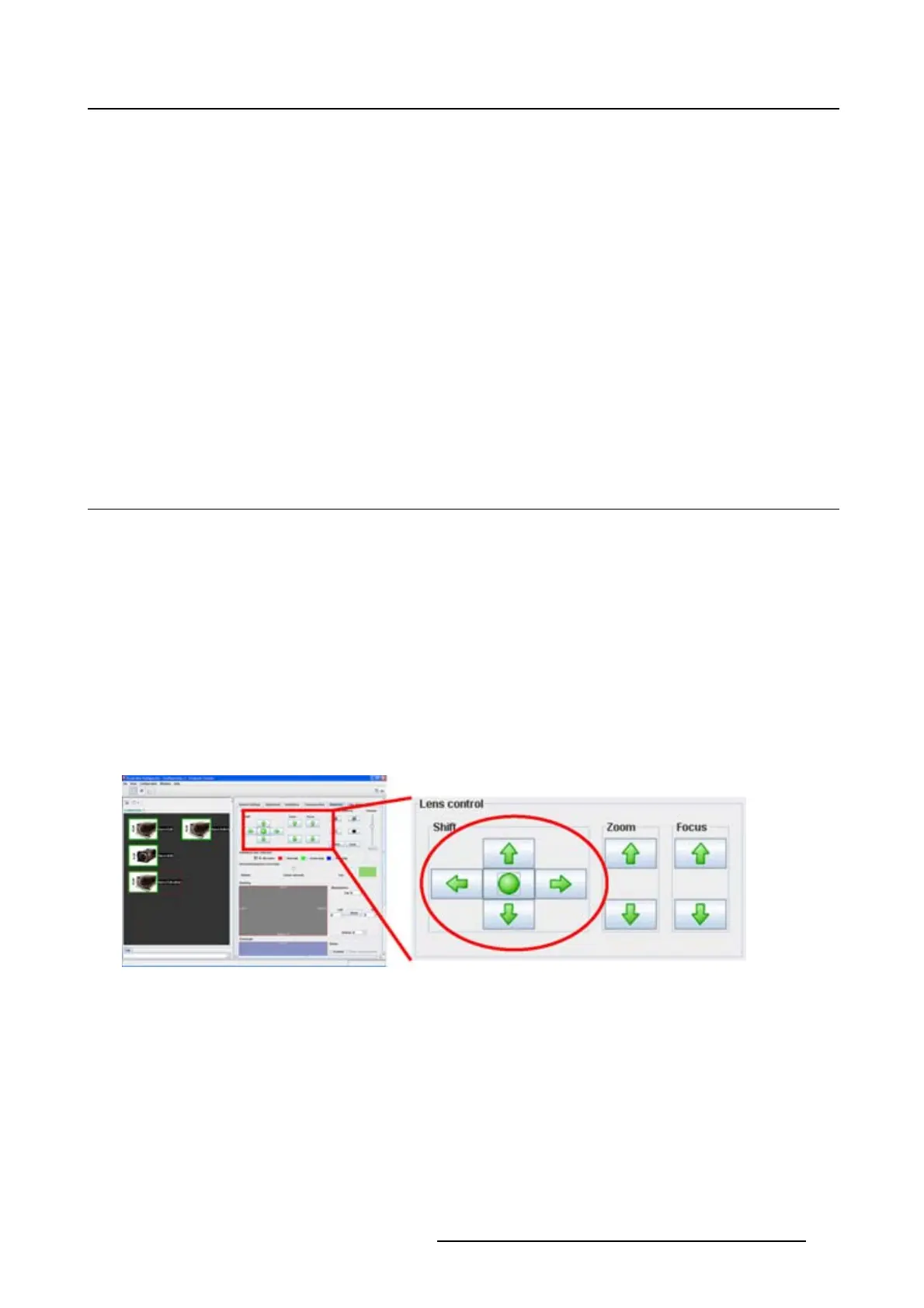
When the lenses are motorized, it is possible to adjust these lenses via the Projector Toolset. The images
can be shifted horizontally and vertically.
Image 7-1
Lens shift
How to shift the image
1. To shift the image horizontally, click on the left or right arrow button in the shift pane.
2. To shift the image vertically, click on the up or down arrow button in the shift pane.
Click on the shift buttons until the correct image position is obtained.
R5976924 PROJECTOR TOOLSET 16/04/2009
93



 To Next Page