2. Installation
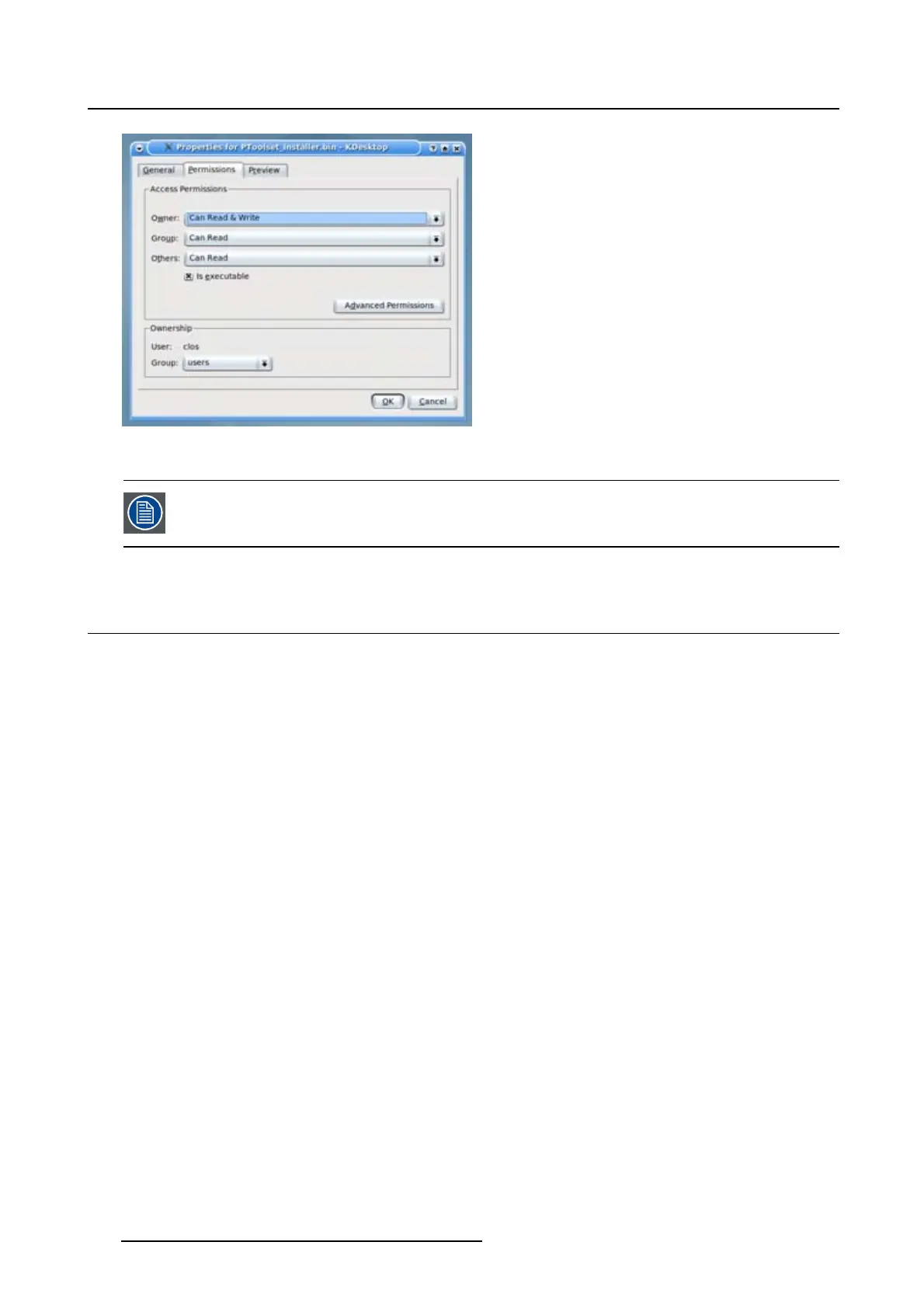
Image 2-1
File properties
Only Projector Toolset framework is installed. To start using it, first install one or more
device plug-ins. The software will request to install the plug-ins.
2.4 Starting up
Launching Projector Toolset on Microsoft Windows
To start up the Projector Toolset software:
1. Click on Start → Programs and select Barco → Projector Toolset → Projector Toolset.
Or,
if a desk top icon is available, double click that desk top icon.
The software starts up. This start up procedure can take a while. First splash screen opens. (image 2-2)
The software starts up with the latest used configurati
on or, if new plug-ins or updated plug-ins are
downloaded, with overview table of the downloaded plug-ins. All plug-ins in the table are selected by
default. (image 2-3)
2. Unselect the plug-ins which you do not want to install.
Or,
click on Unselect all and then select the plug-ins you want to install.
Select all will check all plug-ins at once.
3. Click OK to install the selected plug-ins.
When all plug-ins are installed, a restart message is displayed. (image 2-4)
4. Click Yes to shutdown the application and restart the application.
Click No to continue working with the old plug-ins.
12
R5976924 PROJECTOR TOOLSET 16/04/2009



 To Next Page