8. Configurator, Projector adjustment settings
Image 8-40
Lock window
8.7.8 Set input window to full size
Aspect ratio will be unlocked.
Via the context menu
1. Right click on the window. (image 8-41)
A context menu appears.
2. Select Full size.
The selected window jumps to full size independent its aspect ratio setting.
Image 8-41
Set window to full size
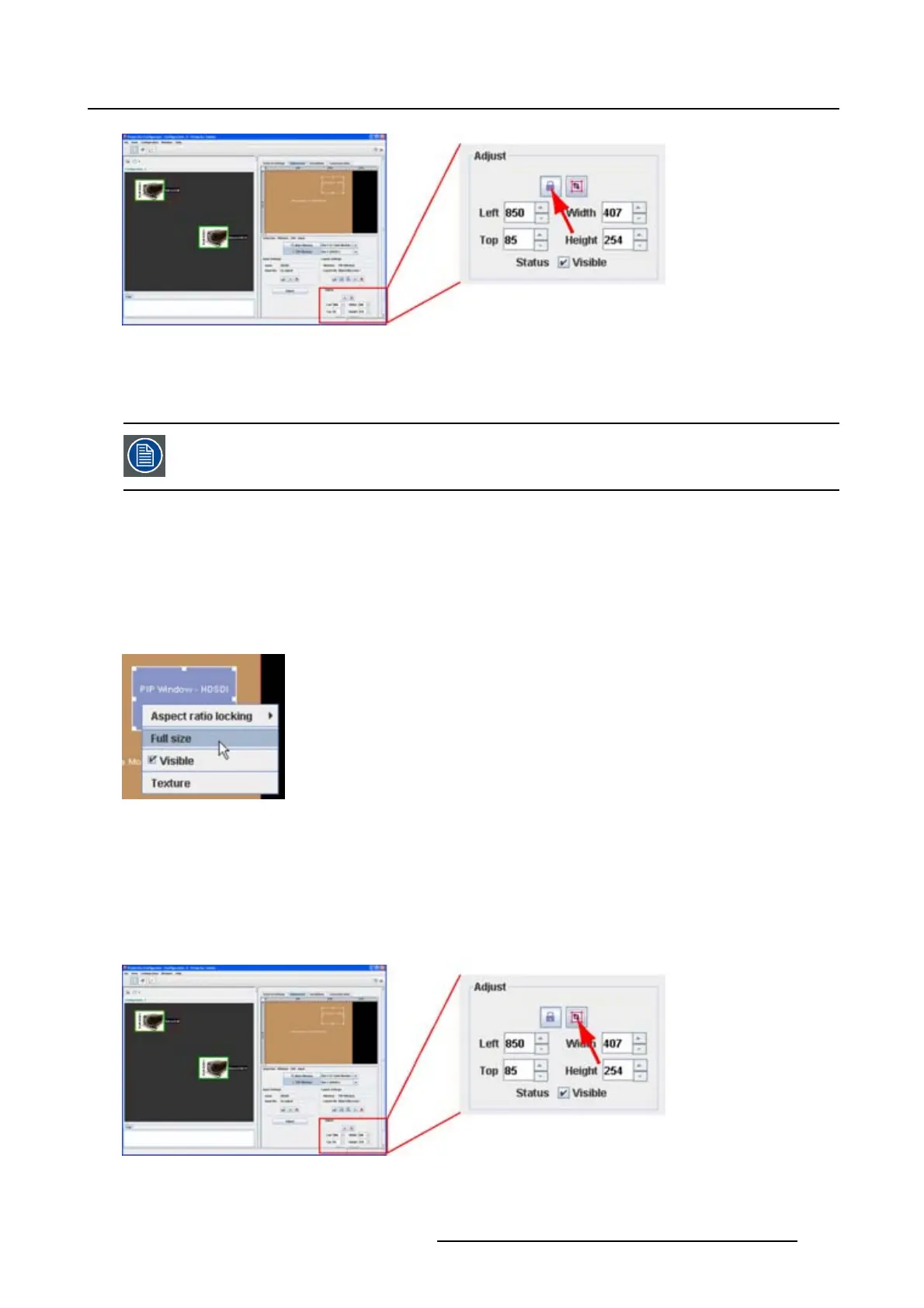
Via the layout settings
1. Select the window to re-size. (image 8-42)
2. Click on the full size icon.
The selected window jumps to full size independent its aspect ratio setting.
Image 8-42
Set window to full size
R5976924 PROJECTOR TOOLSET 16/04/2009 143



 To Next Page