13. Configurator, Warp User Interface
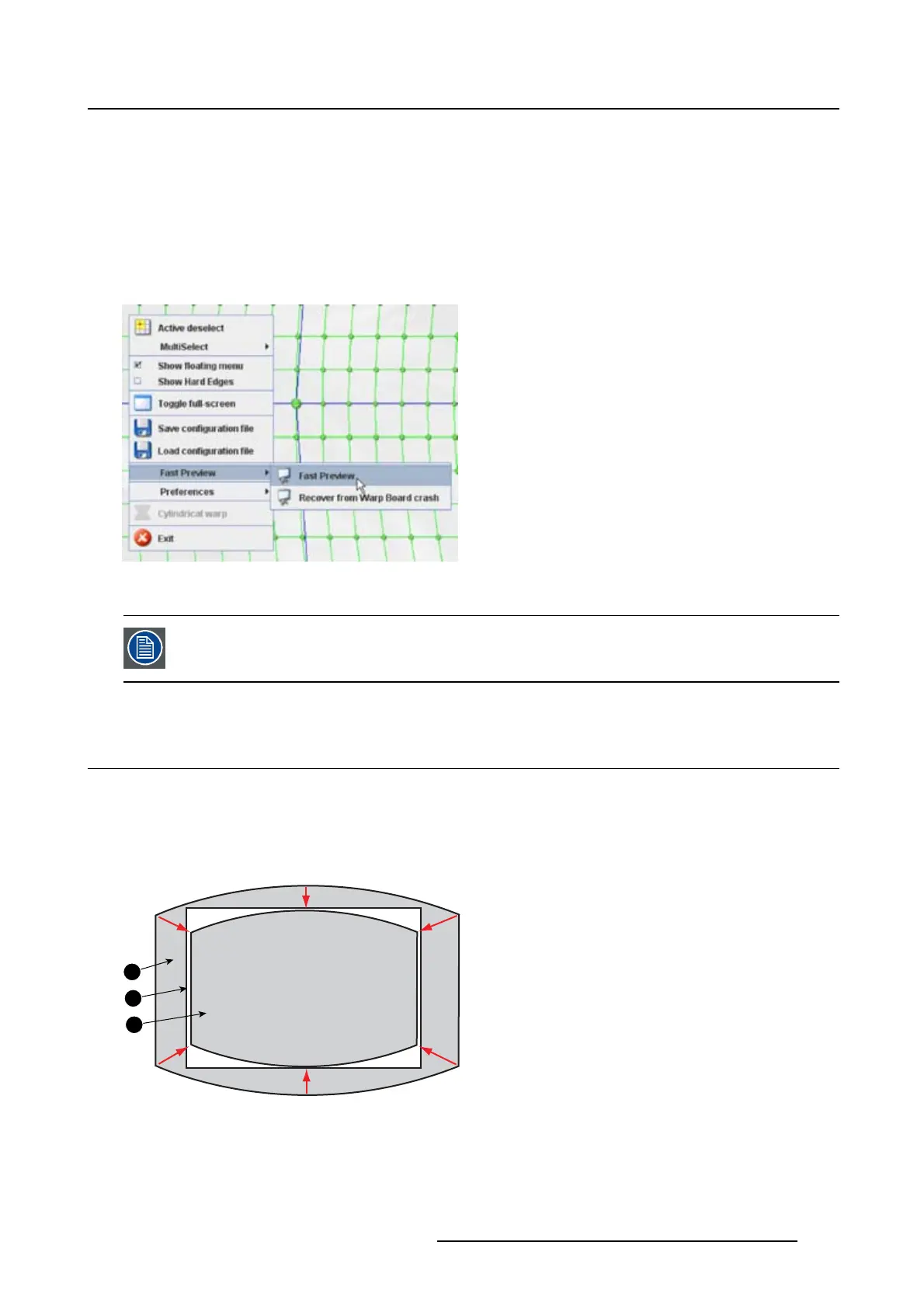
Start up a preview via the context menu
1. Right click on the grid. (image 13-28)
The context menu opens.
2. Select Fast Preview and move the mouse pointer to the right.
3. Select Fast Preview.
Thecurrentwarpingconfiguration is sent to the warping board.
Image 13-28
Start Fast preview
Some node settings can bring the warping board in error status. Use the recovery menu
item to recover the board.
13.18 Re-size and centering for cylindrical warping
What can be done ?
The cylindrical preview can be re-sized and centered on the projected image.
During the centering, a small misalignment of 1 or 2 pixels is still possible due to round off mistakes in the
calculations.
1
2
3
Image 13-29
Re-size and centering
1 original image
2Screen
3 Re-sized and centered image
R5976924 PROJECTOR TOOLSET 16/04/2009
205



 To Next Page