11. Configurator, Communication settings
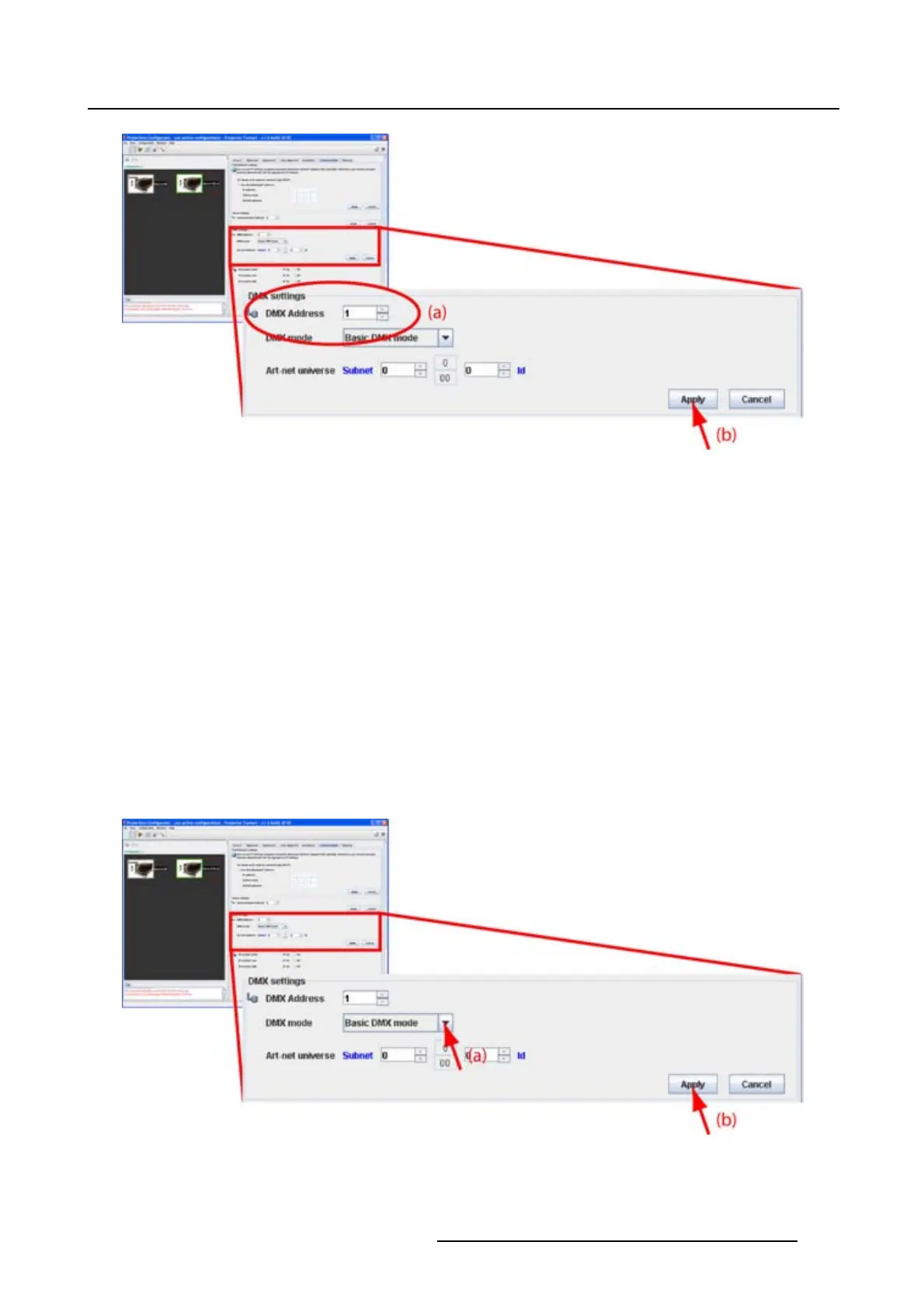
Image 11-4
DMX address
How to set a DMX address
1. Click on the up down control of the spin box until the desired address is obtained.
Or,
click on the input field, select the current value and enter a new value with the keyboard.
2. Click Apply.
11.3.2 DMX mode
What are the possibilities ?
3 modes for DMX are available:
• Basic mode which has currently 2 channels implemente
d.
• Extended mode which has currently 10 channels implemented.
• Full mode which has currently 9 channels implemented and a 10th free channel.
Depending on the application, the correct DMX mode has to be selected.
Image 11-5
DMX mode
R5976924 PROJECTOR TOOLSET 16/04/2009 171



 To Next Page