8. Configurator, Projector adjustment settings
8.7.9 Save a layout
The save is executed on the projector.
When changes are made on a system file, a ’save as’ must be executed instead of a save.
System files cannot be overwritten.
How to save
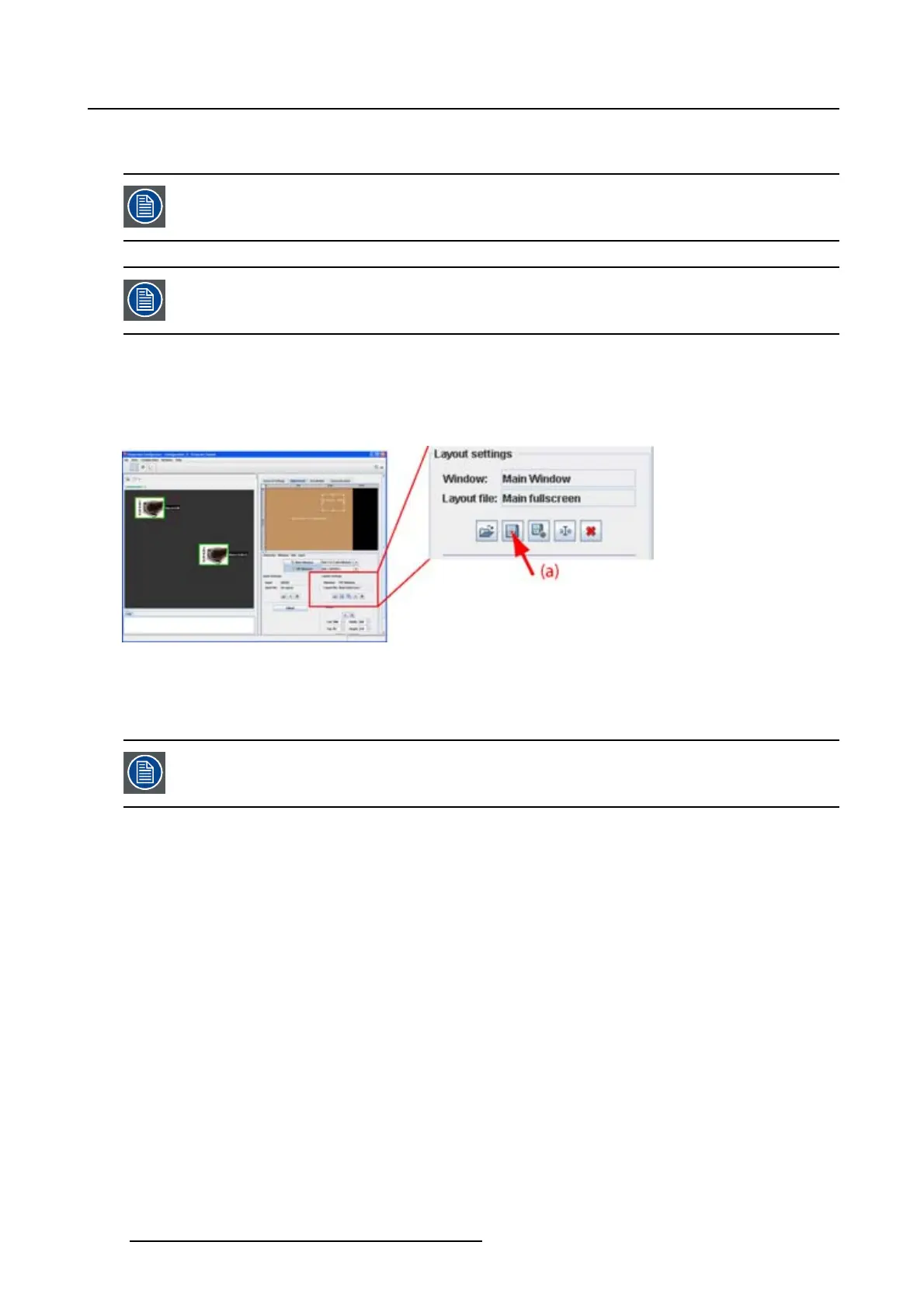
1. Click on the save icon on the Layout settings pane (image 8-43)
The current layout is saved
Image 8-43
Save layout
8.7.10 Layout Save as
A ’save as’ is executed on the projector.
How to ’save as’
1. Click on the ’save as’ icon on the Layout settings pane. (image 8-44)
The The Save layout as dialog box opens.
2.Ifyouwanttosaveonanexistingfile name, select a file from the list.
If you want to save on a new name, click in the input field next to Save as and enter a new name.
Note: Only the characters a to z, A to Z, 1 to 9 and (, ), _, -, @ or allowed in a name.
3. Click on Save as.
The layout settings are saved on the new location.
144
R5976924 PROJECTOR TOOLSET 16/04/2009



 To Next Page