12. Configurator, Warping
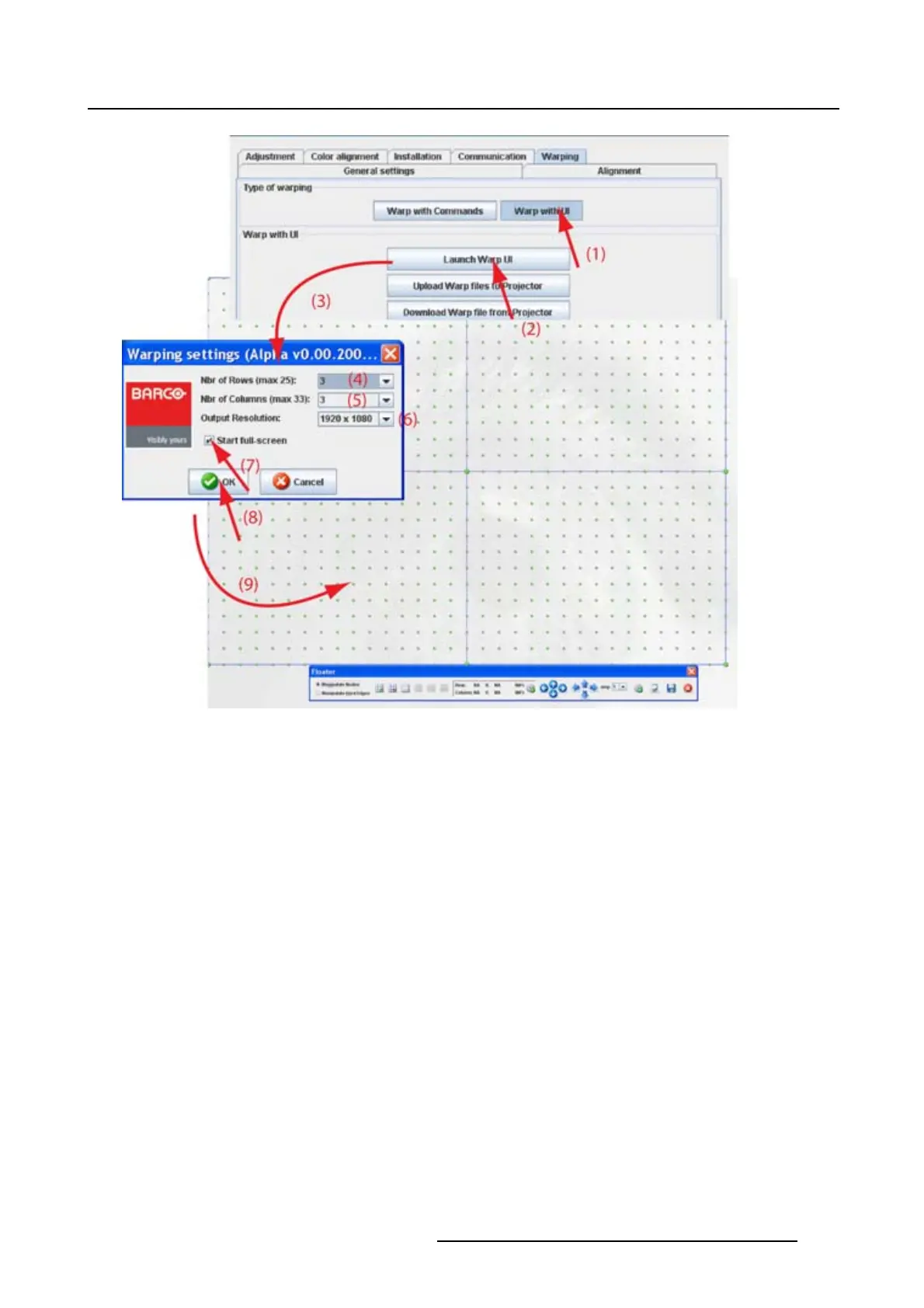
Image 12-12
Startup warp UI
12.4.2 Upload Warp file
What can be done ?
Before a created warp file can be loaded in the warp board, it should be transferred (uploaded) from
Projector Toolset to the projector.
Howtoloadafile
1. While Warp with UI is selected, click on Upload Warp files to projector (1). (image 12-13)
A browser window opens.
2. Browse to the desired file and click on it to select (2).
3. Click Open to upload the selected fi le (3).
R5976924 PROJECTOR TOOLSET 16/04/2009
181



 To Next Page