13. Configurator, Warp User Interface
Image 13-25
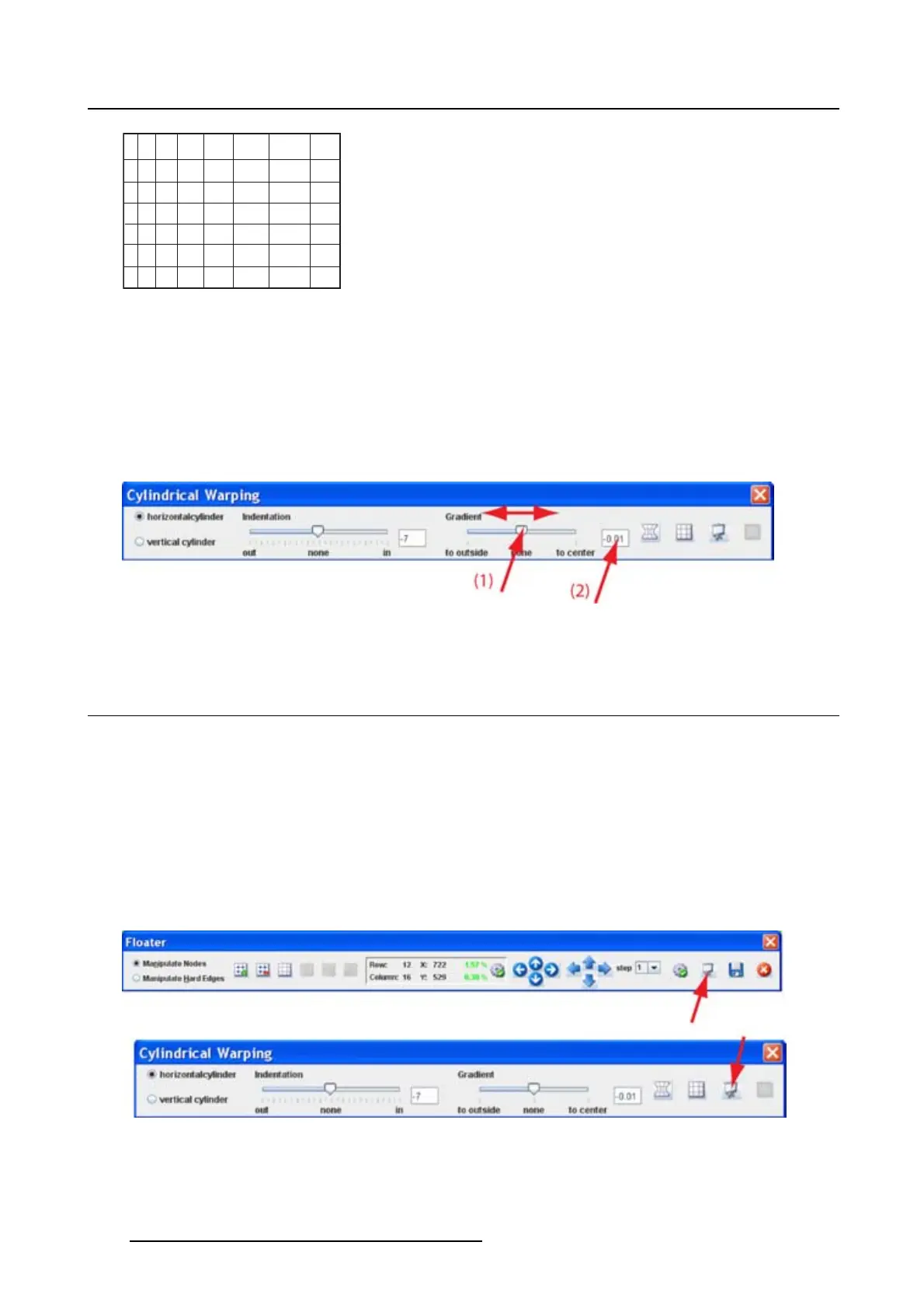
Gradient
The gradient setting is used to adjust the image so that it looks normal on the cylindrical surface.
How to adjust
1. Within the Cylindrical warping menu, click on the slider below Gradient and move the slider to the left
or the right until the desired gradient is obtained (1). (image 13-26)
Or,
click in the input field next to the Gradient slider and enter the desired value with the keyboard (2).
Image 13-26
Gradient
13.17 Fast preview
What can be done ?
The current warp settings can be sent to the device for preview and to see if they match the real situation.
Adjustments are still possible when in preview mode.
Start up a preview via the menu
1. While the Floater menu or Cylindrical warping menu is active, click on the Fast Preview icon. (im-
age 13-27)
Thecurrentwarpingconfiguration is sent to the warping board.
Image 13-27
Start fast preview
204 R5976924 PROJECTOR TOOLSET 16/04/2009



 To Next Page