6. Configurator, General projector settings
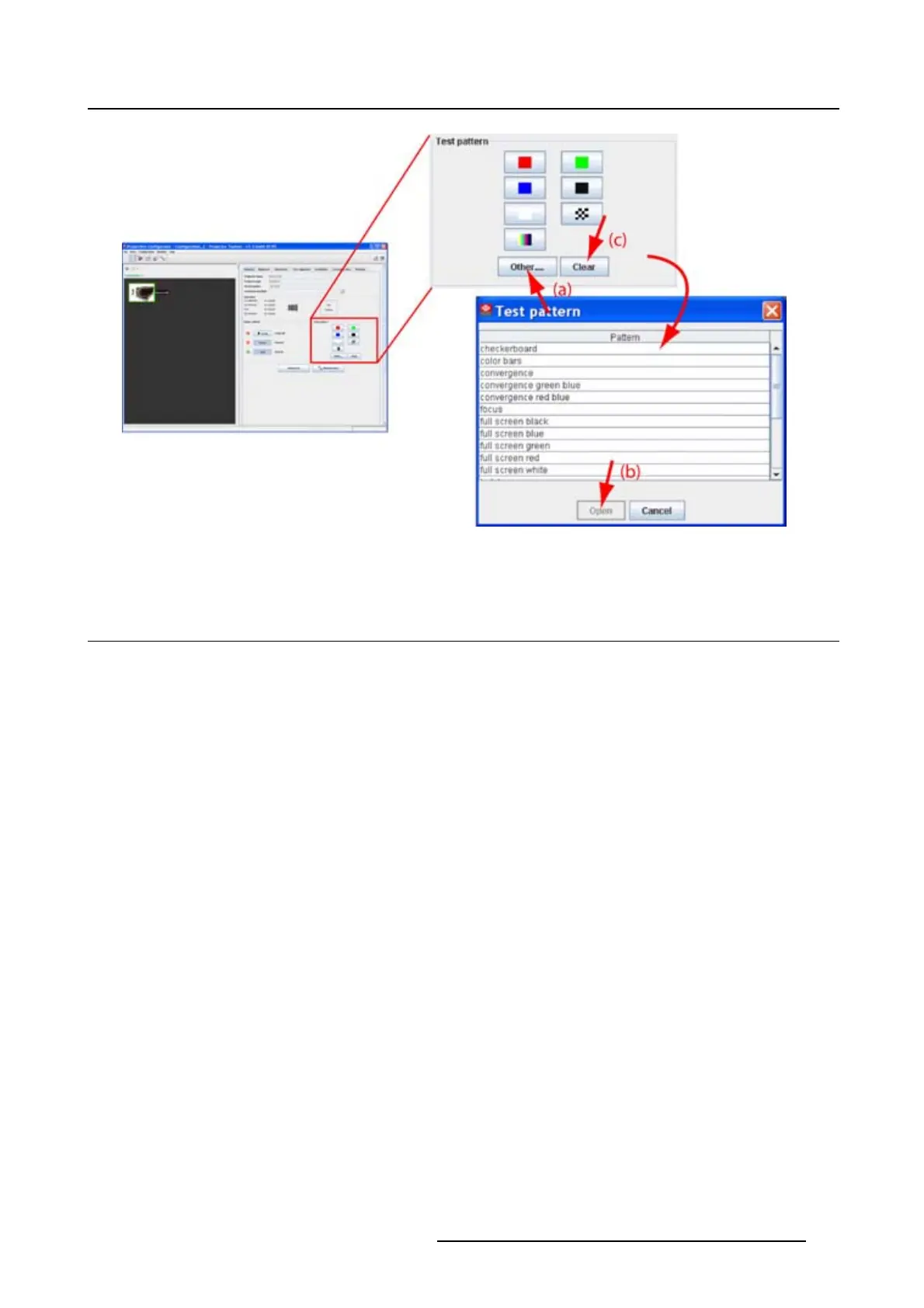
Image 6-9
Test pattern selection
6.8 Advanced controls
Overview
• Input locking
• Source switching
•Nosignal
• Image load mode
• Minimum frame delay
• Contrast enhancement
• Calibrate lens zoom and focus
• Lens settings for all layouts
• Auto picture alignment
• LCD timeout settings
6.8.1 Input locking
What is possible?
The output signal can be locked on an internal sync signal or on the sync signal of one of the input sources.
Input locking can avoid that some windows in th
e output signal are slowly moving or trembling.
When automatic is selected, the lock will be set on the input signal of the main window.
How to set up
1. Click on Advanced control (a). (image 6-10)
The Advanced control dialog box opens.
2. Click on the combo box next to Locking to and select the desired setting (b).
R5976924 PROJECTOR TOOLSET 16/04/2009
77



 To Next Page