12. Configurator, Warping
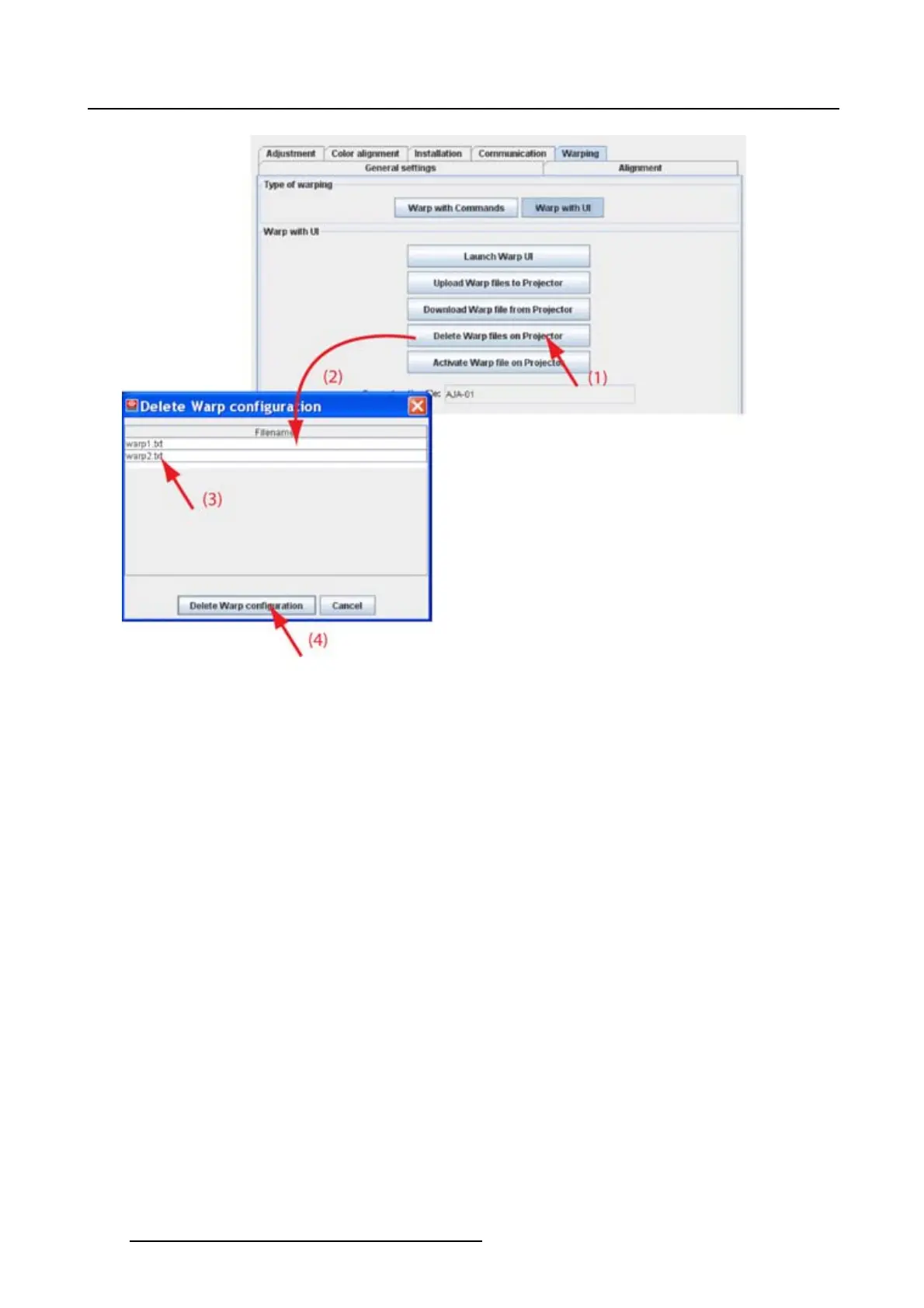
Image 12-15
Delete warp file
12.4.5 Activate warp file
What can be done ?
Awarpfi le stored on the projector can be activated and is loaded in the warp board as the new settings.
How to activate
1. While Warp with UI is selected, click on Activate Warp files on projector (1). (image 12-16)
The Activate warp configuration window opens.
2. Click on the file to activate (3).
3. Click on Activate warp configuration (4).
The selected warp file is activated. The name in current active file changes to the new selected name.
184
R5976924 PROJECTOR TOOLSET 16/04/2009



 To Next Page