7. Configurator, Projector alignment settings
7.1.2 Lens mid position
What can be done?
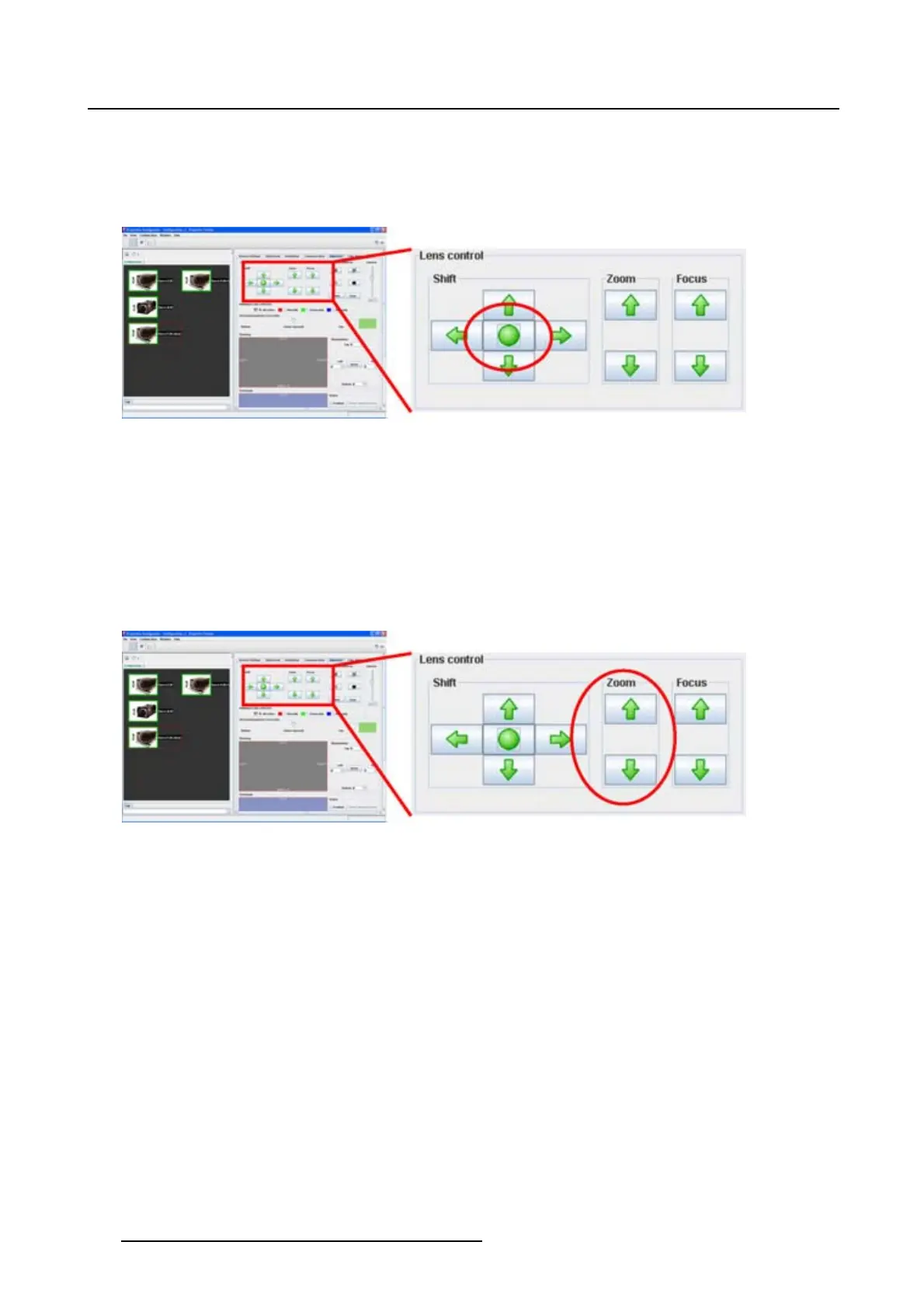
When the lenses are motorized, it is possible to put the lens it is mid position via the Projector Toolset.
Image 7-2
Lens mid position
How to bring to mid position
1. Click on the Center button between the shift buttons.
7.1.3 Lens zoom
What can be done?
When the lenses are motorized, it is possible to zoom these lenses via the Projector Toolset.
Image 7-3
Lens zoom
How to zoom
1. Click on the up or down arrow button in the zoom pane.
7.1.4 Lens focus
What can be done?
When the lenses are motorized, it is possible to focus these lenses via the Projector Toolset.
94
R5976924 PROJECTOR TOOLSET 16/04/2009



 To Next Page