4. Preferences
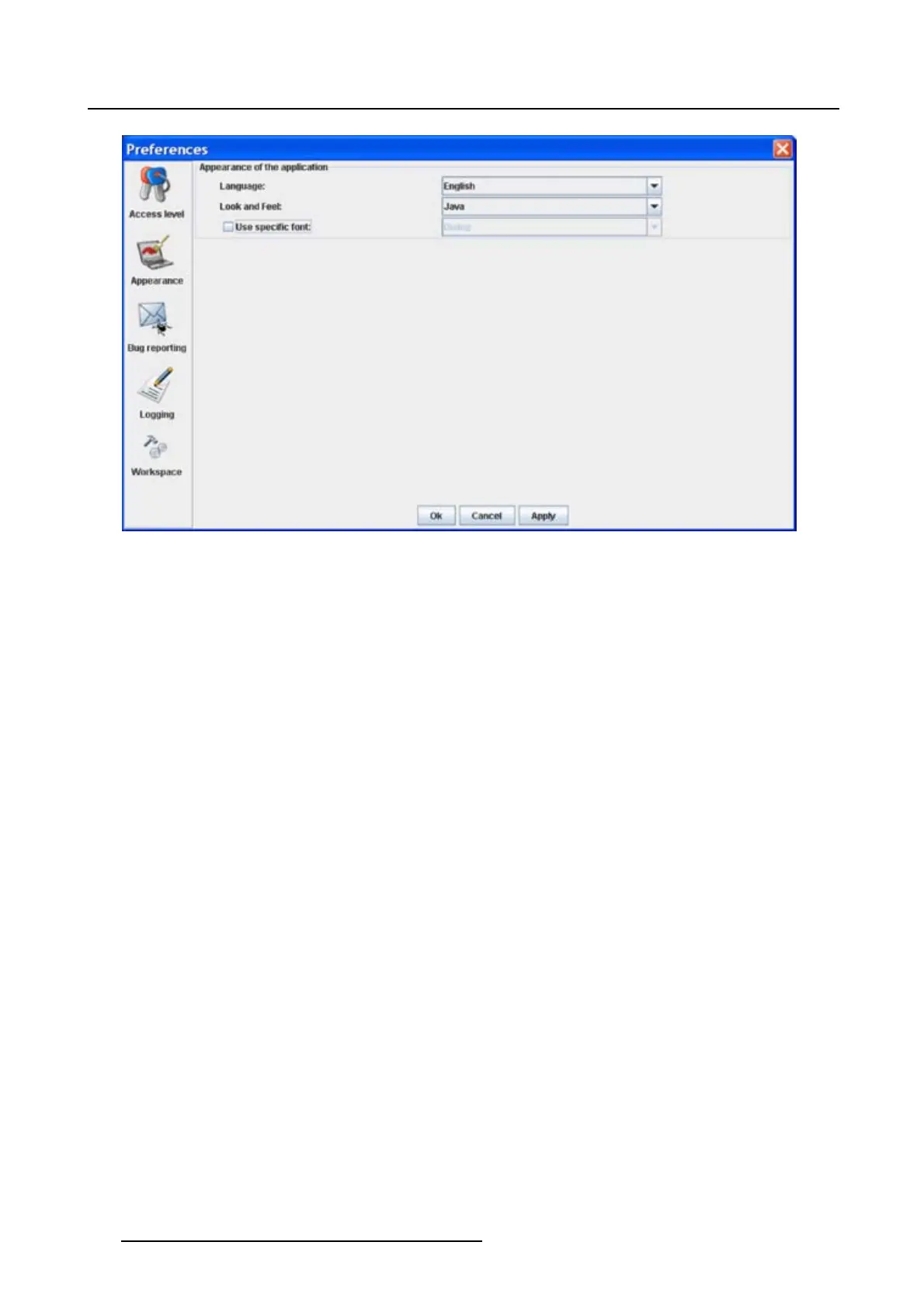
Image 4-4
Language selection
Look and feel of the software
1. Click on Appearance (image 4-2).
The appearance window opens.
2. Click on the combo box next to Look and Feel. (image 4-5)
The possible look and feels will be displayed.
The following are possible:
- Windows
-Java
An info window will be displayed to announce that the look and feel change will take place after restarting
the software.
38
R5976924 PROJECTOR TOOLSET 16/04/2009



 To Next Page