4. Preferences
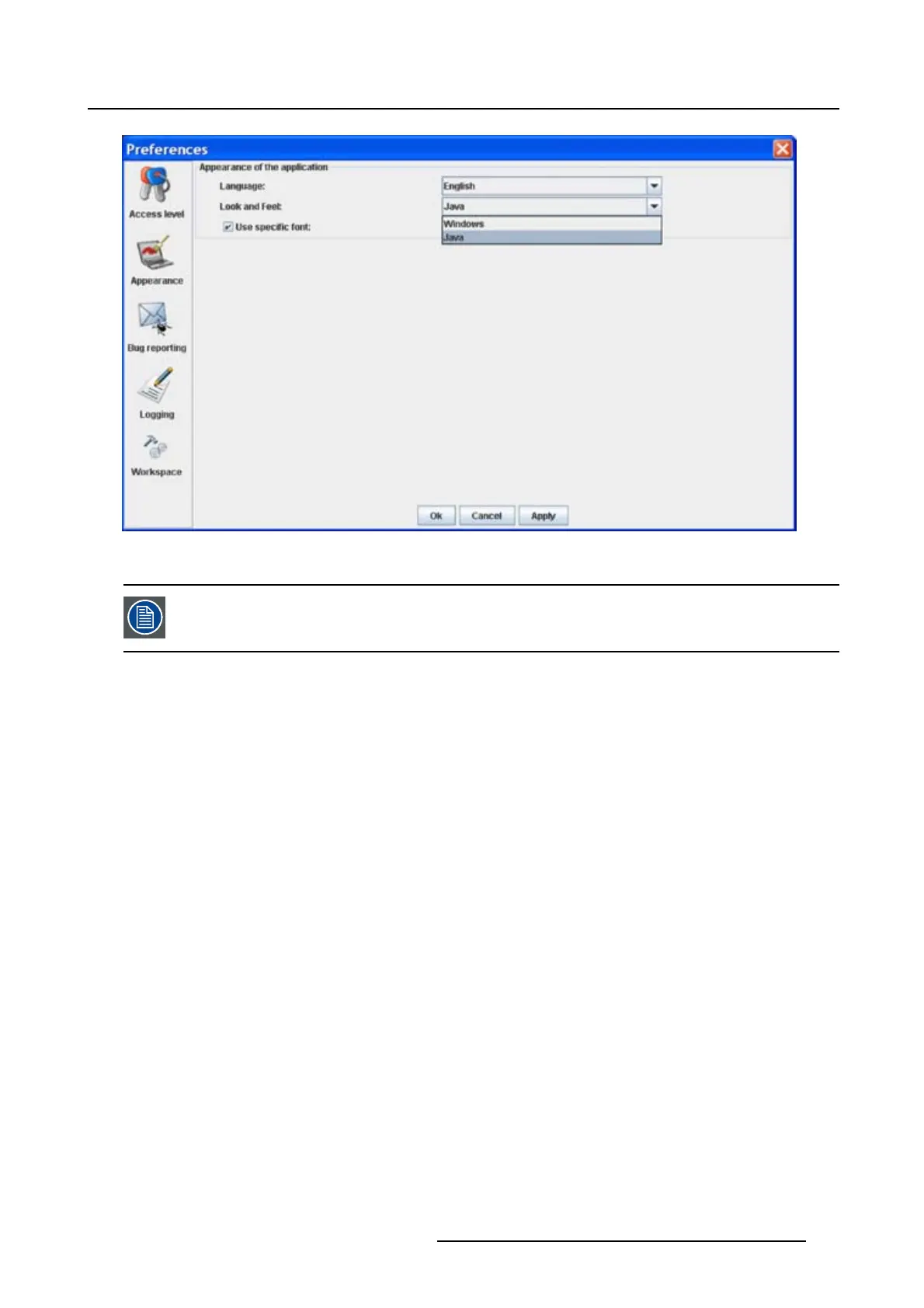
Image 4-5
Look and feel software
Screen shots in this manual are made for a Java look and feel.
Use of specific fond
1. Click on Appearance (image 4-2).
The appearance window opens.
2. Check the check box in front of Use specific font. (image 4-6)
The drop down menu becomes available.
3. Click on the drop down box and select the desired font.
4. Click on Apply to confirm the selection.
An info window will be displayed to announce that the look and feel change will take place after restarting
the software.
R5976924 PROJECTOR TOOLSET 16/04/2009
39



 To Next Page