7. Configurator, Projector alignment settings
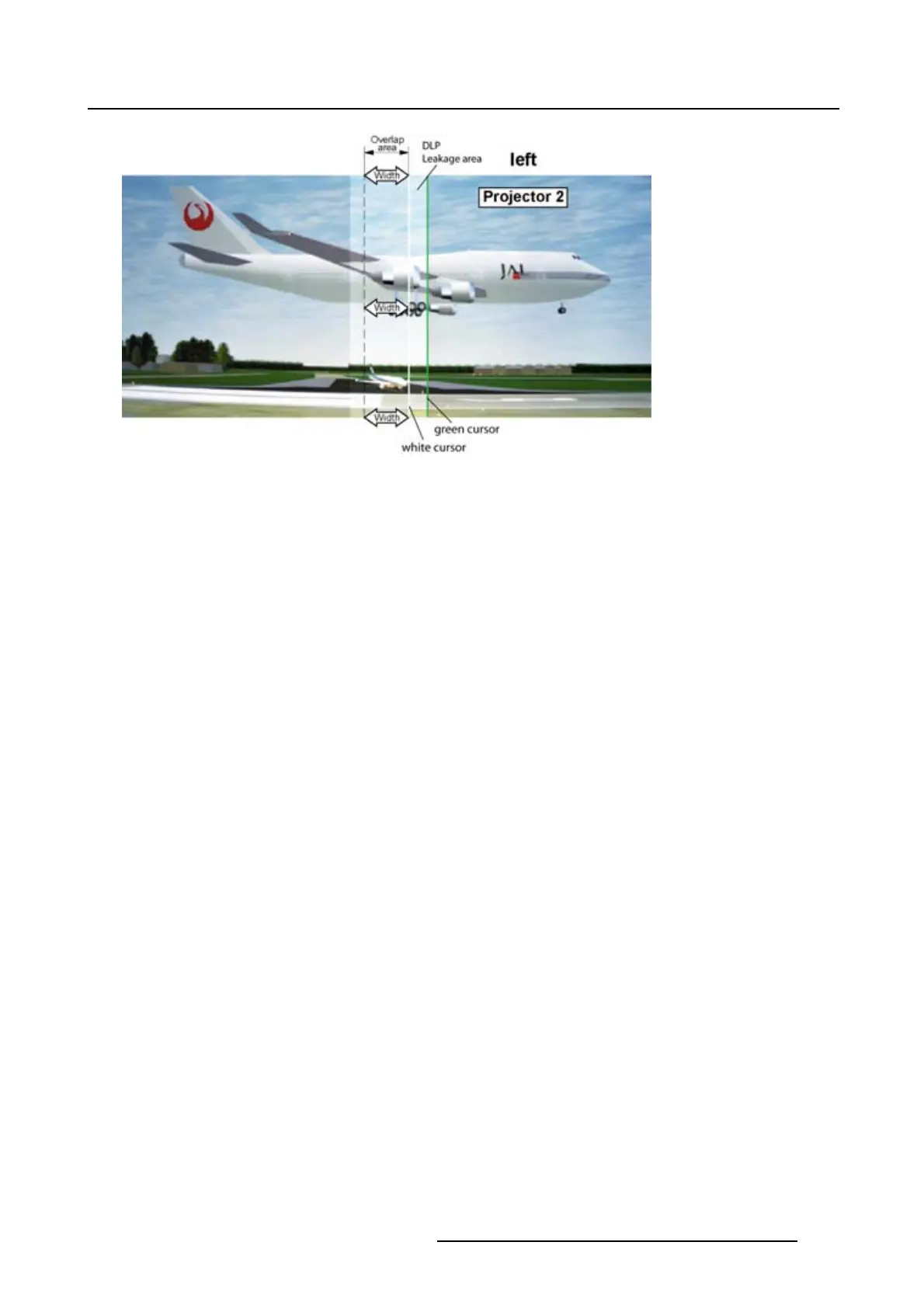
Image 7-20
DLP Leakage area set up
How to set the leakage area width
1. Click on the up down control of the spin box of the selected leakag
e zone and adjust until the desired
zone is reached (leakage area is covered)
Or,
click in the input fi eld of the spin box of the selected leakage zone and enter the desired value. (im-
age 7-21)
When Show alignment lines is checked, the corresponding green line on the screen will move in the
same direction. The leakage area is defined and will be excluded during black level adjustment. (im-
age 7-22)
R5976924 PROJECTOR TOOLSET 16/04/2009
107



 To Next Page