8. Configurator, Projector adjustment settings
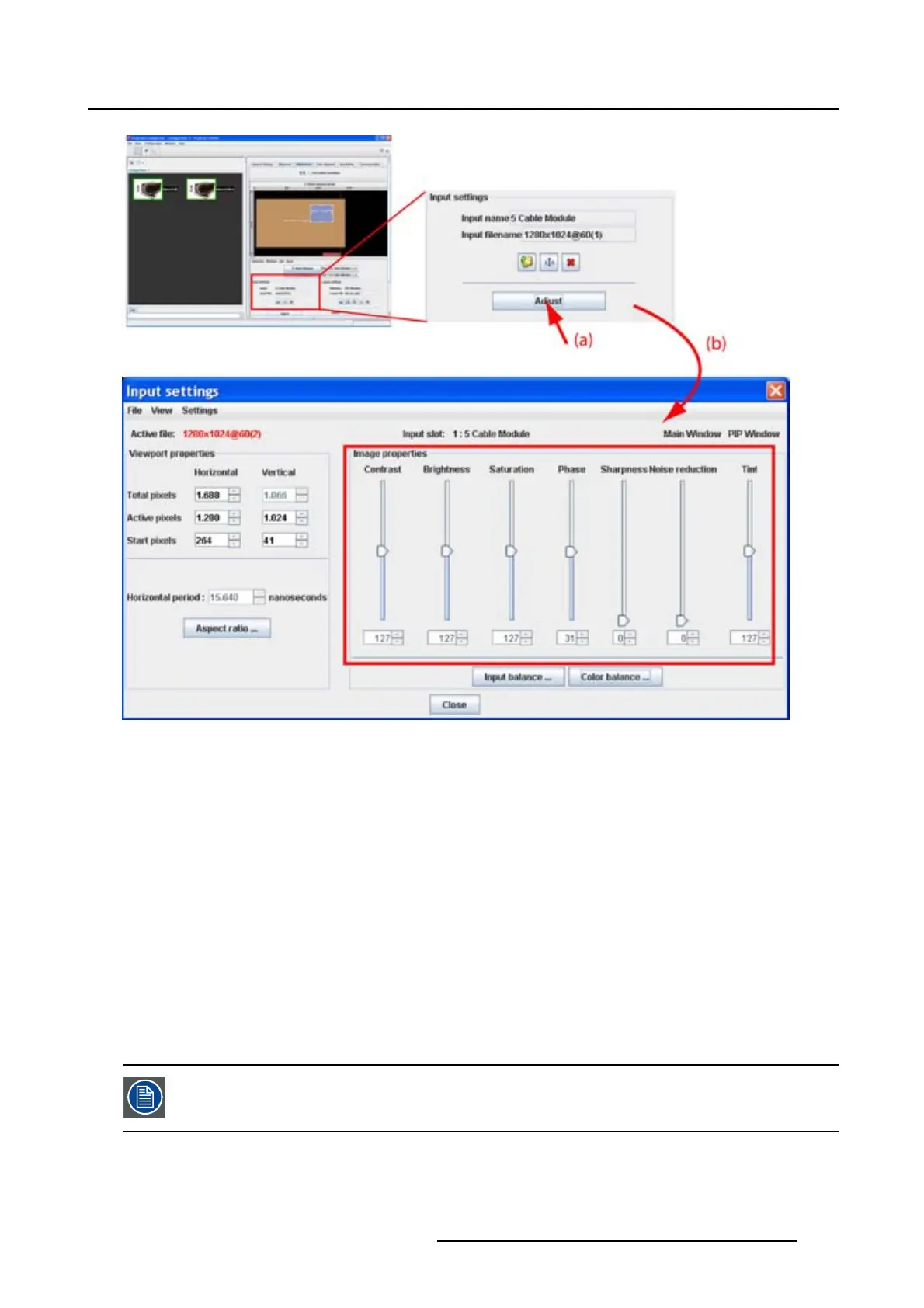
Image 8-31
Input settings adjustment
Adjusting via dragging
1. Click on the slider bar of a specific adjustment and hold down the mouse button.
2. Move the slider up or down until the desired value for that specific adjustment is reached.
The value below the adjustment will change accordingly.
Adjusting via the up down controls
1. Click on the up down control of the spin box of a specific adjustment until the desired value is reached.
The value in the input field change accordingly.
Adjusting via the input field
1. Click inside the input field of the spin box of a specific adjustment.
2. Select the actual value and enter a new value with the keyboard.
When closing the Input dialog box,
Projector Toolset asks to save the new settings.
R5976924 PROJECTOR TOOLSET 16/04/2009 137



 To Next Page