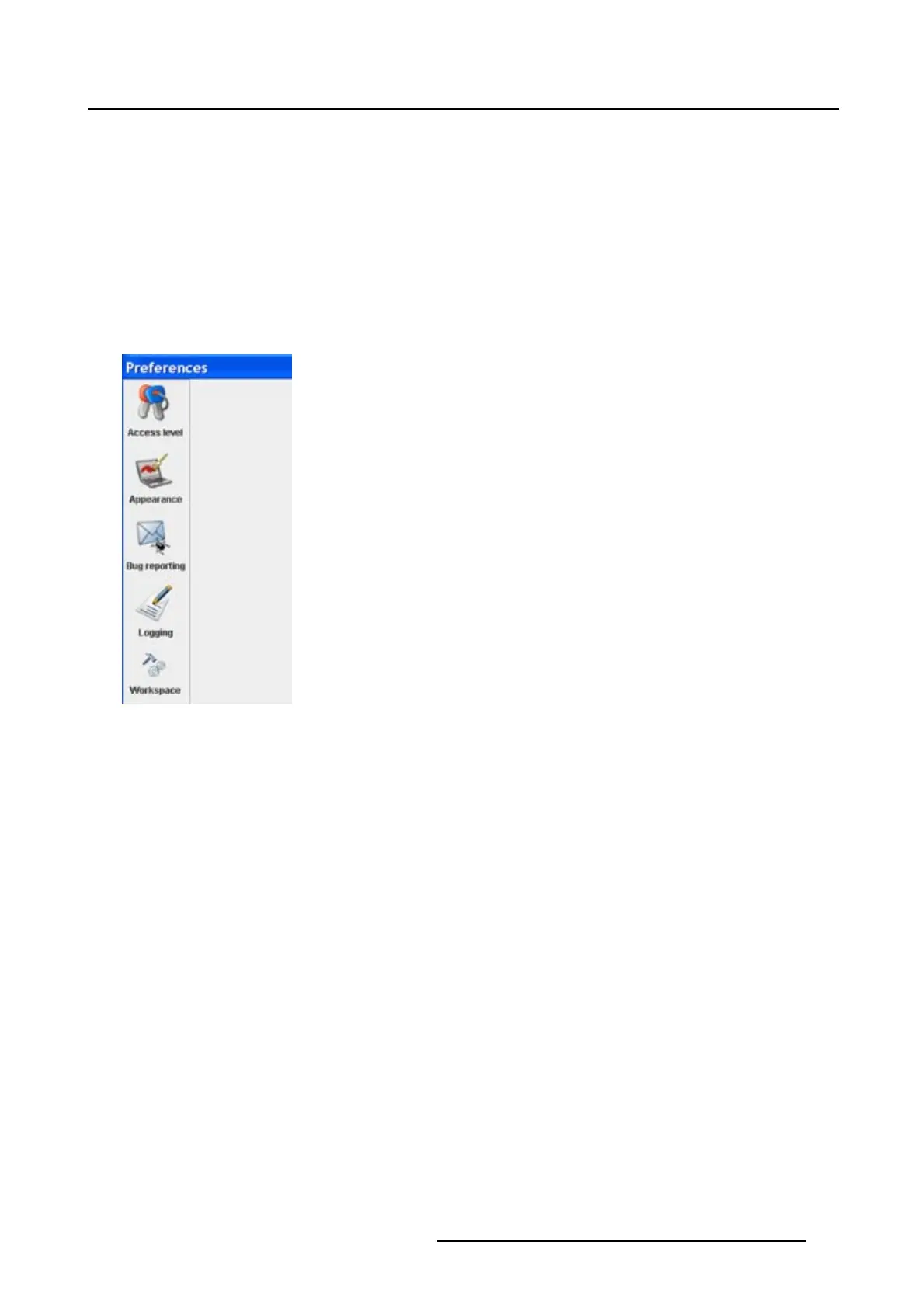
4. Preferences
The workspace selection dialog box opens.
2. To change to another workspace, click on the drop down box and select the desired workspace. (im-
age 4-12)
Or,
click on ... to open an Open dialog box (a2).
3. Browse to a workspace or enter a new workspace in the File name field.
4. Click on Open (b).
The current configurations will be closed.
5. Click on Apply to apply the new workspace (c).
Image 4-11
Select Workspace preferences
R5976924 PROJECTOR TOOLSET 16/04/2009 43



 To Next Page