5. Configurator
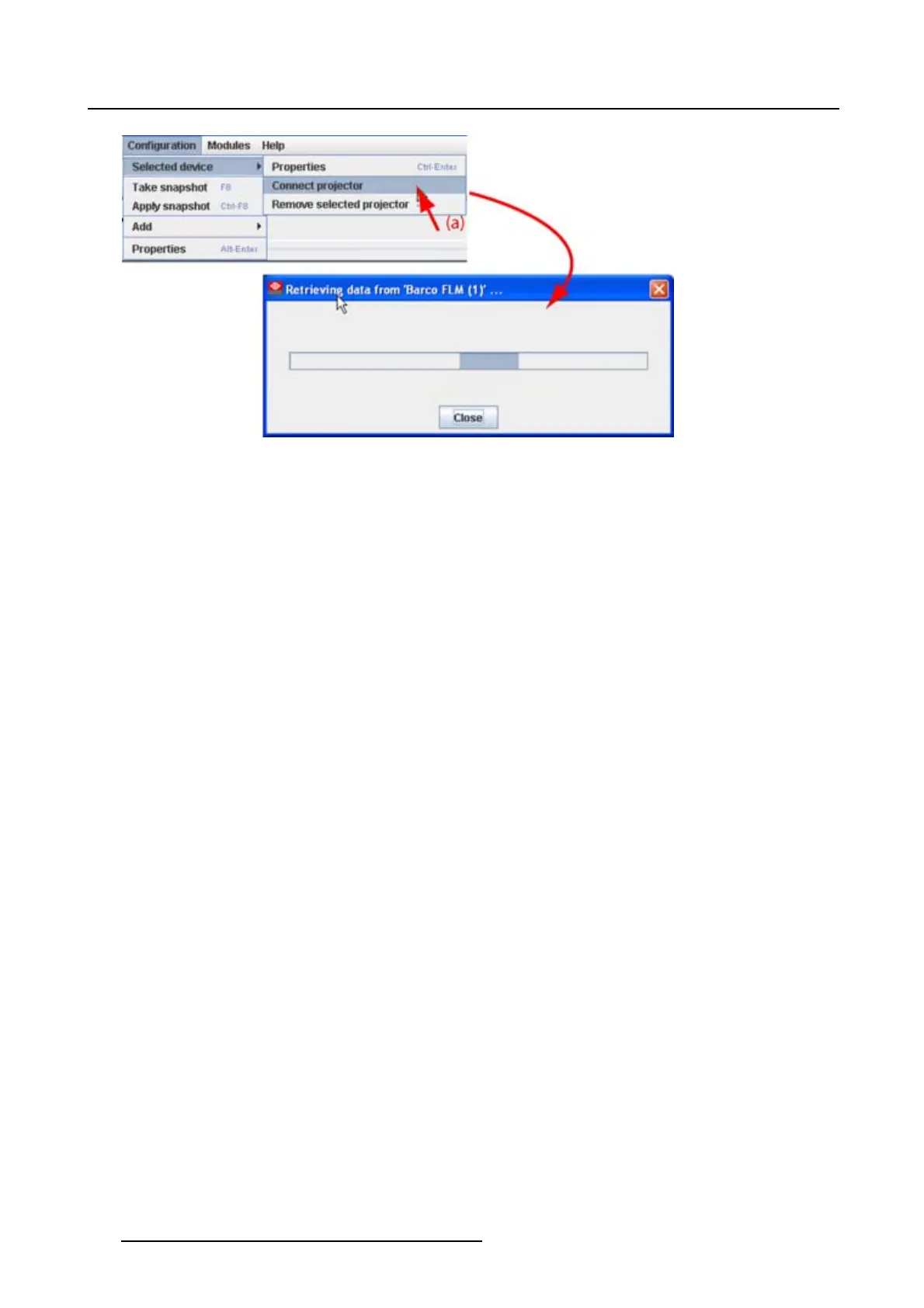
Image 5-14
Connect projector via menu
Via the projector properties
1. Select a not connected projector in the preview pane. (image 5-15)
2. Open the projector properties via right click and selecting Properties.
Or,
via click on Configuration onthemenuandselectingSelected device → Properties (a).
Or,
by pressing Ctrl + Enter.
The Properties dialog box opens (b).
3. Click on Connection (c).
The Connection tab opens (d).
4. Click on Connect projector (e).
The projector tries to make a connection and to retrieve data (f). When it is successful the pictograph
border becomes green, the properties are filled out. When it is not successful, the border stays gray
and a projector not responding message is displayed.
58
R5976924 PROJECTOR TOOLSET 16/04/2009



 To Next Page