The BD FocalPoint™ Slide Profiler Main Window
103
Each task button is described in the following subsections.
Report Button
• Select the Report button to display the Report window which is used to print reports. The
following sections contain detailed information on subjects related to printing:
• Slide Report Options in Section 14, contains information on setting options for slide reports.
• Section 12, contains a description of all the slide result reports and information on print sets.
• Printing Reports in Section 15, contains a description of the report generation process and a
detailed discussion of printing operations.
Reprint Button
Select the Reprint button to reprint previously printed reports, or to print additional reports that
were not automatically printed. See Reprinting in Section 12 and Reprinting Reports in
Section 15 for instructions on how to use this feature.
11.2 Utilities Button
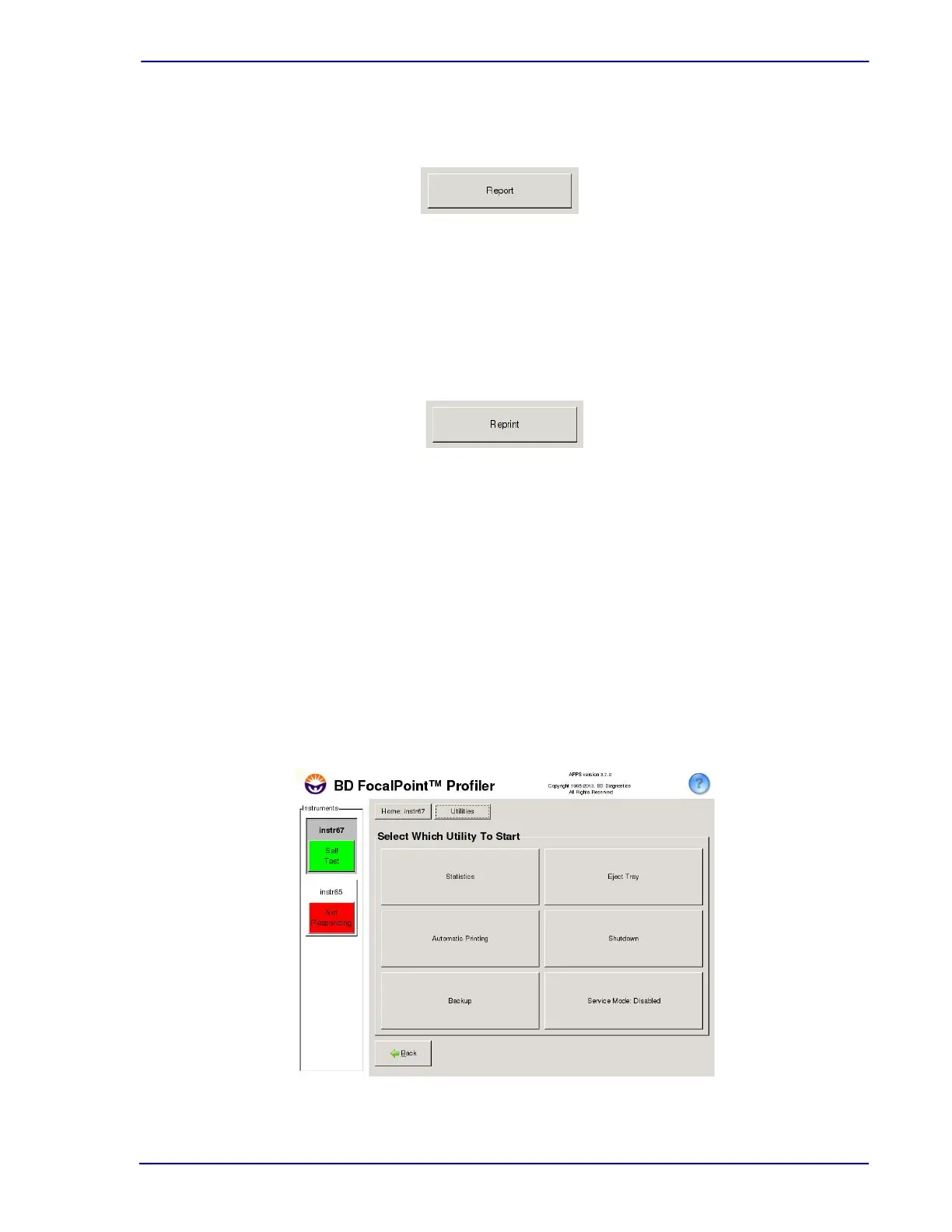
The Utilities button accesses the following commands (See Figure 11-7):
• Statistics
• Automatic Printing
• Backup
• Eject Tray
• Shut Down
• Service Mode
Figure 11-7 – Utilities window



 To Next Page