Guided Screening
25
3.3 Selecting a Slide
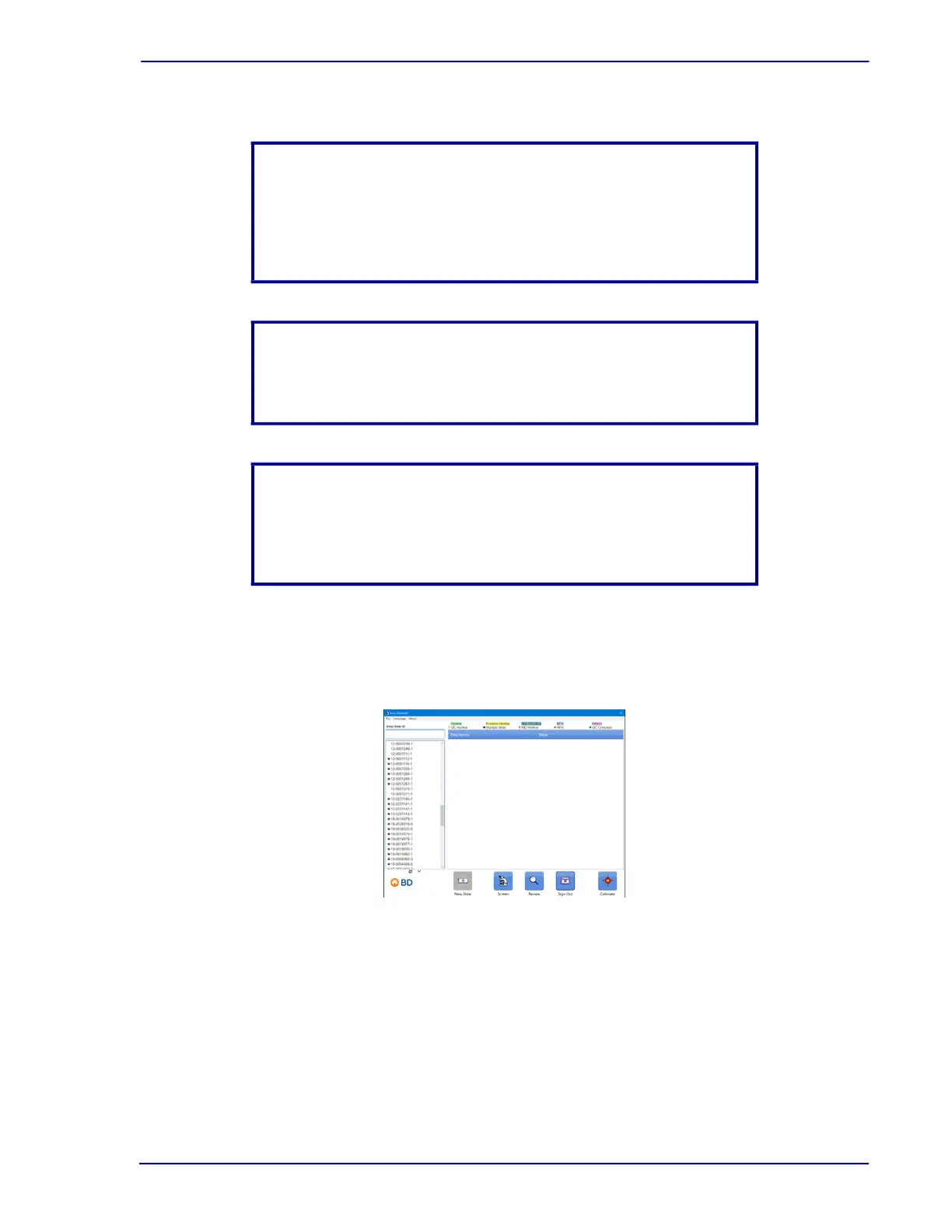
After calibrating the stage, select the slide to be reviewed. Once the slide selection window is
displayed, select the accession number of the slide.
Figure 3-6 – Slide Selection window
NOTE
To aid in locating the right side edge, bring the slide to the top right
corner so that the top edge and right edge are in view. Then center
the right edge. This aids in visualizing the actual edge of the slide as
the clip may appear too dark to allow for slide vs. clip contrast.
NOTE
If recalibration is needed while reviewing slides, Select Calibrate
located at the bottom of the slide selection window.
NOTE
When calibrating the stage, make sure that the Offset button is
disabled before proceeding. The stage calibration cannot be set
correctly with this feature enabled.



 To Next Page