BD FocalPoint™ GS Imaging System Instrument User’s Manual
48
5.1.6 Delete Field Button
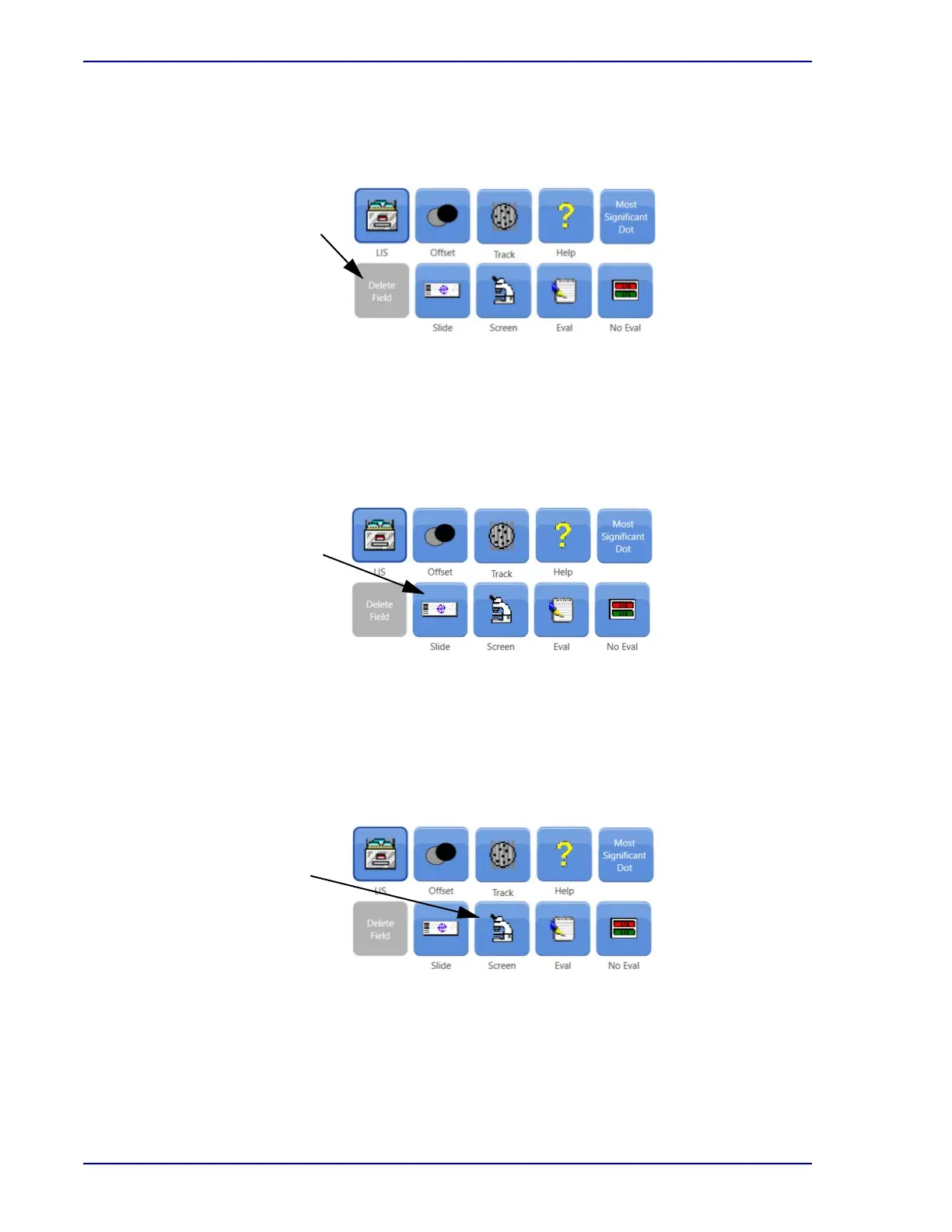
Figure 5-7 illustrates the use of the Delete function.
Figure 5-7 – Delete Button
Click Delete Field to remove the image and location coordinates for the selected dot. Only
electronically added dots from the current session can be deleted.
5.1.7 Slide Button
Figure 5-8 illustrates the use of the Slide function.
Figure 5-8 – Slide Button
Click Slide to stop review of the current slide and bring up the Slide Selection window (refer to
Section 3.3).
5.1.8 Screen Button
Figure 5-9 illustrates the use of the Screen function.
Figure 5-9 – Screen Button
Click Screen to switch to full slide screening (refer to Section 4.1).
Removes a
location
recently added
by the current
user
Stops review of
this slide, and
brings up the
Slide Selection
window
Toggle to
Screening
mode, See
Section 4.3



 To Next Page