BD FocalPoint™ GS Imaging System Instrument User’s Manual
62
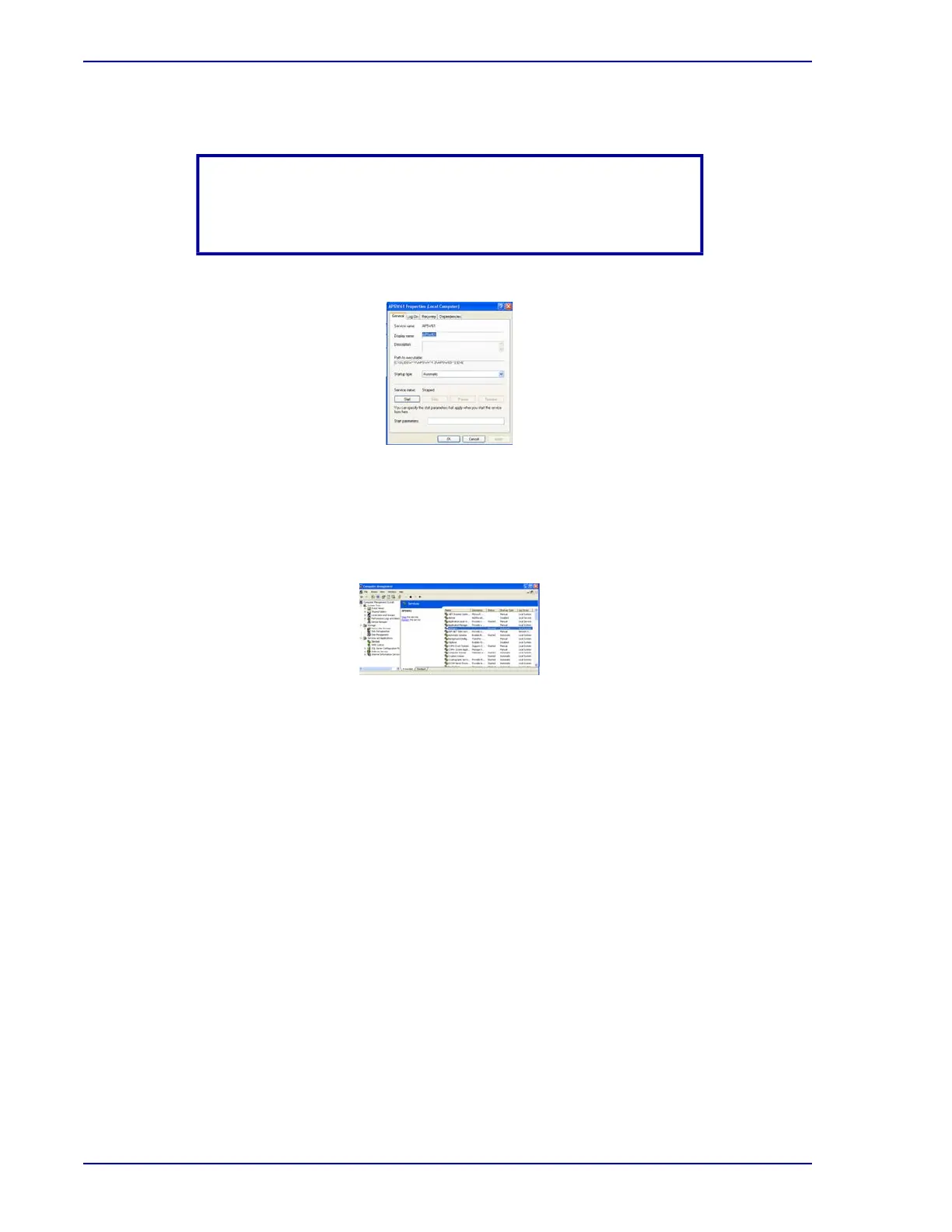
6 The APSW61 Properties menu opens.
Figure 7-4 – APSW61 Properties menu
7 Use the drop down menu to select Automatic.
8 Click the Start button to restart automatic copy service.
9 Click Apply then OK.
Figure 7-5 – Automatic copy service restarted
10 Close all windows.
7.2 Archive Utility Basics
Under normal use the server accumulates significant amounts of slide data. For example, full
capacity use of the BD FocalPoint™ GS Review Station could generate as much as 450 MB of
data a week (7 business days) per each BD FocalPoint™ GS Review Station.
Purpose of Archiving: All cases need to be moved out of the database once the case is
completed. Ultimately, the data should be removed from the server and the laboratory should
take ownership of the storage and integrity of the data. Transferring the data to an external drive
is one example of how this can be accomplished. Another example would be to then back up the
data to a second external hard drive. (Refer to Moving Data to an External Media, later in
this section).
There are two processes that need to occur for periodic archiving to be complete. First, the
batches must be "signed out." Second, the signed out batches must then be archived.
NOTE
If automatic copy service has already been set, but has stopped, the
Service Status will read Stopped.



 To Next Page