BD FocalPoint™ GS Imaging System Instrument User’s Manual
46
The Offset button will re-align the x/y coordinates of the stage position as needed after calibrating the
stage. Refer to Verifying the Stage Position/Using the Offset Function in Section 3 for details on how to
perform the offset.
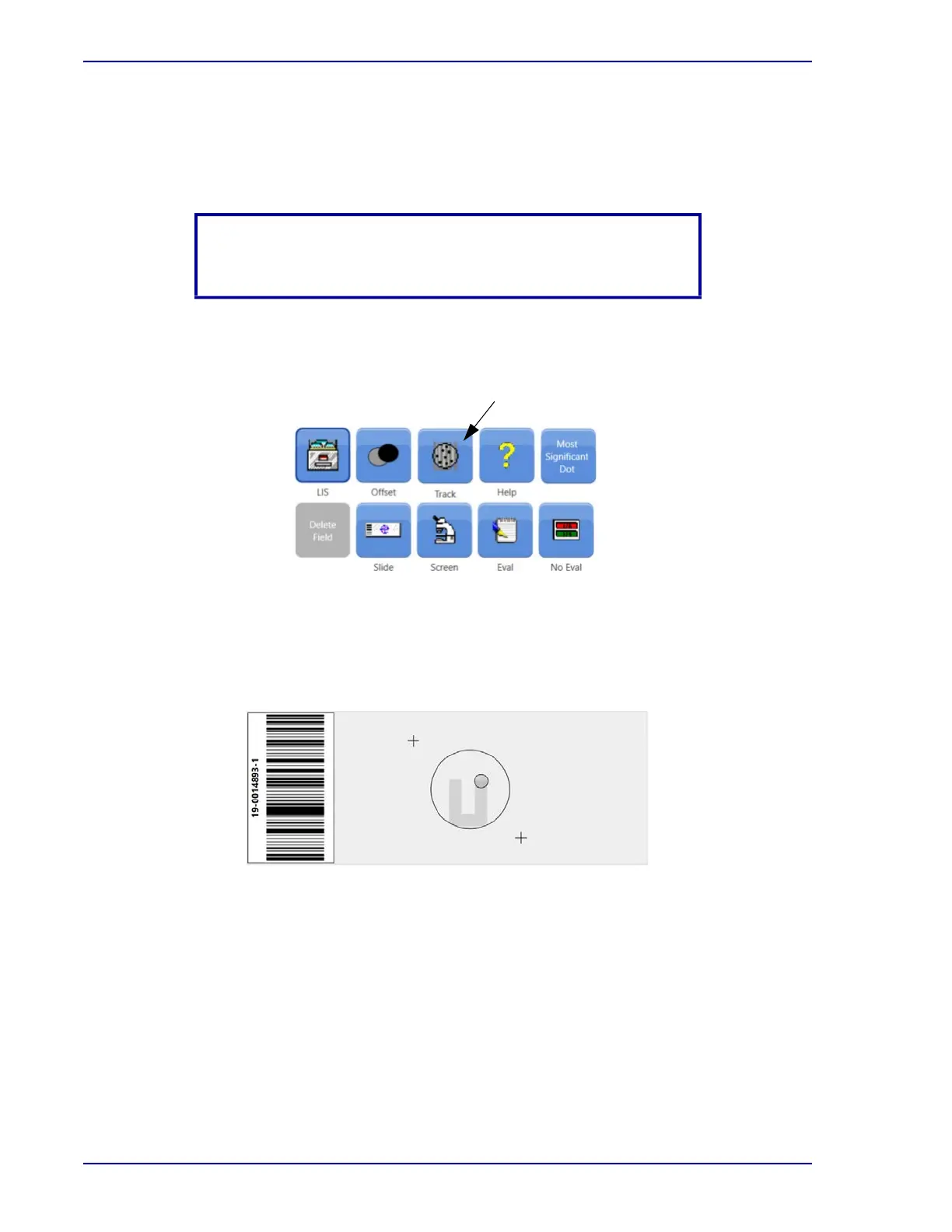
5.1.3 Track Button
Figure 5-3 – Toolbar Track button
The Track feature works only in Screen mode. When activated, the area screened is highlighted
in gray on the slide map area. When disabled, any dots, circles or squares still appear, but the
gray area disappears.
Figure 5-4 – Tracking function
NOTE
The Offset button must be disabled before recalibrating.
Track



 To Next Page