BD FocalPoint™ GS Imaging System Instrument User’s Manual
160
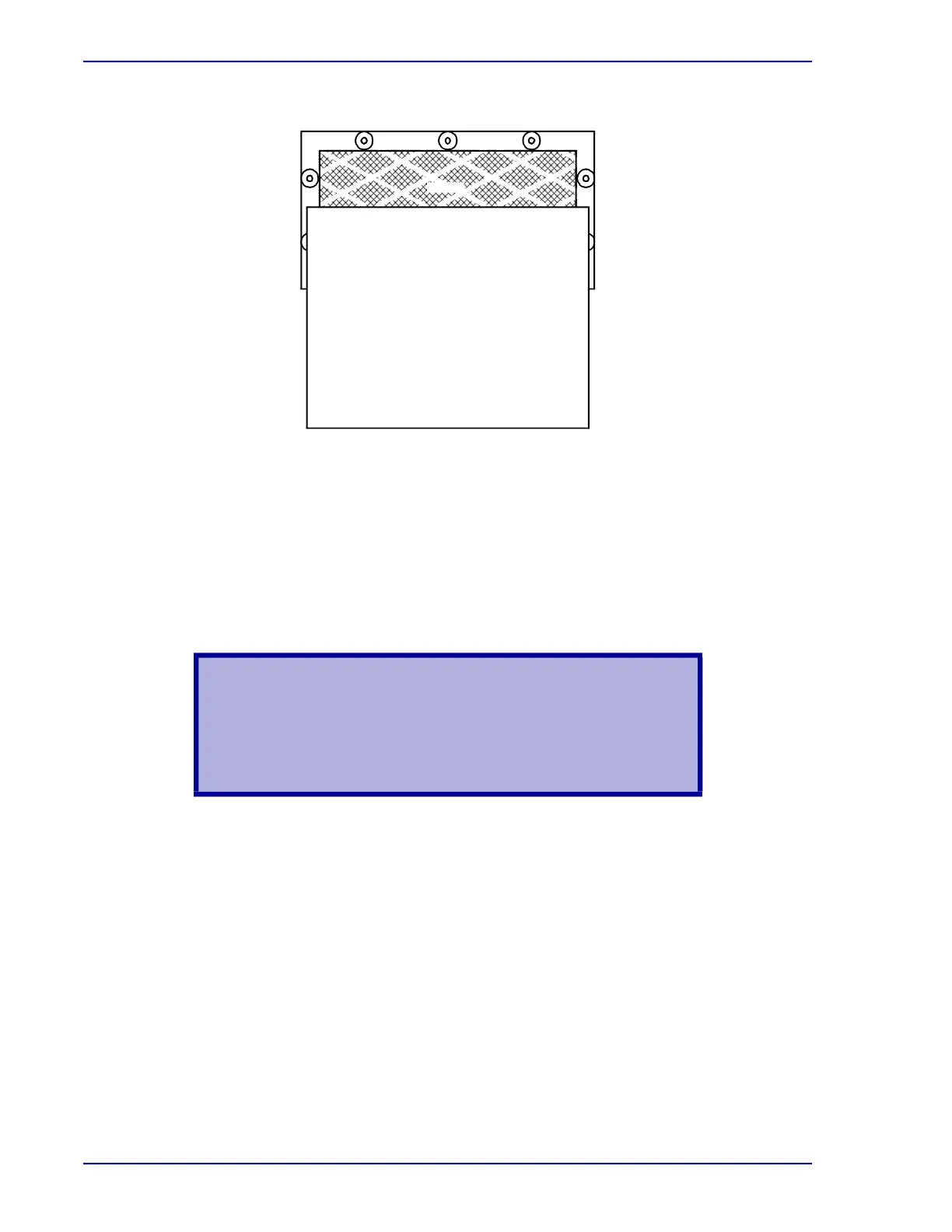
Figure 16-2 – Inspecting the air filter
16.5 Cleaning the Monitor
Clean the monitor as necessary to remove fingerprints, dust, or any other debris.
The following materials are required:
• Lint-free cloth
• Glass cleaning solution (DO NOT use an alcohol based cleaner)
To clean the monitor:
1 Turn off the power to the monitor using the switch on the front of the monitor. Remove the
power plug from the power outlet.
2 Spray the cloth with the glass cleaner.
3 Wipe the face of the monitor clean.
4 Plug the monitor’s power cord into the power outlet. Apply power to the monitor by pressing
the switch on the front of the monitor.
16.6 Cleaning the Outer Surfaces of the Instrument
The following materials are required:
• Lint-free cloth
• Non-abrasive household cleaning solution
WARNING
SHOCK AND FIRE POTENTIAL. FAILURE TO UNPLUG THE
MONITOR FROM THE POWER SOCKET BEFORE
PERFORMING THIS PROCEDURE COULD RESULT IN AN
ELECTRIC SHOCK OR FIRE.
8 1/2 X 11 Paper
Air Filter



 To Next Page