Using BD FocalPoint™ Slide Profiler Reports
125
12.3.6 Rerun Report
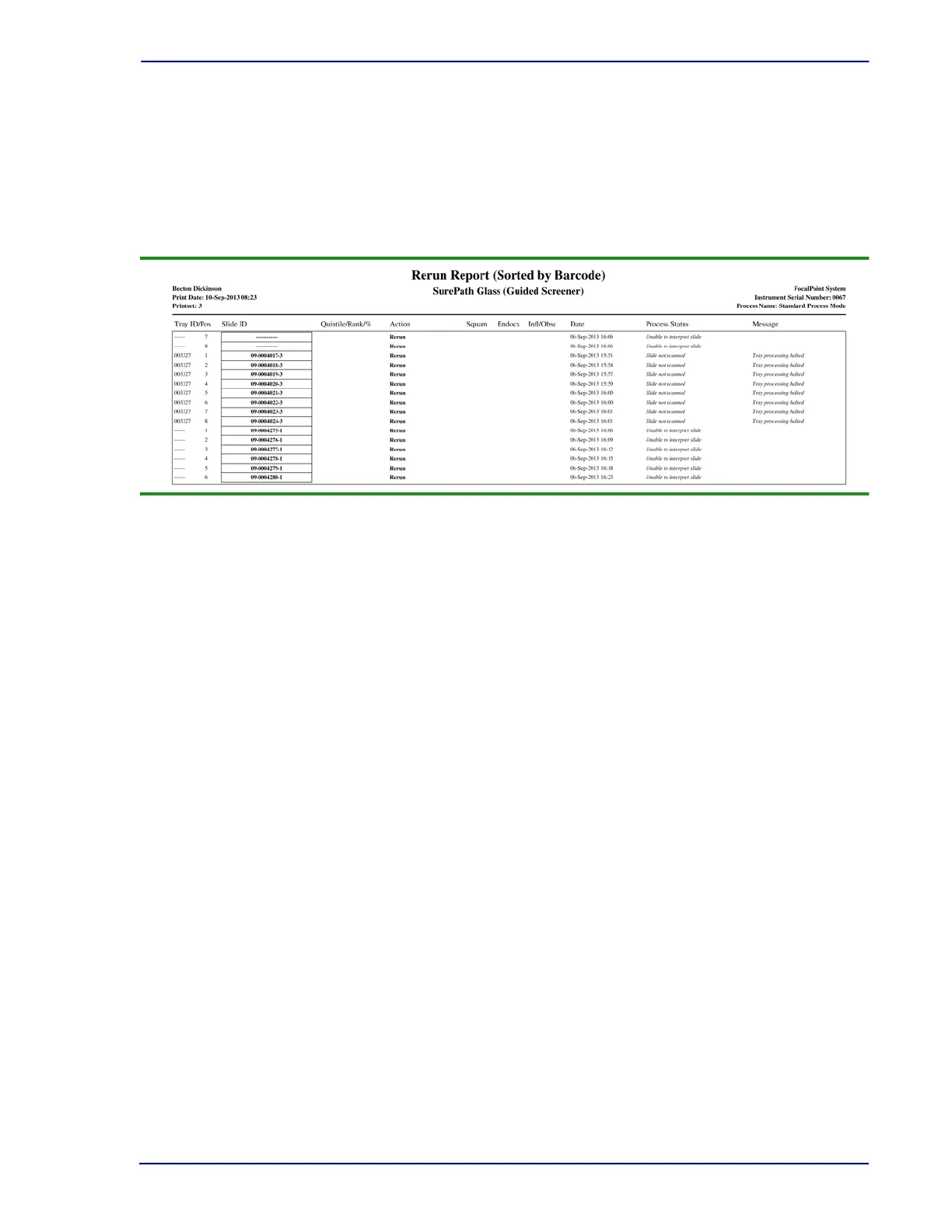
The Rerun report contains a list of all slides that were designated Rerun for a selected print set
(see Figure 12-9). Slides are designated
Rerun under the following conditions:
• The instrument was not functioning within normal limits when these slides were processed.
• The operator ejected the tray before the slide could complete processing.
• The system experienced a power failure.
Figure 12-9 – Example of a Rerun Report
Suggested Report Options
This report can be sorted by Barcode or Date. These slides must be rerun when the instrument is
functioning properly. If a slide cannot be successfully rerun, it must be screened by a
cytotechnologist. (Note that no ranking or slide adequacy information is available for Rerun
reports.)
If the Rerun report is for previously unprinted results, and the Rerun report type is selected in the
Report Options window, it will contain results for all Rerun slides processed since the last print
set was created. If reprinting results, slide results can be obtained for a specific print set, or for
slides sorted by date or slide barcode range. For additional information, refer to:
• Setting BD FocalPoint™ Slide Profiler Report Options (Section 14)
• Operating the BD FocalPoint™ Slide Profiler (Section 15)



 To Next Page