BD FocalPoint™ GS Imaging System Instrument User’s Manual
158
The following materials are required:
• Lint free swabs
• 70% Isopropyl alcohol or glass cleaning solution
• Lint free cloth
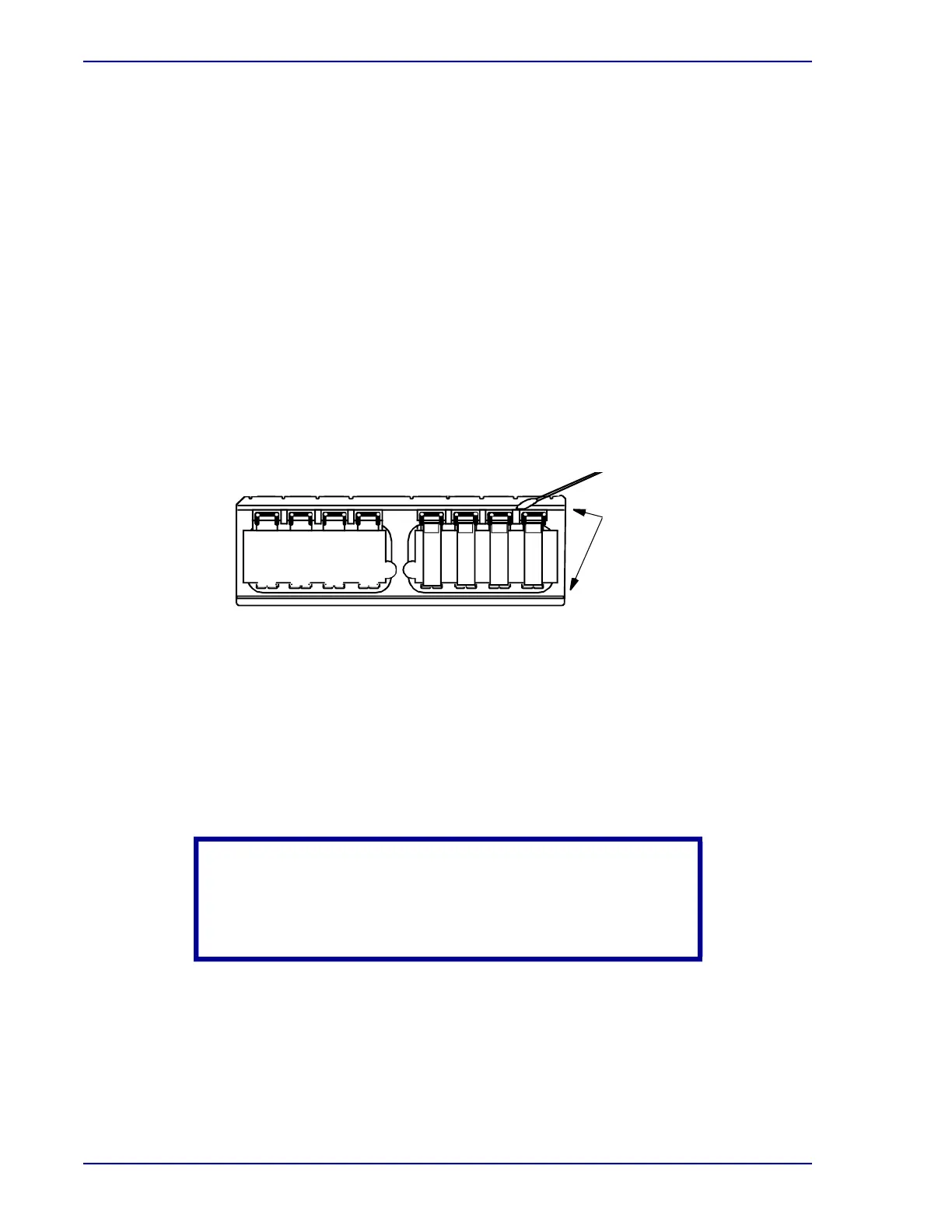
To clean the slide trays:
1 Remove all slides from the tray.
2 Use the compressed air to remove any loose debris.
3 For any built up dirt or debris that is not removed, dip a swab into the alcohol and vigorously
slide the swab across the grooves of the slide tray to remove dirt. Refer to Figure 16-1.
4 Repeat Step 2 until both grooves are free of dirt and debris.
5 Inspect the clips that secure the slides and remove any accumulated debris with a swab
dipped in alcohol. Take care to not bend the clips.
6 Wipe the underside of the tray along both ridges corresponding to the grooves on the top
side with a lint free cloth to remove dirt and debris.
Figure 16-1 – Cleaning the slide trays
16.3 Cleaning the Calibration Plate
When an instrument is in the ERROR mode because of calibration plate dirt, the calibration plate
must be cleaned before continuing processing.
Do not perform the following steps unless trained to clean the calibration plate. The cleaning
procedure should take about 15 minutes. Use the materials supplied in the calibration plate
cleaning kit, which was provided with calibration plate cleaning training.
The following materials are required:
• Small screw driver to unlock hood
• Non-cotton cleaning swabs
• Glass cleaning solution
CAUTION
The BD FocalPoint™ Slide Profiler contains no user-replaceable
or serviceable parts. When cleaning the calibration plate, be
careful not to disturb any internal components.
Remove dirt
from grooves
of slide tray



 To Next Page