BD FocalPoint™ GS Imaging System Instrument User’s Manual
28
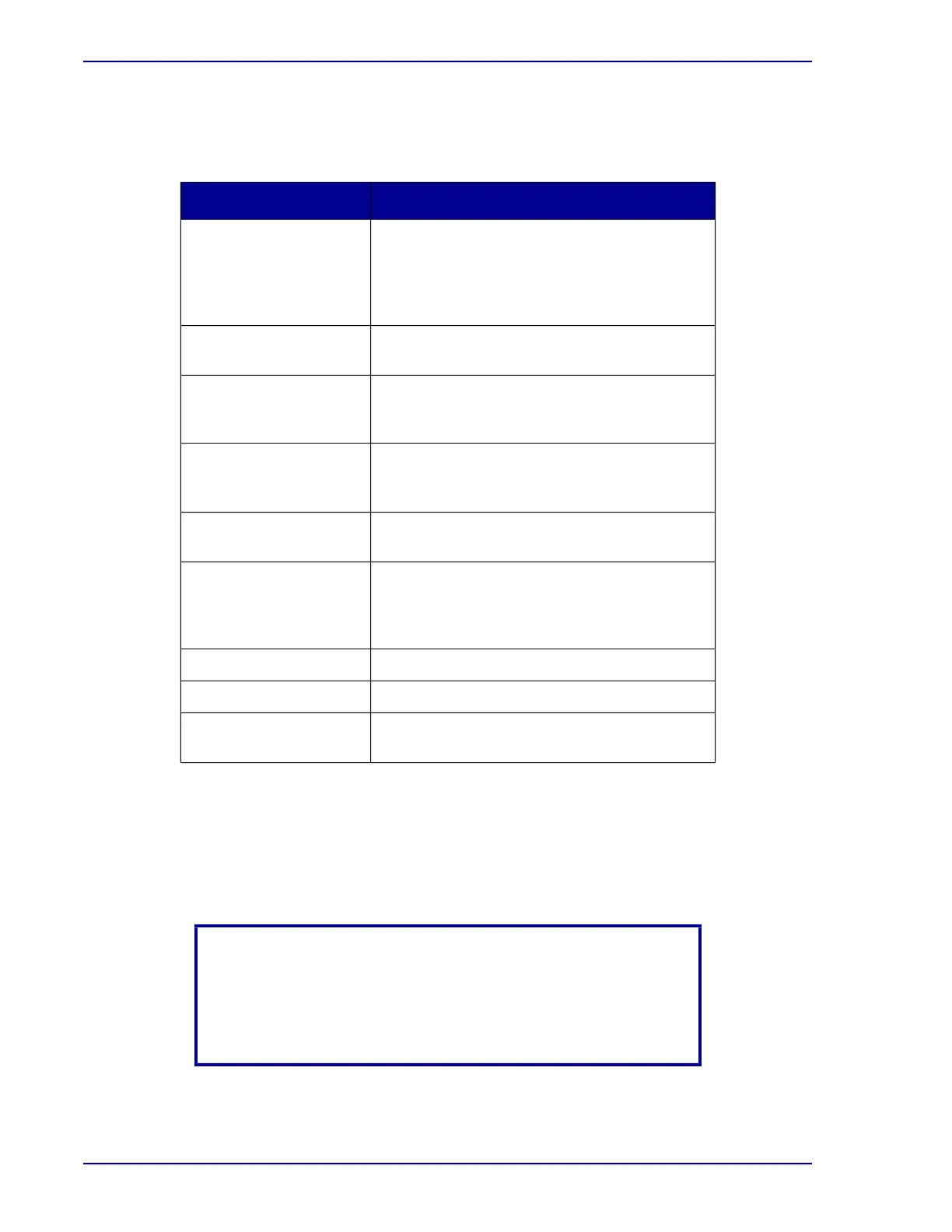
The following table demonstrates the function of each button displayed on the bottom of the slide
selection window.
Table 3-2 – Slide Selection window buttons
3.4 Screening FOVs
1 If the BD SurePath™ slide was successfully processed by the BD FocalPoint™ Slide Profiler
and FOVs are available for that slide then the Review button will be enabled.
Button Name Function
FocalPoint Slide
Results
This area displays the slide data information
from the BD FocalPoint™ Slide Profiler. This
information provides the ranking, sorting, and
additional information from the
BD FocalPoint™ Slide Profiler processing.
Review
Select this button when reviewing FOVs. Refer
to Section 3.5 for details.
Screen
Select this button to perform full slide manual
screening and to use annotations. Refer to
Section 4.3 for additional detail.
Sign Out
This button is an alternative method to batch
sign out (batch sign out is the preferred
method). Refer to Section 3.7 for details.
Calibrate
Select this button to recalibrate the x and y
coordinates of the stage. Refer to Section 3.2.
New Slide This button allows slide data to be entered into
the BD FocalPoint™ GS Review Station that
was not processed on the BD FocalPoint™
Slide Profiler. Refer to Section 3.3 for details.
Exit
Click this button to close the window.
Refresh
Click Refresh Icon to refresh the slide list.
Load More
Click the Load More Icon to load more slides
from database.
NOTE
Some slides may not have FOVs available, i.e., Process Review,
Rerun, or other processing notes such as slide edge not found. If
this is the case then the Review button will be disabled. These
slides require full manual review.



 To Next Page