39
4 Screening Slides
This section reviews the process of manually screening a slide at the BD FocalPoint™ GS
Review Station.
There are two modes available for examining a cytologic slide
1 Review slide using FOVs
2 Manual full slide review (FSR)
4.1 Manual Screening
A full slide, manual review is performed at the BD FocalPoint™ GS Review Station using the
microscope’s manual stage controls. Areas of interest on the slide can be marked using
traditional methods such as a dotting pen.
The BD FocalPoint™ GS Review Station can accommodate any type of slide for full manual
review. These can include:
• Slides not processed on the BD FocalPoint™ Slide Profiler (e.g., non-gyn).
• In the US and Canada, Conventional Pap smears are not eligible for Field of View (FOV)
screening. Refer to Section 18.
• Slides processed on the BD FocalPoint™ Slide Profiler but for which no FOVs are available
(e.g., the slide was classified Process Review
or Rerun).
• Slides classified as QC Review slides.
4.2 Screen Mode Basics
The following electronic functions are available in screen mode.
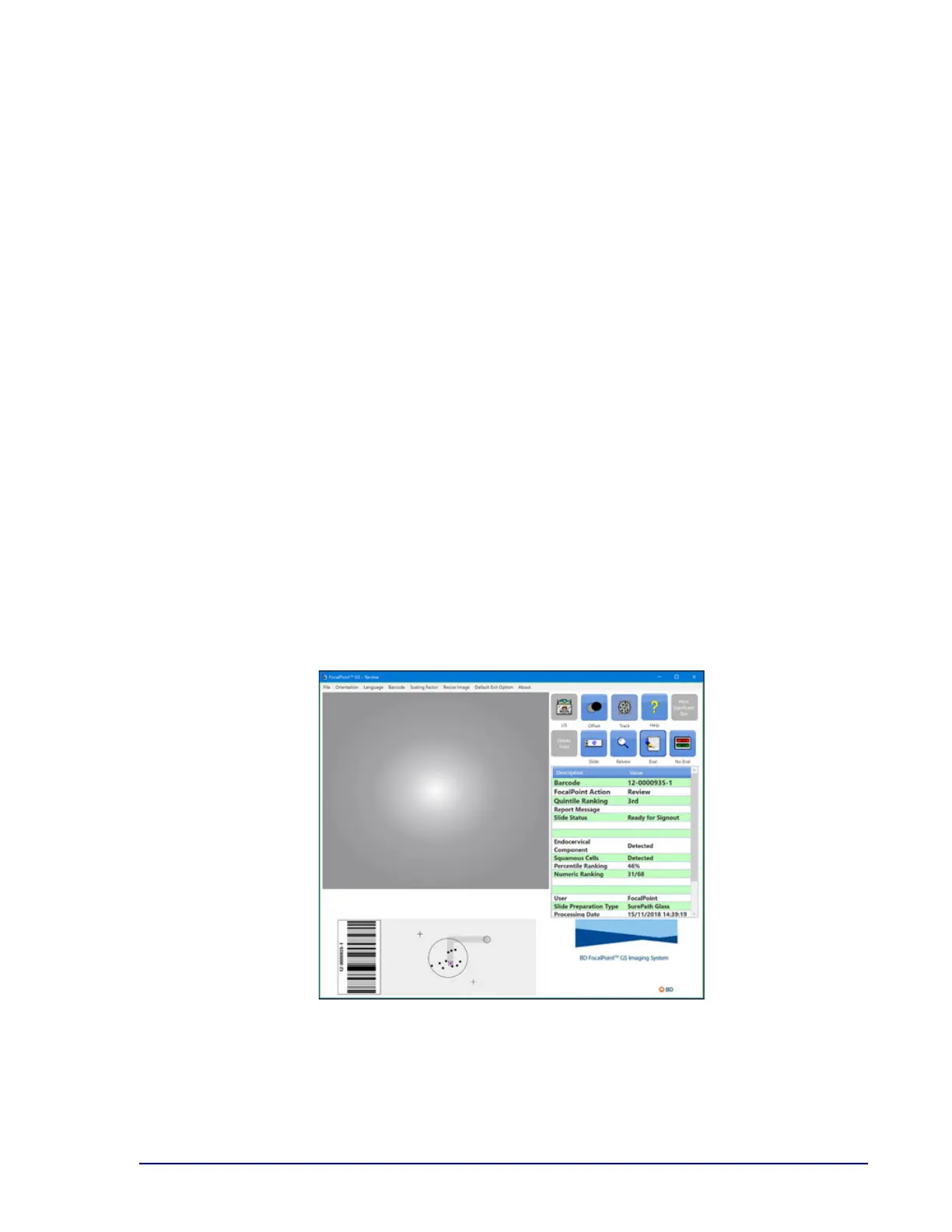
Figure 4-1 – Main Display



 To Next Page