BD FocalPoint™ GS Imaging System Instrument User’s Manual
74
7.4.2 Moving Data to an External Media
After archiving data, back up the data by moving the folders that were created on the C: drive to
an external hard drive.
An alternative method to backing up files is to archive directly to an external hard drive. To do
this, instead of using the default destination pathway to the C: drive, set up a new pathway. Then
move the data directly from the server to the external hard drive, through its pathway.
Additionally, the external drive can manually be backed up to another external drive for extra
data safety.
7.4.3 Searching for a Slide
To search for a slide, use the Windows search feature to help find the slide location. This can be
performed on the server or from the review station that has been networked to the archive folder
on the server or external drive.
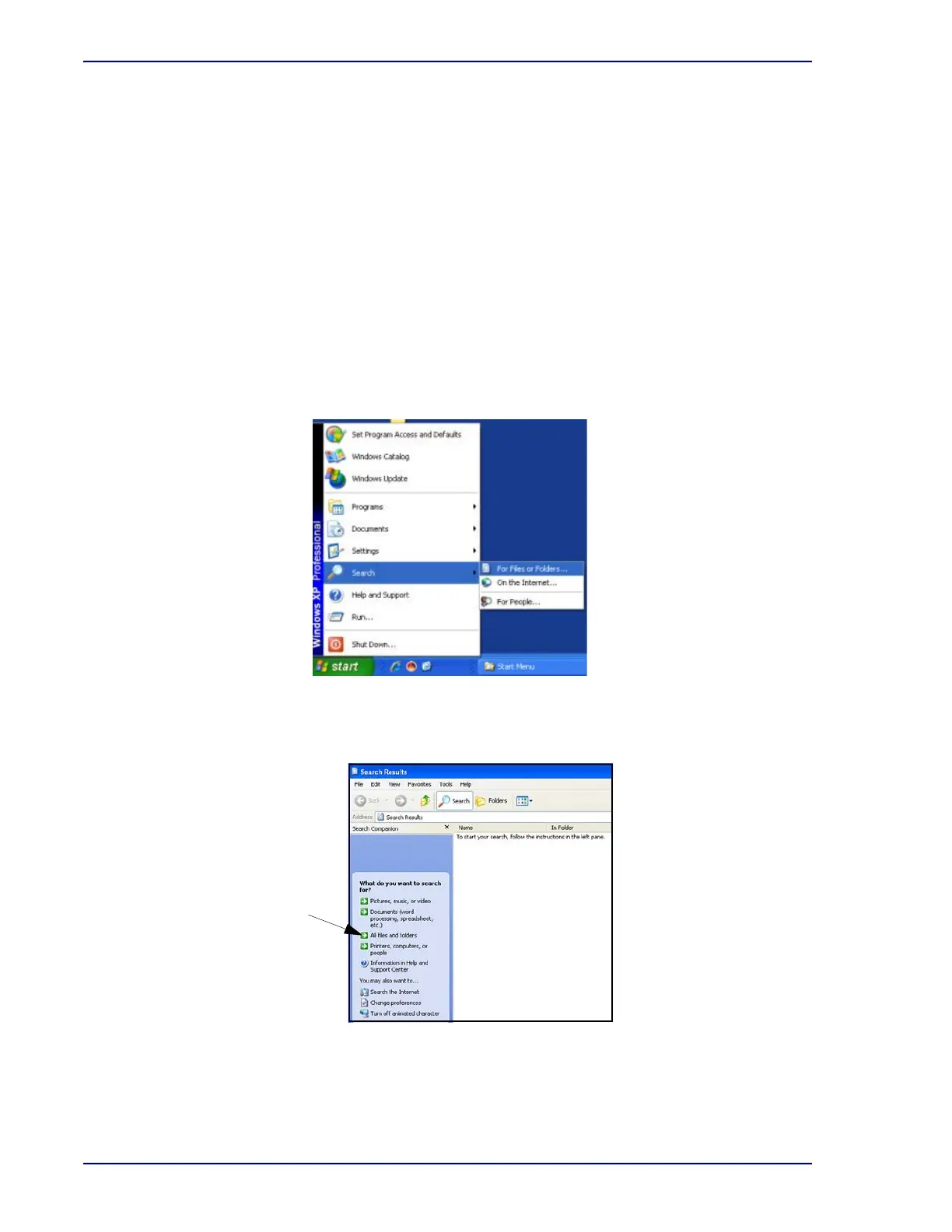
1 From the Windows desktop select Start†Search†For Files or Folders.
Figure 7-26 – Search for Files or Folders
2 Select All files and folders.
Figure 7-27 – Search menu



 To Next Page