BD FocalPoint™ GS Imaging System Instrument User’s Manual
36
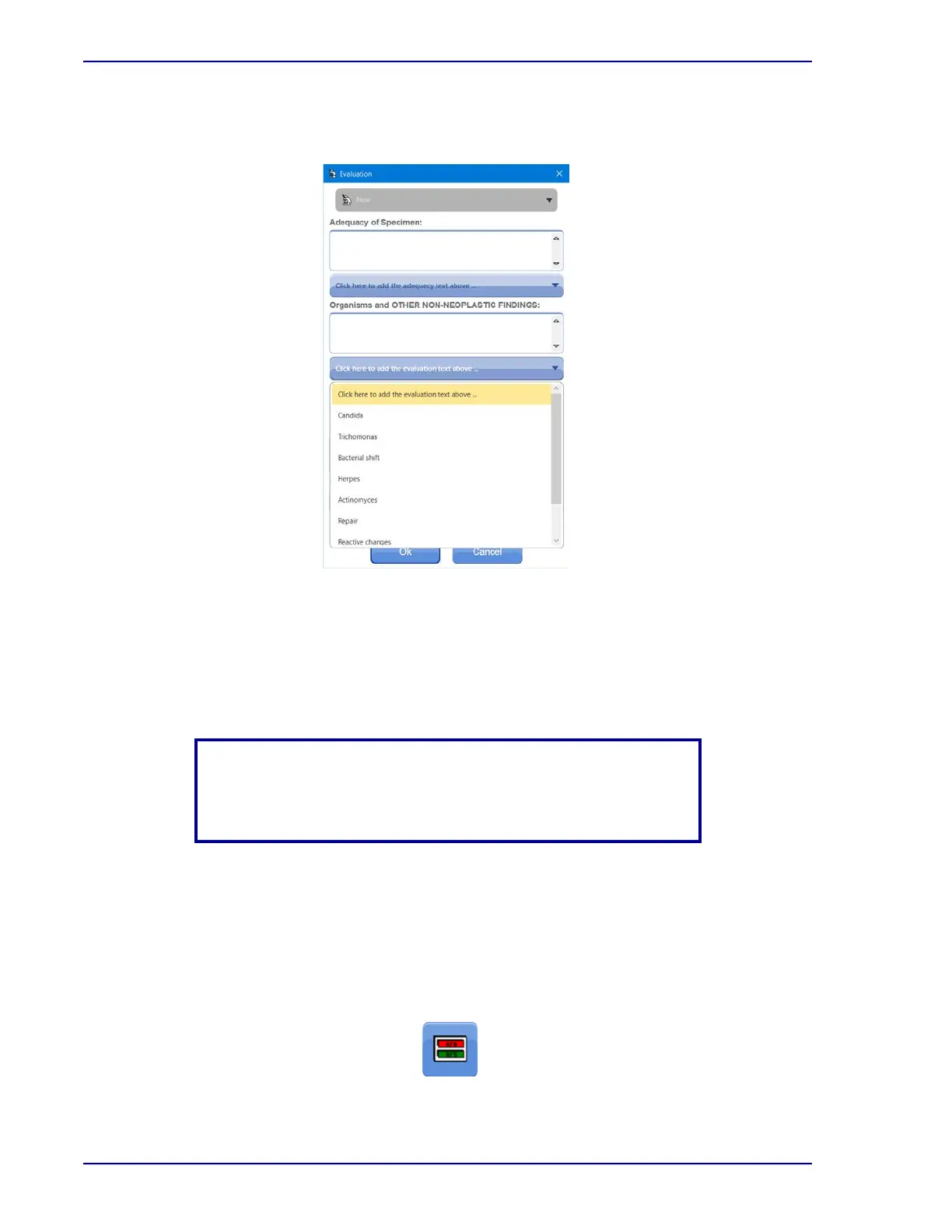
To use one of the listed statements, scroll the list to display the desired statement, and then
left-click on it to add the statement to the evaluation.
Figure 3-15 – List of evaluation statements
4 To add additional notes or comments, type them in the Notes box.
5 If your protocol calls for a user name or ID other than the currently logged in user ID, type it
in the Name/User ID box.
6 Click OK to close the Evaluation dialog box.
7 The Slide Status window appears.
3.7.2 Using the No Evaluation Function
After finishing FOV or FSR screening, skip filling out the interpretation form by clicking the
No Eval control button instead. In this case, the Slide Status window appears. Use this function
if laboratory procedures for recording slide results interpretations already exist. For example, use
of a Laboratory Information System.
Figure 3-16 – No Eval Button
NOTE
If the Cancel button is used to close the Evaluation dialog box
instead of using the OK button, any entries will be discarded.



 To Next Page