Managing the BD FocalPoint™ GS Review Station Server
61
7.1.3 Restarting Copy Service
There are times when the copy service may need to be restarted. One example is if there had
been a power outage during the night, and the copy service stopped. No slide information or
images would have been sent to the workstations.
Call BD Technical Service and Support, and a representative can walk the system administrator
through the steps.
To restart the copy service application:
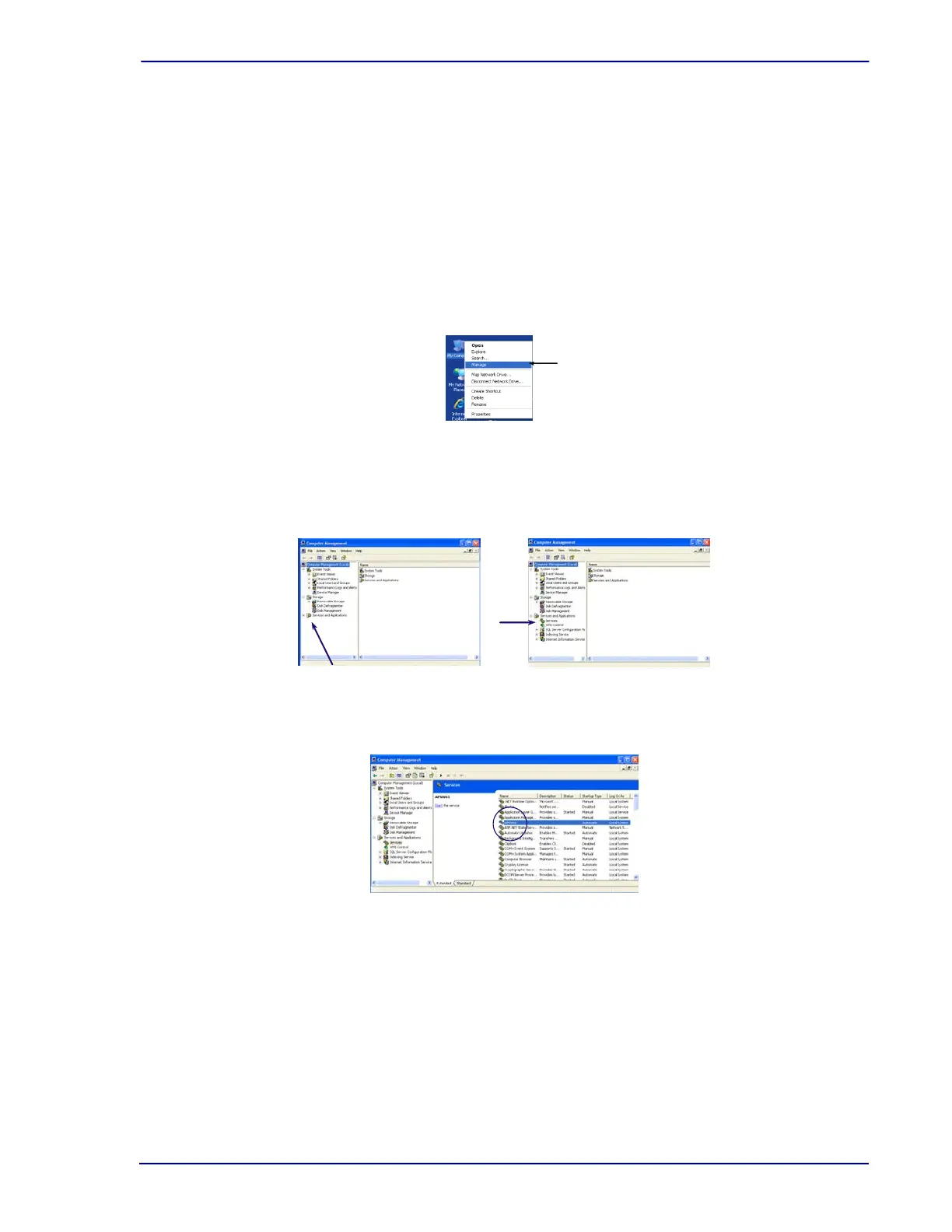
1 Go to the BD FocalPoint™ GS Server and right click the My Computer icon.
2 Select Manage.
Figure 7-1 – My Computer menu
3 Select Services and Applications. Click the + to expand Services and Applications.
4 Click Services. This will populate the window on the right side of the screen.
Figure 7-2 – Service and Applications menu
5 Double click APSW61.
Figure 7-3 – APSW61 Service selection



 To Next Page