The BD FocalPoint™ Slide Profiler Main Window
107
Month — Displays statistics for a current month and year. To specify a different date, select
the Edit button in the appropriate field (month or year) and use the arrow buttons to select
the desired date.
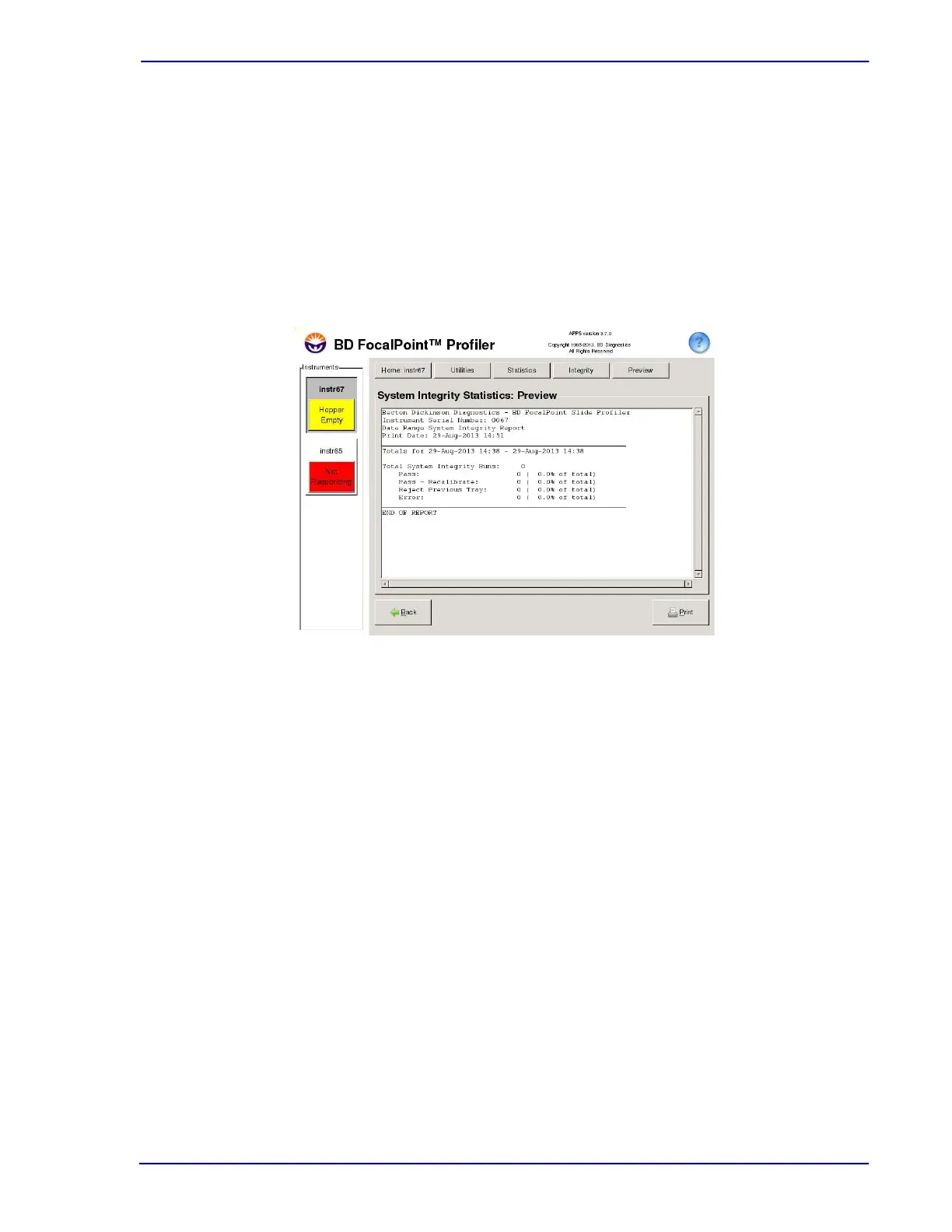
3 Choose Print Preview. The system searches the FocalPoint™ database for SI results which
are displayed as shown in Figure 11-12.
4 To print the report, choose the Print command; to return to the Statistic Integrity Reports
window, choose Back.
5 Choose Back again to return to the Statistic Reports window; click on the question mark to
view the Help screen.
Figure 11-12 – Example of system integrity statistics (monthly)
11.2.3 System Messages
Occasionally, for troubleshooting purposes, Technical Support may ask to view the current
system messages.



 To Next Page