Guided Screening
27
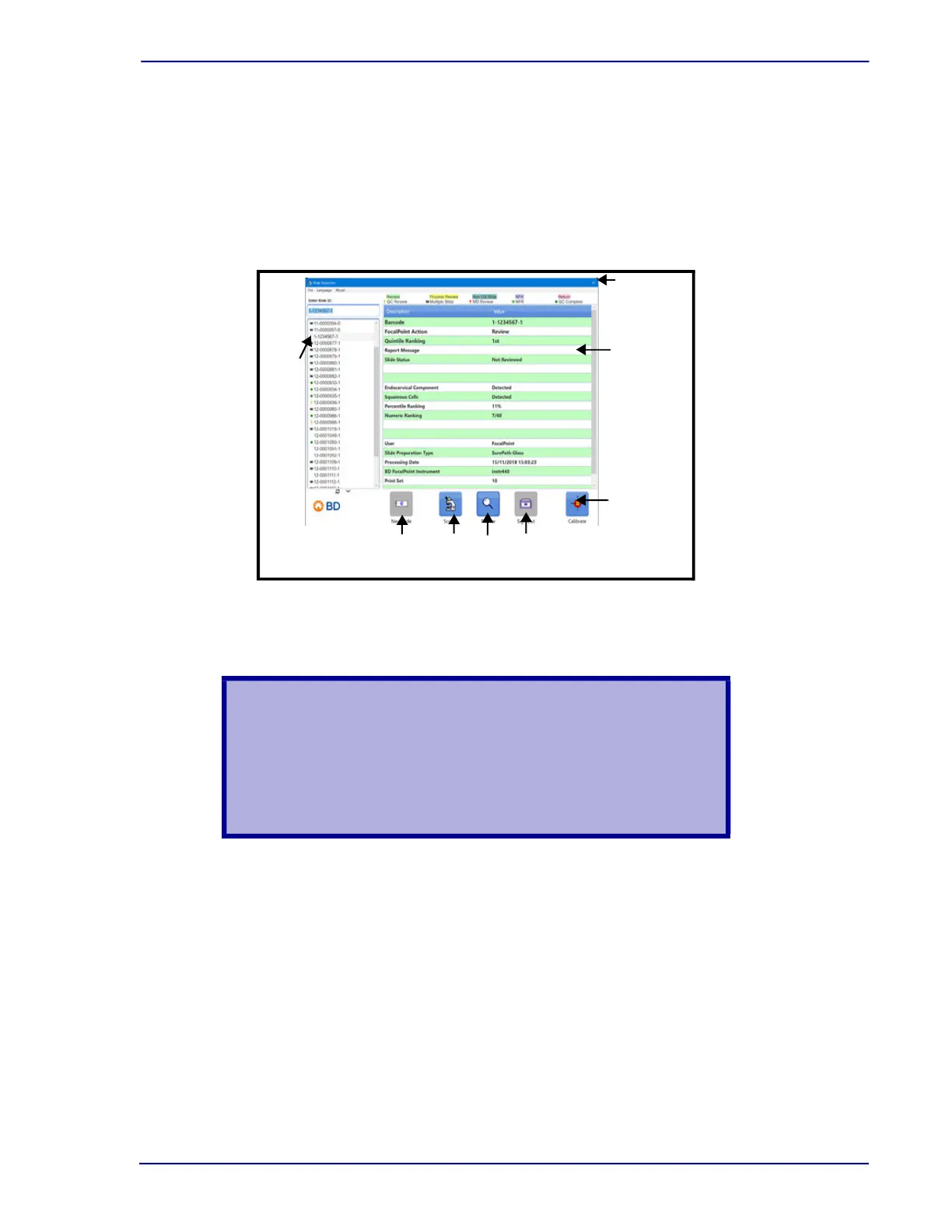
3.3.3 Select from the Slide List
To identify the slide by selecting it from the slide list, use your mouse to select the slide
accession number from the list. The BD FocalPoint™ GS Review Station will access the
information in the database. Your slide is listed at the top of the slide list and the processing
results are displayed in the slide results data area.
Once the slide is selected, notice that the slide information is now displayed in the slide selection
window.
.
Figure 3-7 – Slide Selection window controls
Place the slide on the microscope stage with the label to the left.
WARNING
MAKE SURE THAT THE CLIP GRIPS THE SLIDE EDGE
SECURELY. AN UNSECURED SLIDE COULD FALL INTO A
SLOTTED STAGE OPENING AND BE DAMAGED. DAMAGED
OR BROKEN SLIDES CAN CAUSE INJURIES. BE CAREFUL
NOT TO ALLOW THE CLIP TO SNAP AGAINST THE GLASS.
Exit
Button
FocalPoint
Slide
Results
Calibrate
Button
Screen
Button
Review
Button
Sign Out
Button
New
Slide
Button
Slide
List



 To Next Page