BD FocalPoint™ GS Imaging System Instrument User’s Manual
214
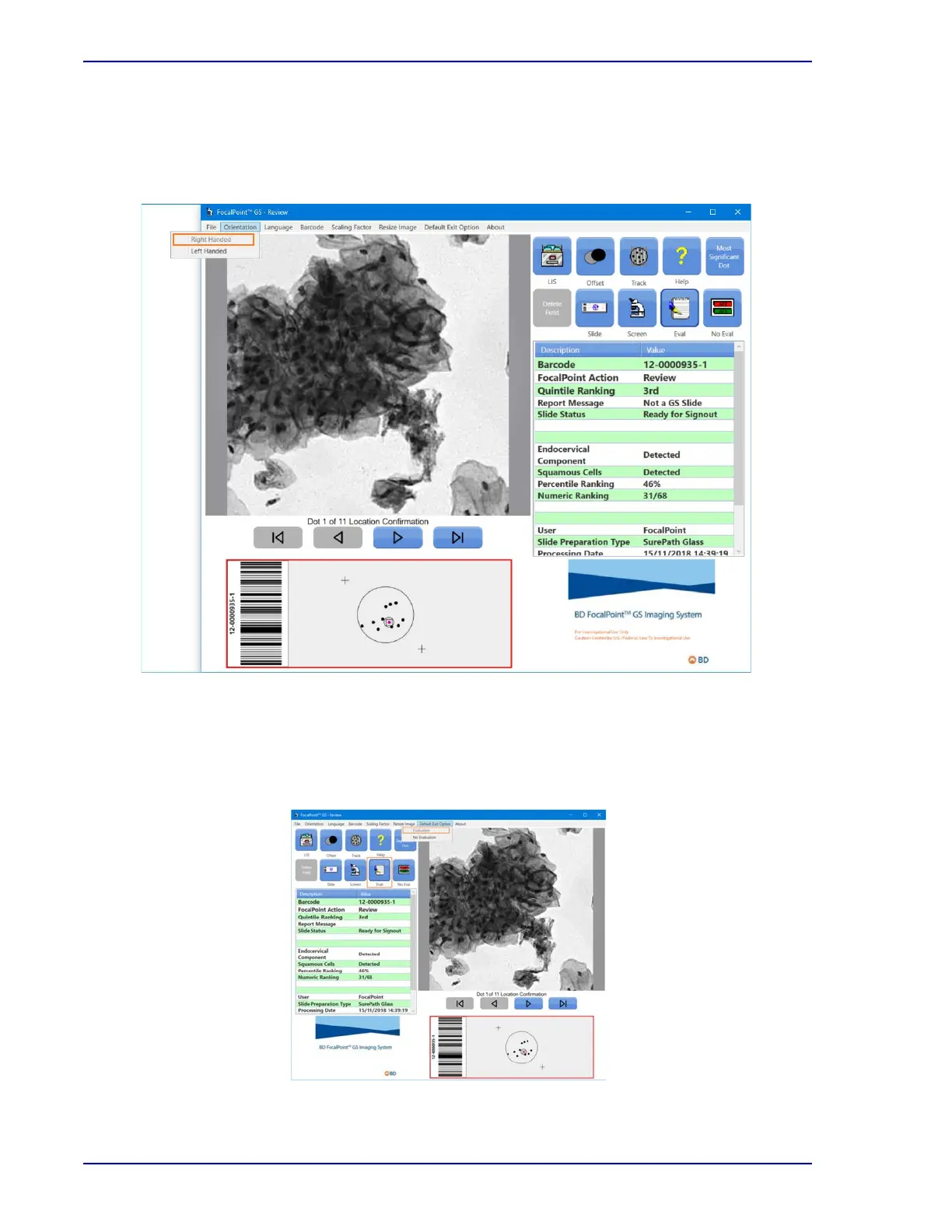
27.1.2 Using the Orientation tab
The Orientation tab allows the BD FocalPoint™ GS Review Station display to be customized.
The BD FocalPoint™ GS application initially opens with a right-handed Main Window. Each user
can configure this setting; it does not require administrative rights to change them.
Figure 27-2 – Settings, Orientation tab
27.1.3 Using the Default Evaluation tab
The Default Evaluation tab allows the BD FocalPoint™ GS Review Station display to be
customized and to select the Evaluation or No Evaluation as default choice.
Figure 27-3 – Settings, Default Evaluation tab



 To Next Page