Guided Screening
35
3.7.1 Using the Eval Function
1 After finishing FOV or FSR screening, click the Eval control button from either the Screen or
Review window to bring up the Evaluation form.
Figure 3-13 – Eval button
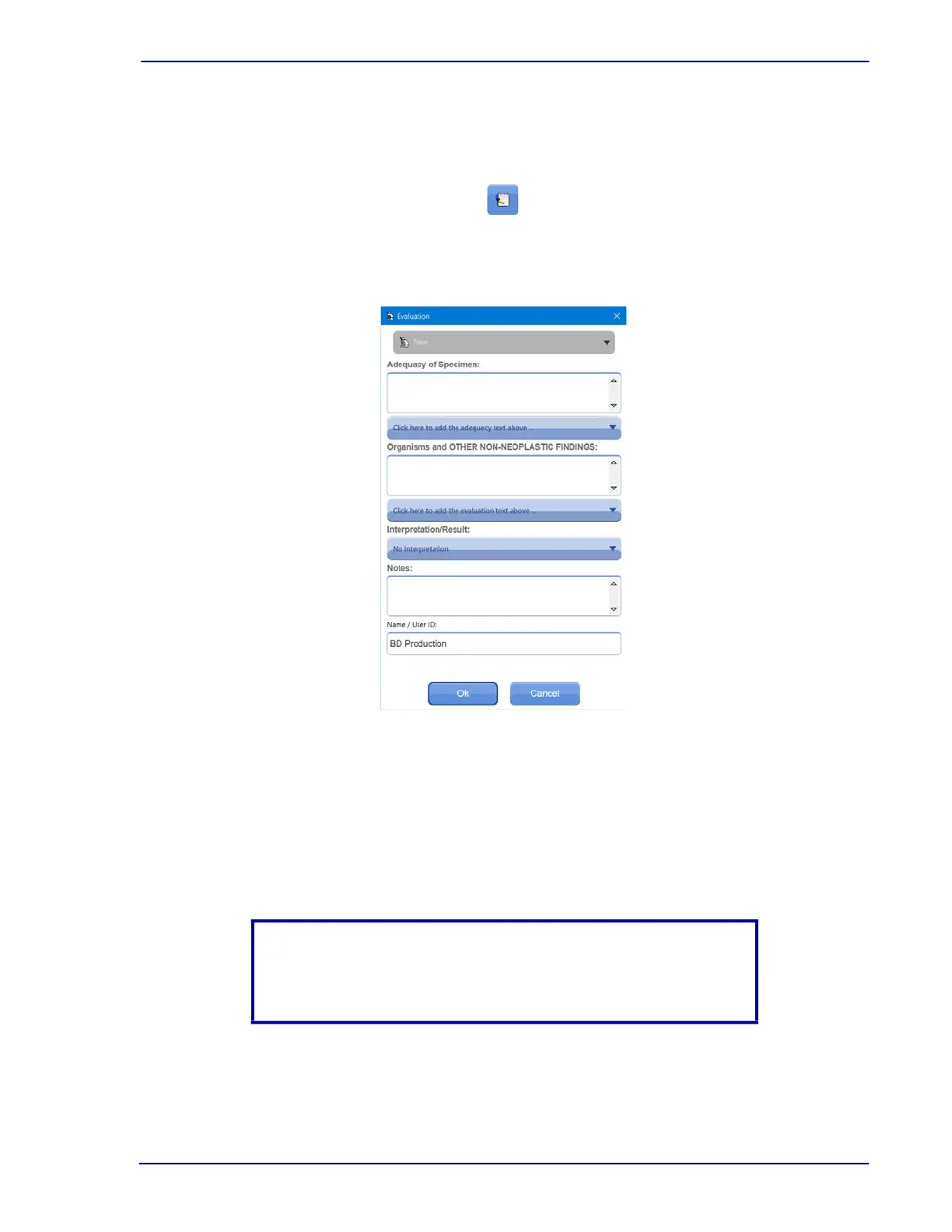
The Evaluation dialog box, illustrated in Figure 3-14 is displayed.
Figure 3-14 – Evaluation dialog box
2 From the Interpretation/Result box, select the primary evaluation.
3 To add adequacy or other non-neoplastic descriptive findings, select one or more of each
from their respective list boxes.
Both the Adequacy of Specimen and the Organisms
and OTHER NON-NEOPLASTIC
FINDINGS portions of this dialog box work similarly. Either type directly into the box, or
choose one or more of the statements in the list.
NOTE
The list of evaluation descriptions can be edited. Refer to Section 9,
for details.



 To Next Page