BD FocalPoint™ GS Imaging System Instrument User’s Manual
104
Each of the Utilities commands is described below.
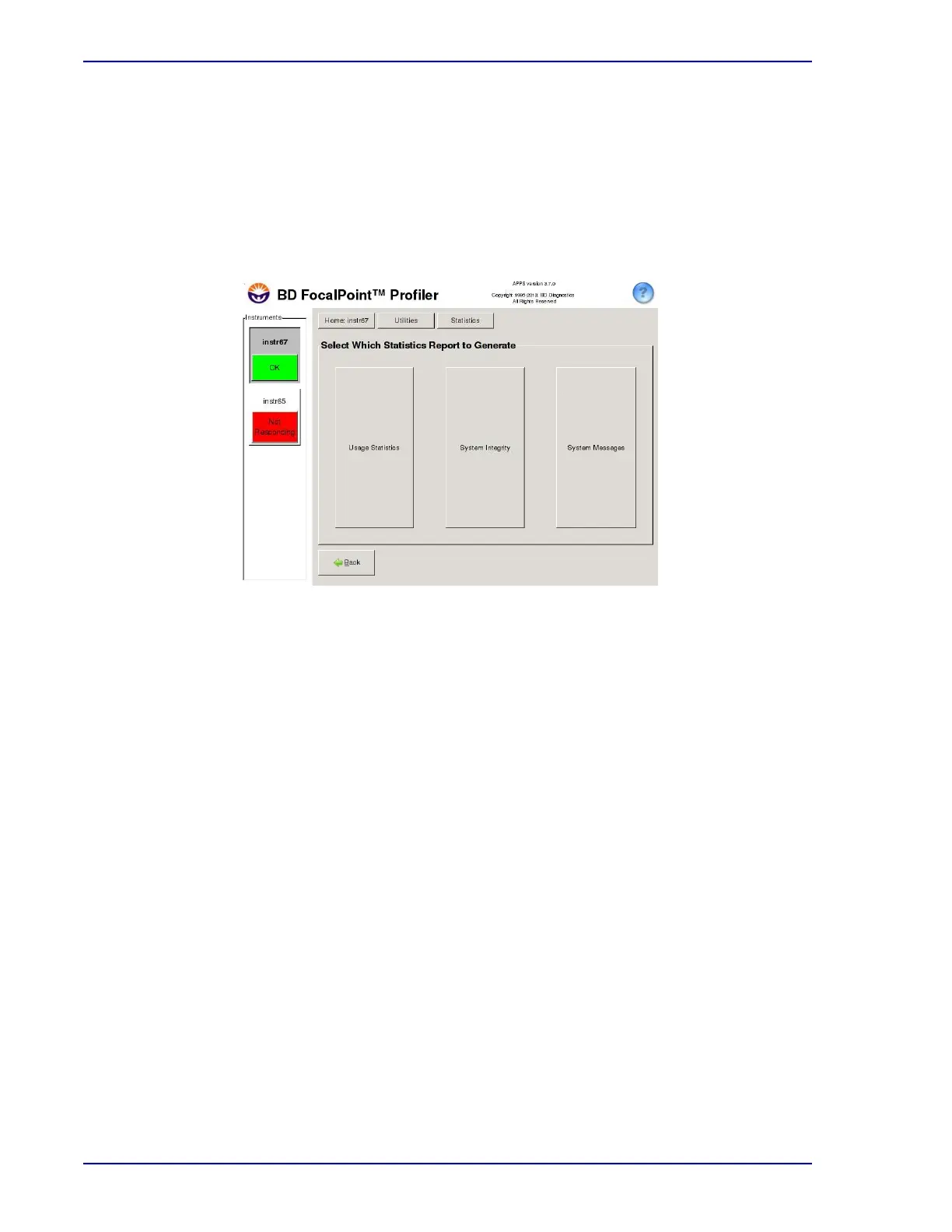
Select the Statistics button to access the following types of reports (see Figure 11-8): Each
window function is described below.
• Usage Statistics
• System Integrity
• System Messages
Figure 11-8 – Statistics Window
11.2.1 Usage Statistics
The Usage Statistics command opens a window (see Figure 11-9) which is used to create a
report containing totals and some percentage calculations for:
• empty tray positions
• all slides
• slides with an action of Rerun
• slides with an action of Process Review
• qualified slides (Review, No Further Review)
• number of scant cellularity slides from the Review population



 To Next Page