BD FocalPoint™ GS Imaging System Instrument User’s Manual
108
To display system messages:
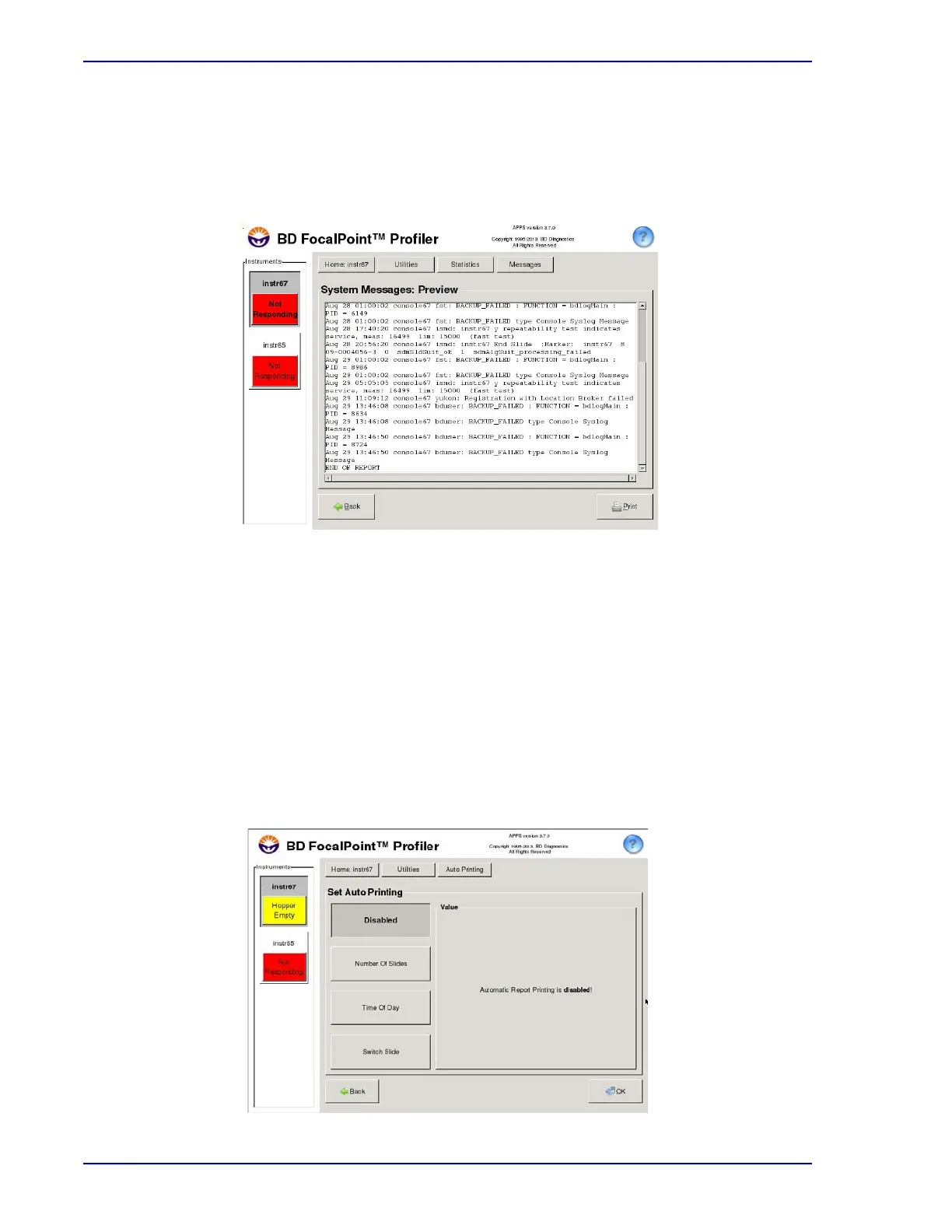
Choose Statistics†System Message to display a window of system messages similar to the
one shown in Figure 11-8. The system automatically scrolls to the most recent messages, at the
bottom of the message list. To view older messages, click and drag the scroll bar.
Figure 11-13 – System Messages menu
11.3 Automatic Printing (Creating Print Sets)
To automatically generate print sets, change the automatic printing capability:
1 Choose Utilities†Automatic Printing (see Figure 11-7).
2 Select a trigger to generate an automatic report printing (see Figure 11-14):
• after a specified number of qualified slides,
• at a certain time each day, or
• when a switch slide is processed.
3 When the trigger condition occurs, a report is automatically printed, as long as there are at
least 20 qualified slides of a given slide type.
Figure 11-14 – Automatic Printing window



 To Next Page