BD FocalPoint™ GS Imaging System Instrument User’s Manual
50
5.2 Understanding the History Panel
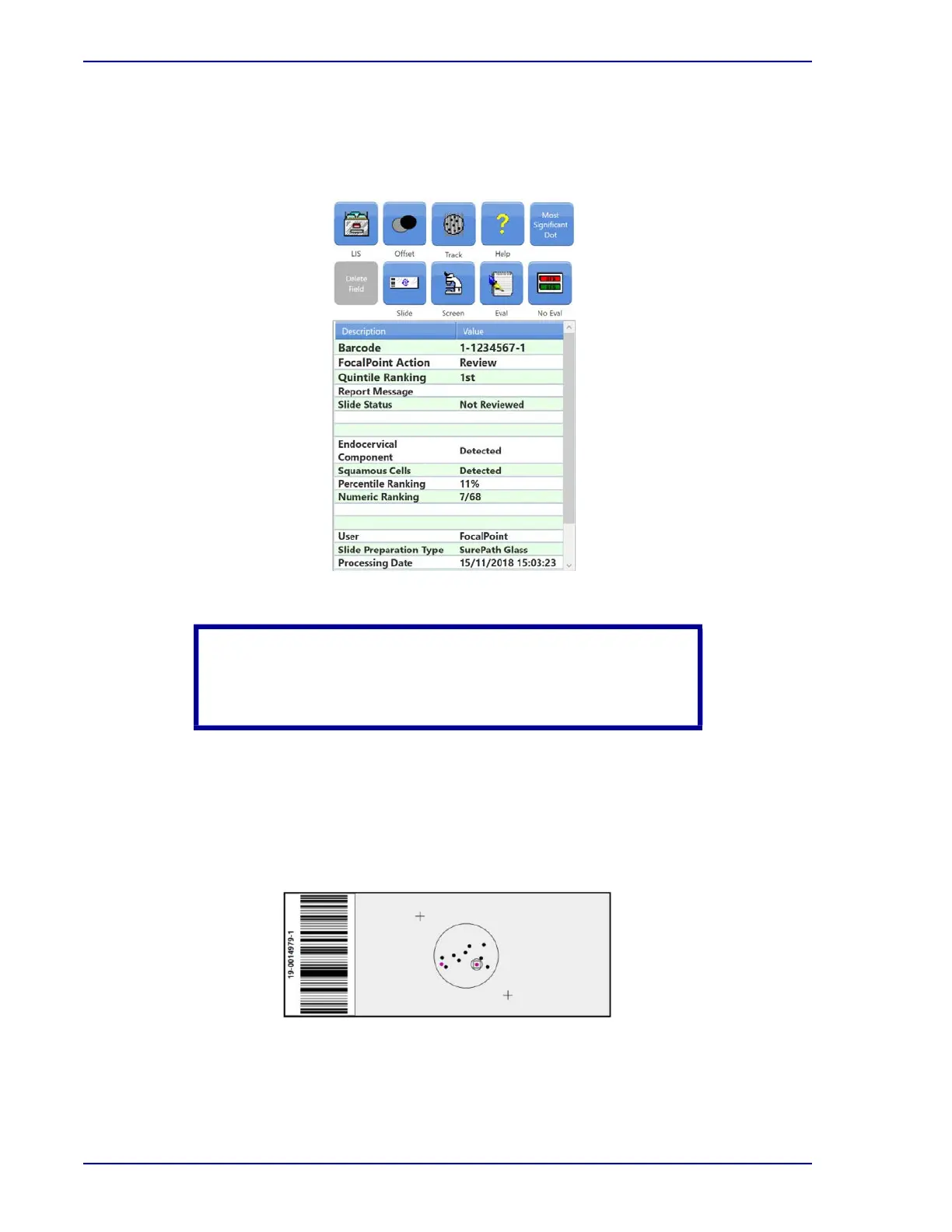
The History Panel (Figure 5-12) shows slide information or cytologic interpretations made by
previous reviewers using the BD FocalPoint GS Review Station.
Figure 5-12 – History Panel
5.3 Using the slide map
The slide map (illustrated in Figure 5-13) displays a map of the dot locations that mark each
FOV. The accession number of the slide being reviewed displays along the left side. The bottom
of the display indicates which LOI is currently being reviewed in the sequence of dots (for
example Dot 1 of 11).
Figure 5-13 – Slide Map detail
Table 5-1 and Table 5-2 detail what information about the current FOV is provided by the border
colors surrounding the dot and the color of the dot presented in the slide map.
CAUTION
This feature provides the history of BD FocalPoint™ GS Review
Station slide information only, not the patient history.



 To Next Page