BD FocalPoint™ GS Review Station Custom Settings
215
27.1.4 Using the Scaling tab
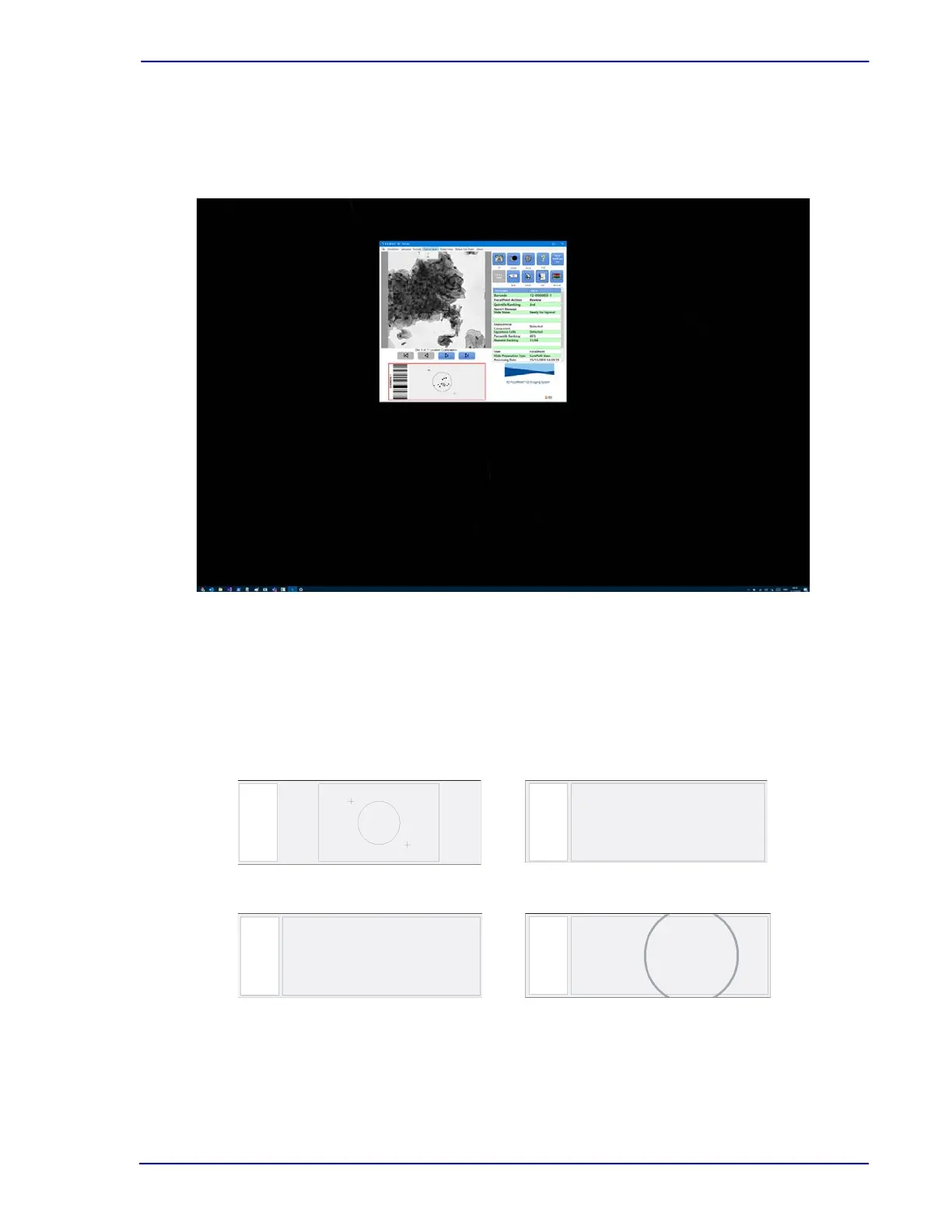
The Scaling tab allows the BD FocalPoint™ GS Review Station display to be customized and the
user to choose between an x1 and x2 scaling.
Figure 27-4 – Settings, Scaling tab
27.1.5 Specifying the slide type
The option selected here determines the appearance of the slide map on the main
BD FocalPoint™ GS Review Station display. Four types of slides can be selected. Figure 27-5
illustrates the display that corresponds to each selection. The application starts out with
BD SurePath™ selected.
Figure 27-5 – Slide Type options
BD SurePath
Conventional 3x1"
Conventional 75x25 mm
LBC 22 mm Diameter



 To Next Page