Managing the BD FocalPoint™ GS Review Station Server
63
Once archived, data cannot be "un-archived"; however, archived data can still be viewed on a
BD FocalPoint™ GS Review Station. See Viewing Archived Slide Data, later in this section.
7.3 Sign Out
7.3.1 Signing Out a Batch of Slides
The BD FocalPoint™ GS Review Station is a closed system (unless it has been interfaced with
your LIS system). Signing out a case refers to removing it from the slide list at the
BD FocalPoint™ GS Review Station.
To sign out a batch of slides:
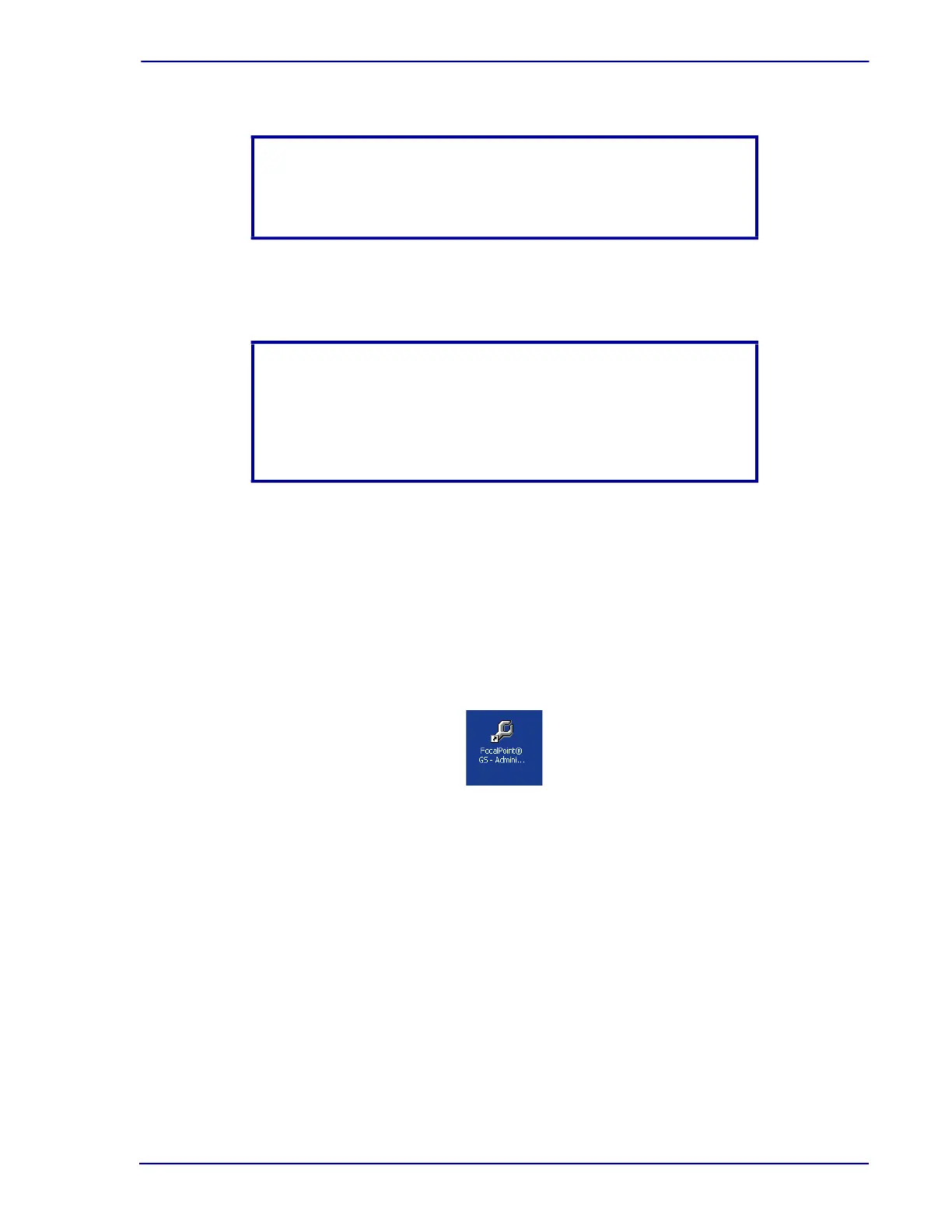
1 Click on the FocalPoint™ GS - Administration icon on the desktop.
Figure 7-6 – BD FocalPoint™ GS - Administration icon
NOTE
Prior to starting this process, all the cytotechnologists must have
logged off of their systems.
NOTE
After the barcode is scanned, the time that it takes for all of the slide
information to appear on the screen will increase as the amount of
slides increases. This is often an indication that signing out and
archiving needs to take place.



 To Next Page