BD FocalPoint™ GS Imaging System Instrument User’s Manual
66
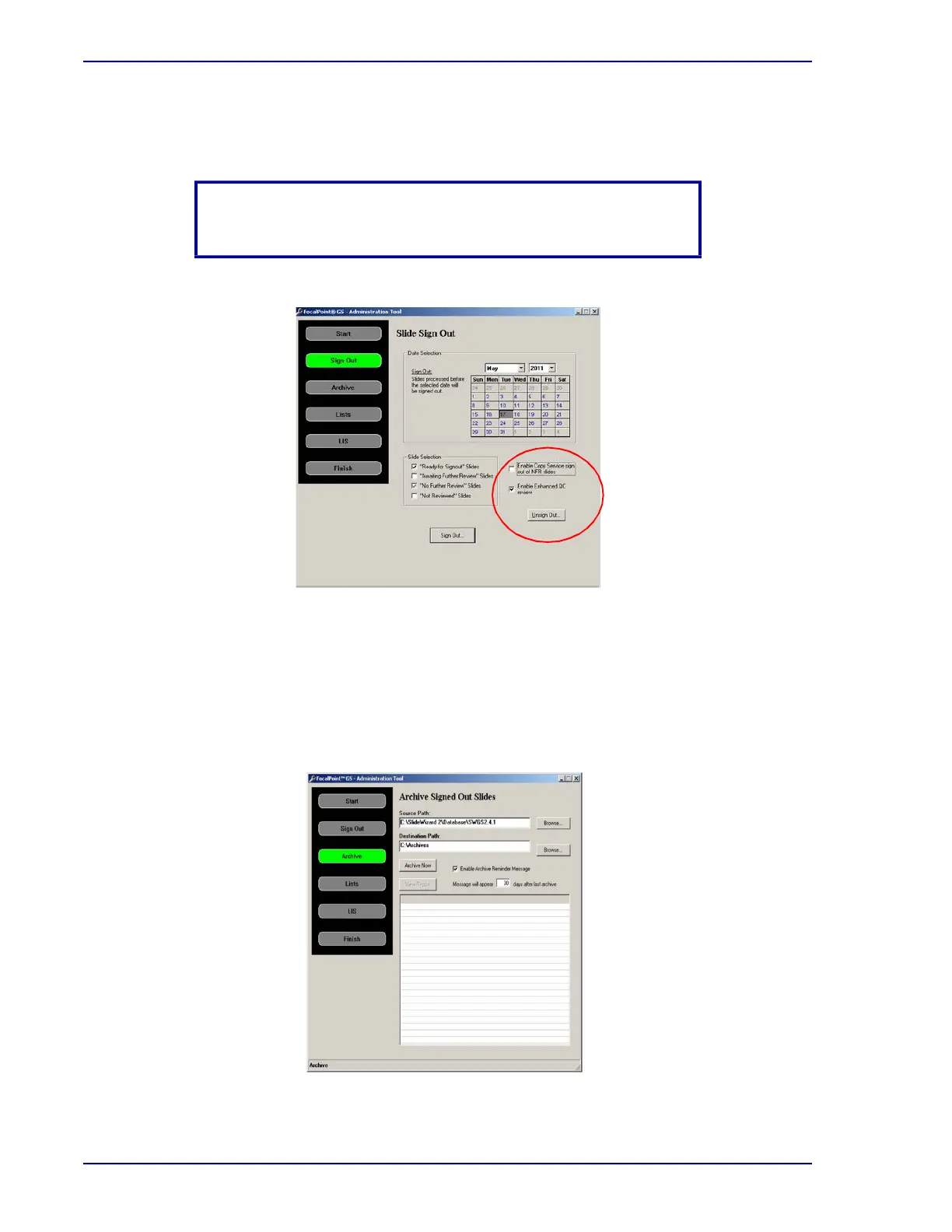
c Unsign Out...
Slides that meet your selected criteria will be unsigned out.
Figure 7-10 – BD FocalPoint™ GS - Administration Tool (Slide Sign Out details)
6 When the date and slide(s) have been selected, click Sign Out.
7.4 Archive
1 After clicking Sign Out on the Slide Sign Out window, the Archive button turns green and
the Archive Signed Out Slides window appears for archiving previously signed out slides.
Figure 7-11 – BD FocalPoint™ GS - Administration Tool (Archive Signed Out Slides)
NOTE
Archived slides cannot be unsigned out.



 To Next Page