BD FocalPoint™ GS Review Station User Interface
47
5.1.4 Help Button
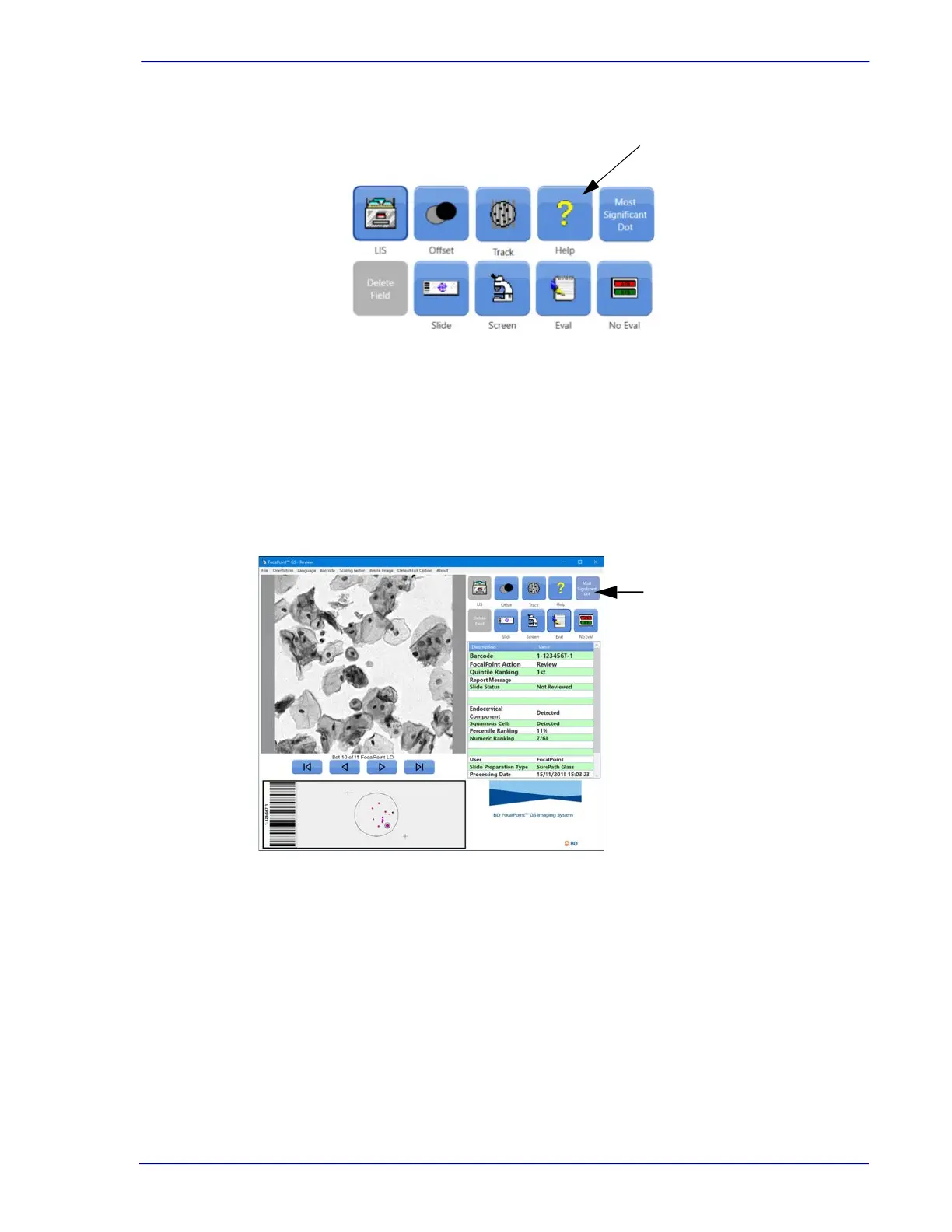
Figure 5-5 – Toolbar Help button
The Help button provides a help file and an index of useful help topics. The Help window opens
in a secondary window that can be re-sized and positioned as desired. Either keep it open for
future reference, or close it to return to the BD FocalPoint™ GS software application.
5.1.5 Most Significant Dot Button
Figure 5-6 illustrates the use of the Most Significant Dot function. The currently viewed Most
Significant Dot is surrounded by a circle and has a red border.
Figure 5-6 – Most Significant Dot
Click Most Significant Dot to mark the dot as a most significant dot. Click Most Significant Dot
again to remove it. Any number of dots can be designated as Most Significant Dots.
Help
Makes location
more prominent
on the display



 To Next Page