BD FocalPoint™ GS Imaging System Introduction
19
2.3.2 BD FocalPoint™ GS Review Station
The following sequence describes Phase 2 of the workflow. Figure 2-3 illustrates this sequence
as well.
1 All slides successfully processed on the BD FocalPoint™ Slide Profiler are initially evaluated
on the BD FocalPoint™ GS Review Station using the BD FocalPoint™ GS review
application.
2 Slide evaluation includes any of the following:
• FOV only
• FOV Review triaged to full slide review (FSR)
• Full slide review because no FOVs are presented (for example, Process Review or
incomplete processing)
3 Abnormal slides are triaged to a pathologist.
4 Directed QC Review slides are triaged to a second manual full slide review.
5 Slides are assigned a result and final reports are sent to provider.
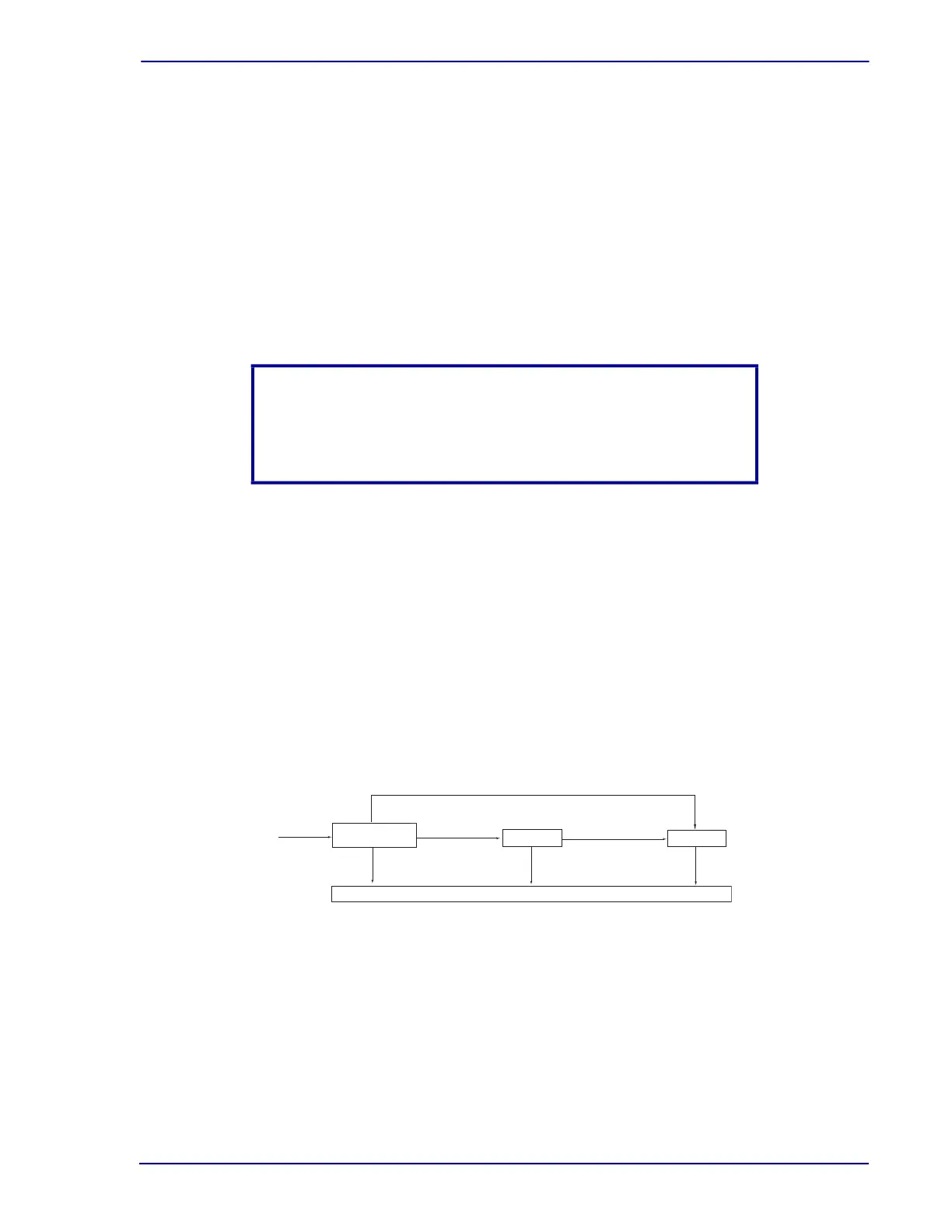
The cytotechnologist performs initial evaluation of the slides at the BD FocalPoint™ GS Review
Station using the BD FocalPoint™ GS review application. Two additional optional applications
are available: QC Mode and MD Mode. These applications electronically queue slides for QC or
Pathologist review and enable electronic review of slides at the BD FocalPoint™ GS Review
Station. Both applications are optional and use the BD FocalPoint™ GS Review Station for
evaluation. Figure 2-4 demonstrates the workflow using these three applications; GS Review,
QC Mode and MD Mode.
Figure 2-4 illustrates the workflow with the BD FocalPoint™ GS Review Station and Table 2-2
details the operating modes and their associated tasks.
Figure 2-4 – BD FocalPoint™ GS Review Station workflow
NOTE
In the US and Canada, Conventional Pap smears are not eligible for
Field of View (FOV) screening. Refer to Section 18 for a discussion
of conventional slide processing.
Signed-Out - awaiting archive
BD FocalPoint GS
Review
RFS
MD Mode
RFS
QC Mode
RFS
ll slides
AFR
AFR = Awaiting Further Review
RFS = Ready For Signout



 To Next Page