Quality Assurance on the BD FocalPoint™ Slide Profiler
191
4 To print the report, choose the Print command; to return to the Statistic Reports window,
choose Close.
Choose Close to close the Statistic Reports window; choose Help to view the Help screen.
19.5.4 System Messages
Occasionally, for troubleshooting purposes, you may be asked by BD Technical Service and
Support to view the current system messages.
To view system messages:
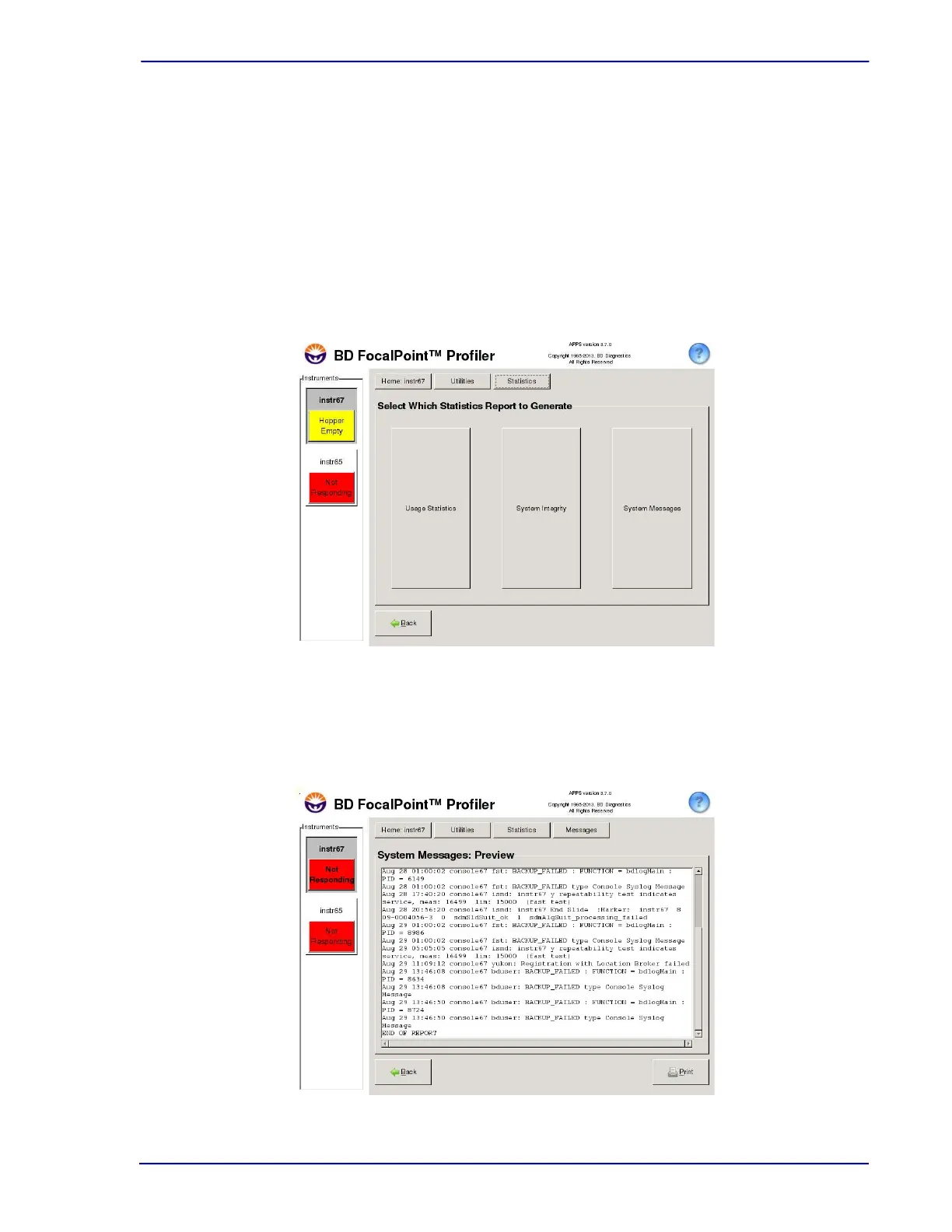
1 Choose Utilities†Statistics to display the window illustrated in Figure 19-9.
Figure 19-9 – Statistics window
2 Choose System Messages. A list of system messages similar to the one shown in
Figure 19-10 appears. The system automatically scrolls to the most recent messages, at the
bottom of the message list. To view older messages, click and drag the scroll bar.
Figure 19-10 – System Messages



 To Next Page