BD FocalPoint™ GS Review Station User Interface
49
5.1.9 Eval Button
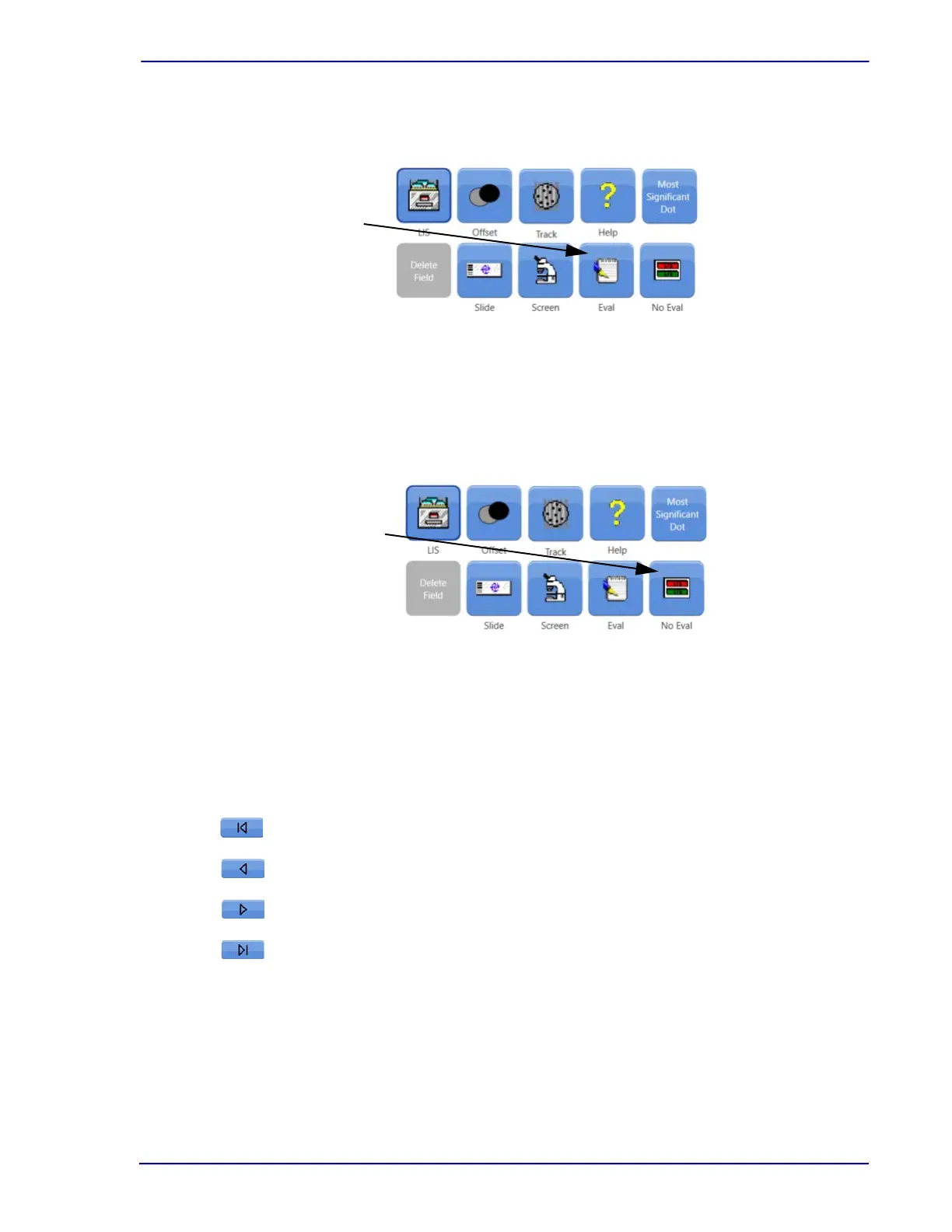
Figure 5-10 illustrates the use of the Eval function.
Figure 5-10 – Eval Button
Click Eval to enter an evaluation for the slide and to finish slide review. See Section 3.7.1
5.1.10 No Eval Button
Figure 5-11 illustrates the use of the No Eval function.
Figure 5-11 – No Eval Button
Click No Eval to finish slide review without entering evaluation information. See Section 3.7.2
5.1.11 "Navigation" Buttons
Use the "Navigation" buttons (across the bottom of the primary image area) to move and view
from one FOV to the next.
The Navigation buttons are:
Beginning (back to the first dot),
Rewind (back one dot),
Forward (ahead one dot), and
End (ahead to the last marked dot).
LOIs marked by the BD FocalPoint™ Slide Profiler appear as black dots in the slide map area.
Click Eval to
finish slide
review
Click No Eval
to skip the
evaluation



 To Next Page