Guided Screening
37
3.7.3 Assigning a Slide Status
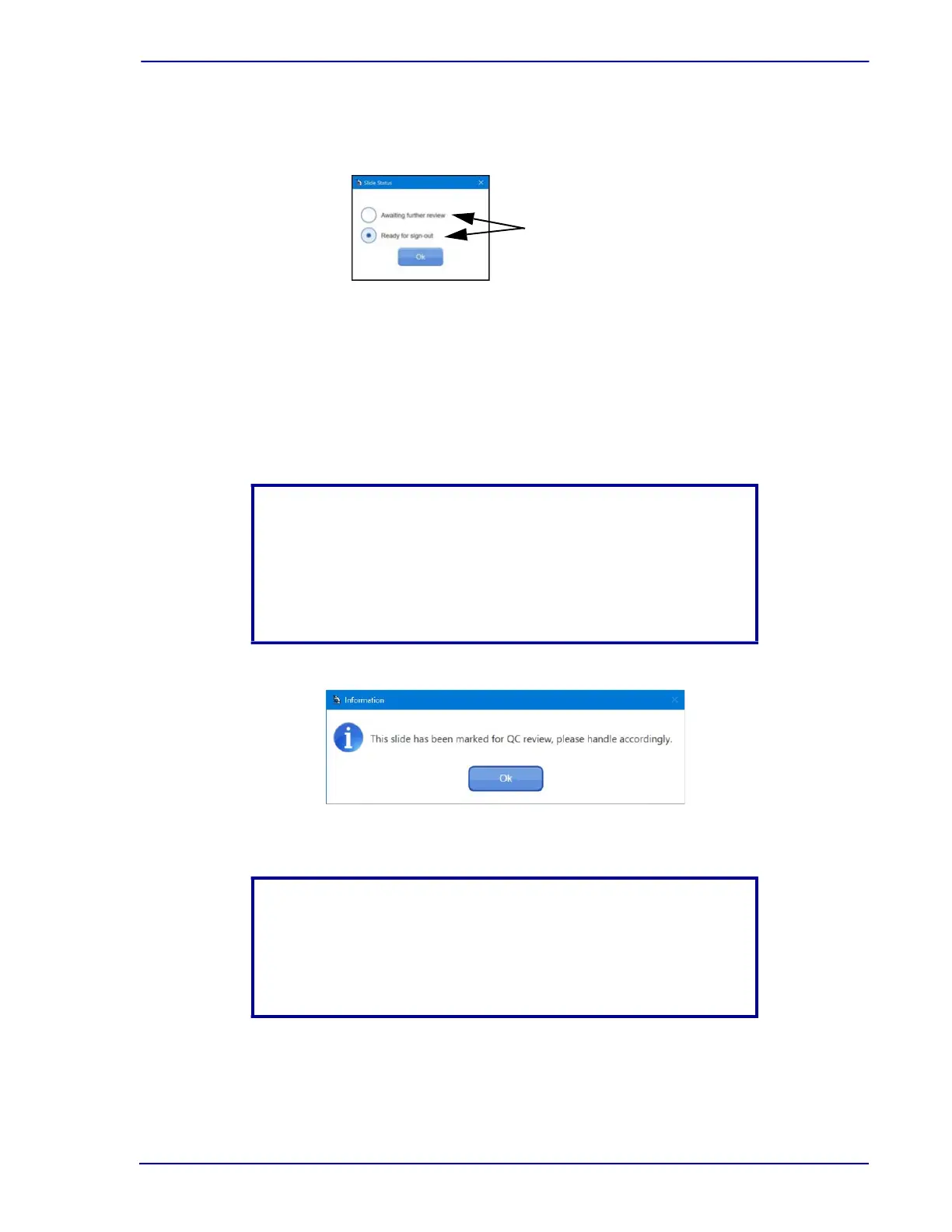
The Slide Status dialog box is displayed in Figure 3-17. The following two choices appear.
Figure 3-17 – Assigning a slide status
• Awaiting further review (AFR) is selected when the slide requires further review by a
second individual such as a pathologist. Slides queued up as Awaiting further review can
be retrieved using the BD FocalPoint™ GS Review Station in either GS review mode or by
the second reviewer.
• Ready for signout (RFS) is used when the initial cytotechnologist determines the slide is
Negative and is ready to assign it a result.
Figure 3-18 – QC Review message
8 Click the appropriate status button, and then click OK.
The Slide Selection window is displayed.
NOTE
Directed QC: If an RFS slide is selected for directed QC review by
the BD FocalPoint™ Slide Profiler and the electronic QC function
message is enabled, a window (see Figure 3-18) will appear. The
slide will be moved to the QC Slide list, ready for screening in the
QC mode.
NOTE
Sign Out with RFS: If an RFS slide is not selected for directed QC
review by the BD FocalPoint™ Slide Profiler, a dialog window (see
Figure 3-19) will appear. The slide can be signed out if selected yes
from the dialog window.
Choose the appropriate
status button



 To Next Page