BD FocalPoint™ GS Imaging System Instrument User’s Manual
38
9 To continue with the next slide, scan in the next slide barcode to bring up all the appropriate
slide information, and then click OK.
10 Continue reviewing slides. When finished, click the Exit icon to close the application.
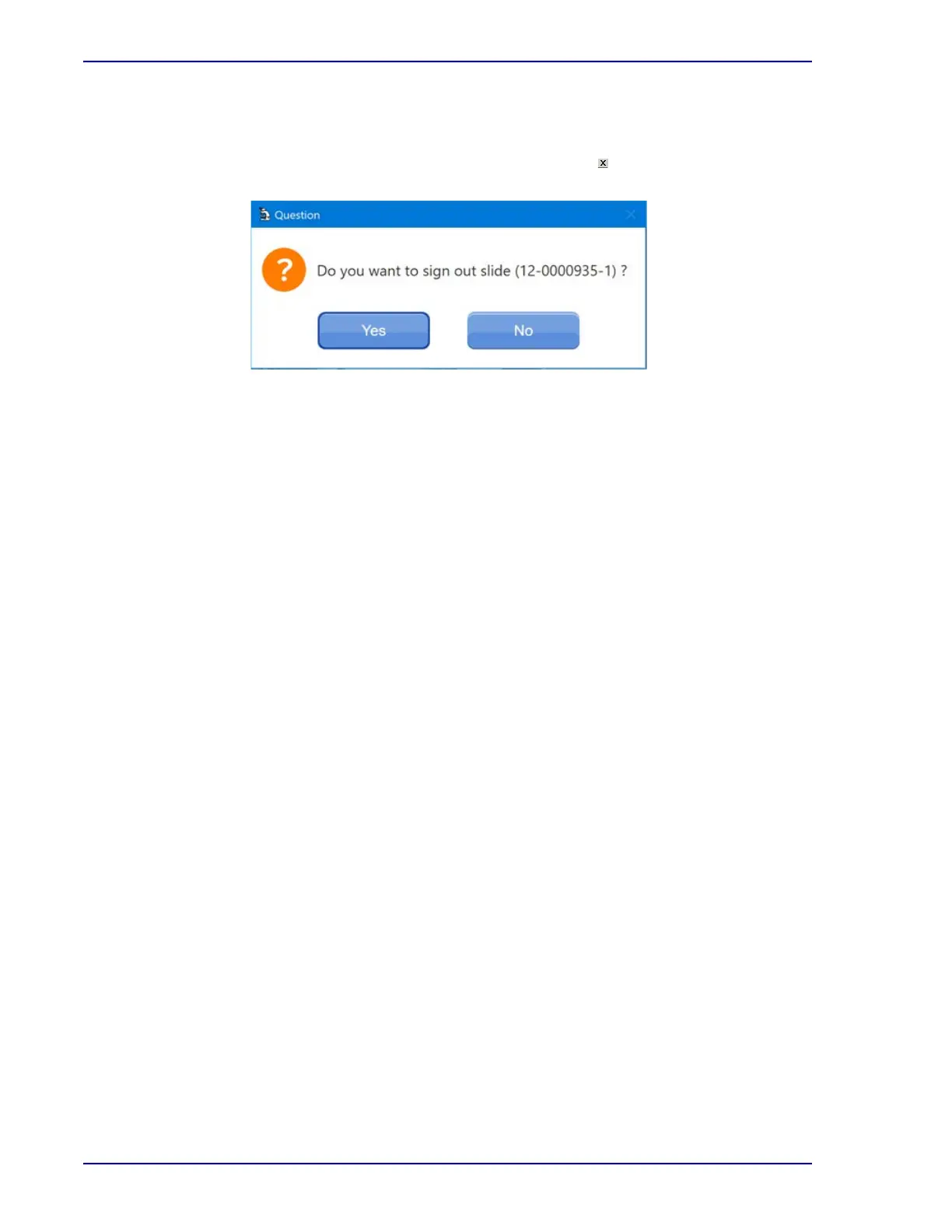
Figure 3-19 – Signing Out



 To Next Page