Using BD FocalPoint™ Slide Profiler Reports
121
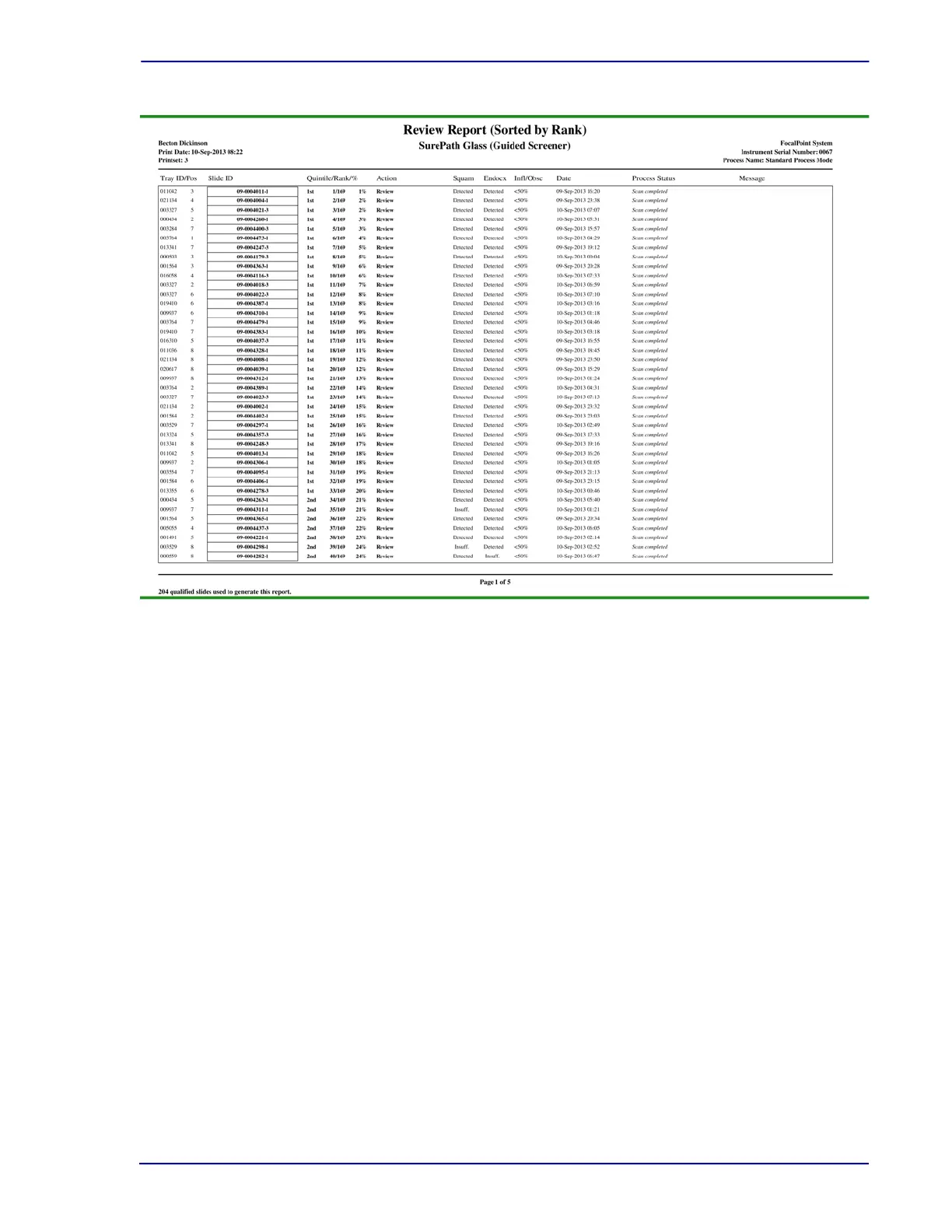
Figure 12-5 – Example of a Review Report (Sorted by Rank)
Suggested Report Options
This report can be sorted by Rank, Barcode or Date. This Review report contains ranking
information for each successfully processed slide within the print set. As an aid for manual
review, the slides are ranked for probable abnormality.
For more information on creating a print set and ranking, see Section 15.6.1 and Section 10.4.1.
If the Review report is for previously unprinted results, the report contains results for all Review
slides processed since the last print set was created.
If reprinting results, slide results can be obtained for a specific print set, or for slides selected by
date or slide barcode range. Keep in mind that ranking information is available only if a specific
print set is reprinted.
For additional information, refer to:
• Setting BD FocalPoint™ Slide Profiler Report Options (Section 14)
• Operating the BD FocalPoint™ Slide Profiler (Section 15)



 To Next Page