BD FocalPoint™ GS Imaging System Instrument User’s Manual
228
Slide information is
available, but no
images are seen.
___________
Review the slide information, no
images will be seen for:
1.Process Review
2.Slide Edge not detected
3.“Scant cellularity” slides
4.ReRun
If none of the above apply and “no
image available” appears instead of
the image then remap the network
drive. Also ensure the user ID and
password for the RS are on the
server
Slide cannot be found
in the Archive
Application.
Has the review station been mapped
to the server?
Contact BD Technical Support for
network mapping assistance.
Was the slide archived after “signing
out” the batch?
___________
Are you looking for the slide in the
correct folder or drive?
Review all of the folders and drives
to be sure you are looking in the
correct location.
___________ Go to Windows Search to find the
slide.
The stage will not
move.
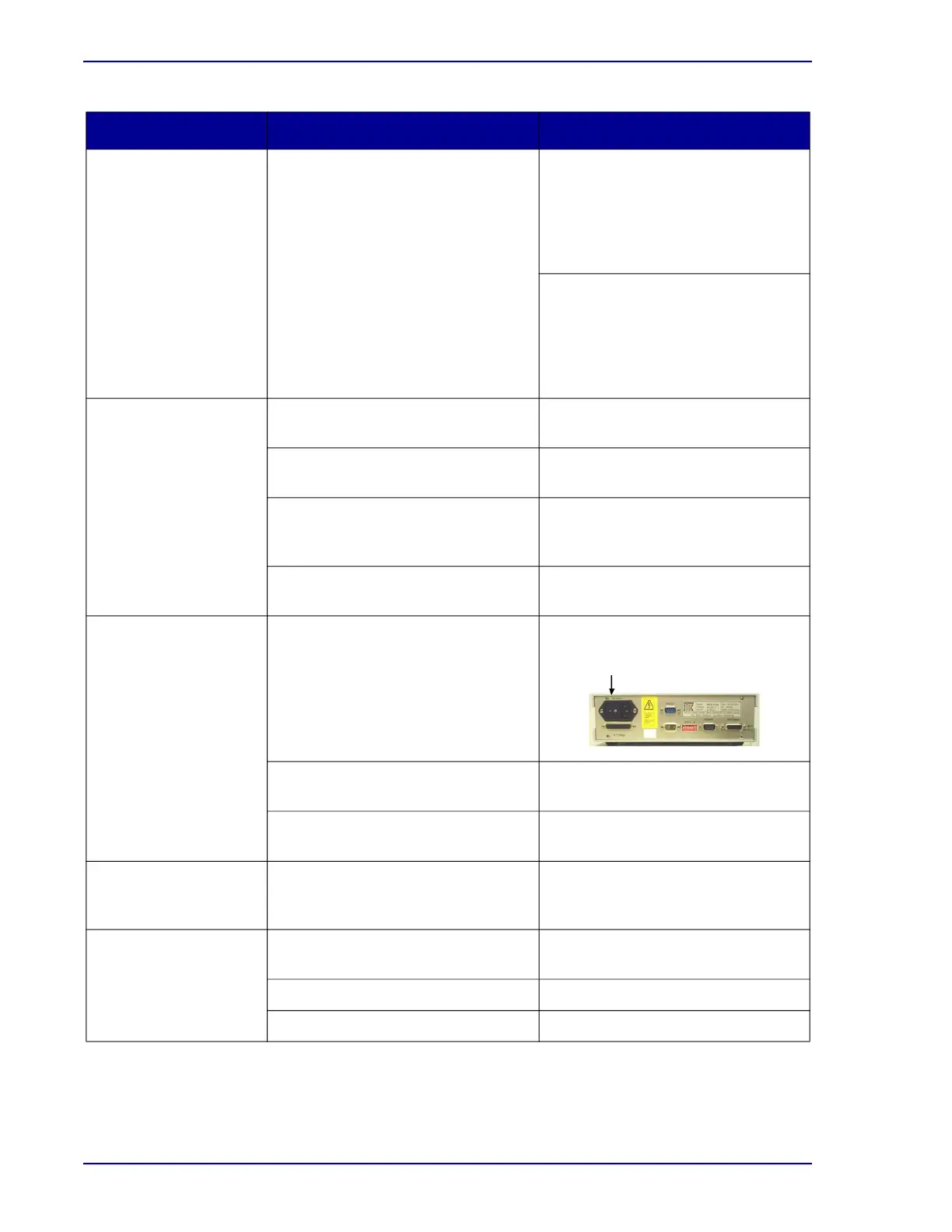
Is the controller box turned on? Power up the controller box.
Are any of the cables to the
controller box loose?
Tighten the connections.
Stage is not at home position. Reboot the controller box and the
CPU.
When opening the GS
review application I get
an error.
Was training database recently
used?
Make sure the training database was
correctly removed.
After calibrating, the
Location Confirmation
is not correct.
Loss of communication between
stage and CPU.
Reboot GS application and
controller box.
___________ Restart CPU.
___________ Recalibrate the stage.
Symptom Possible Cause Solution



 To Next Page