Application Label Types
Rev A 115 BBP
®
35/37 User’s Manual
To open a saved label type:
3. From the label type’s control panel, touch Open Saved File .
OR
Touch Menu , then under File, touch Open File .
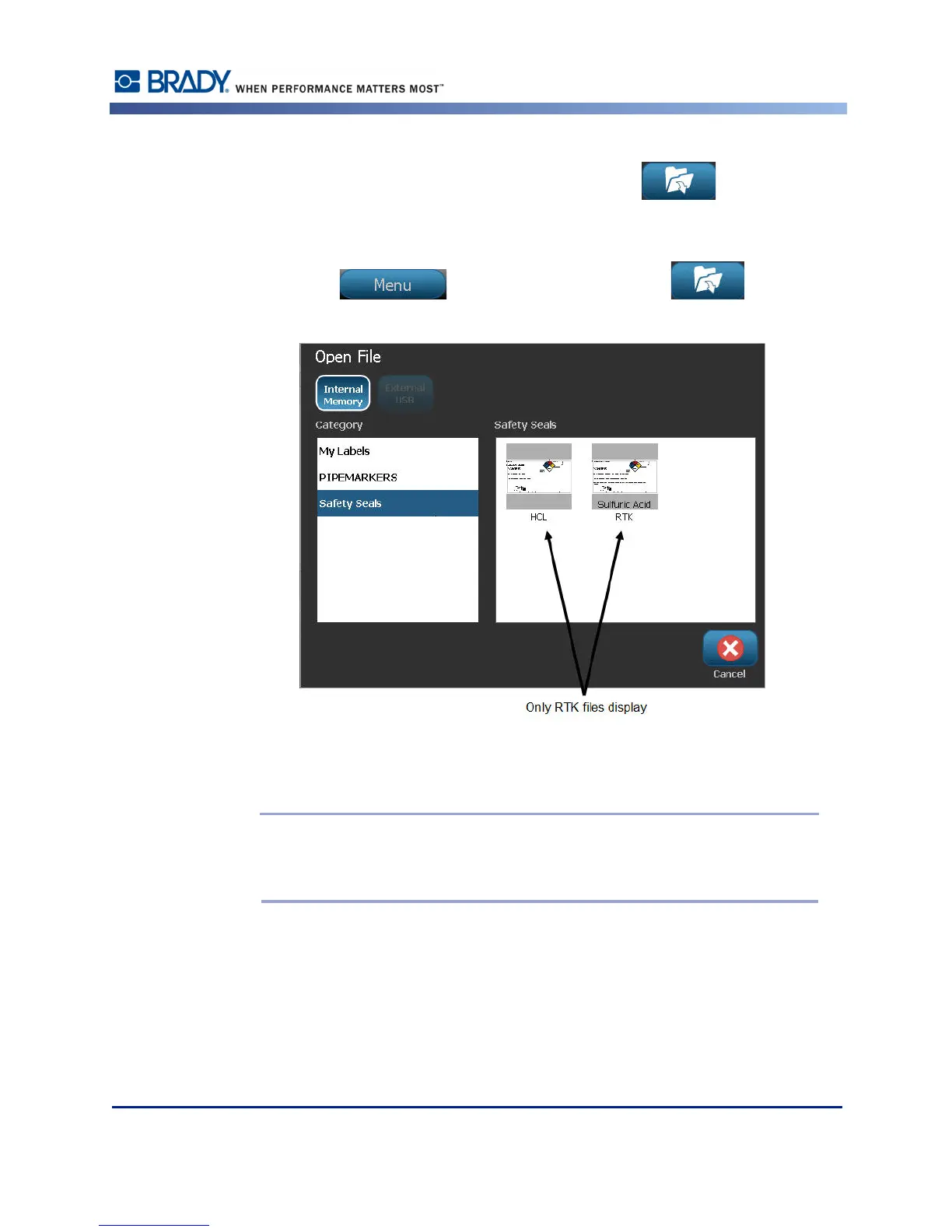
4. In the Open File dialog, touch the category in which the file is saved.
5. In the list of saved files, touch the file to open.
Note: The application label file does not display in the list of files, under any
category, if the application is not open. Remember to launch the specific
application before attempting to open that application’s files.



 To Next Page