Application Label Types
BBP
®
35/37 User’s Manual 116 Rev A
Delete an Application Label Type
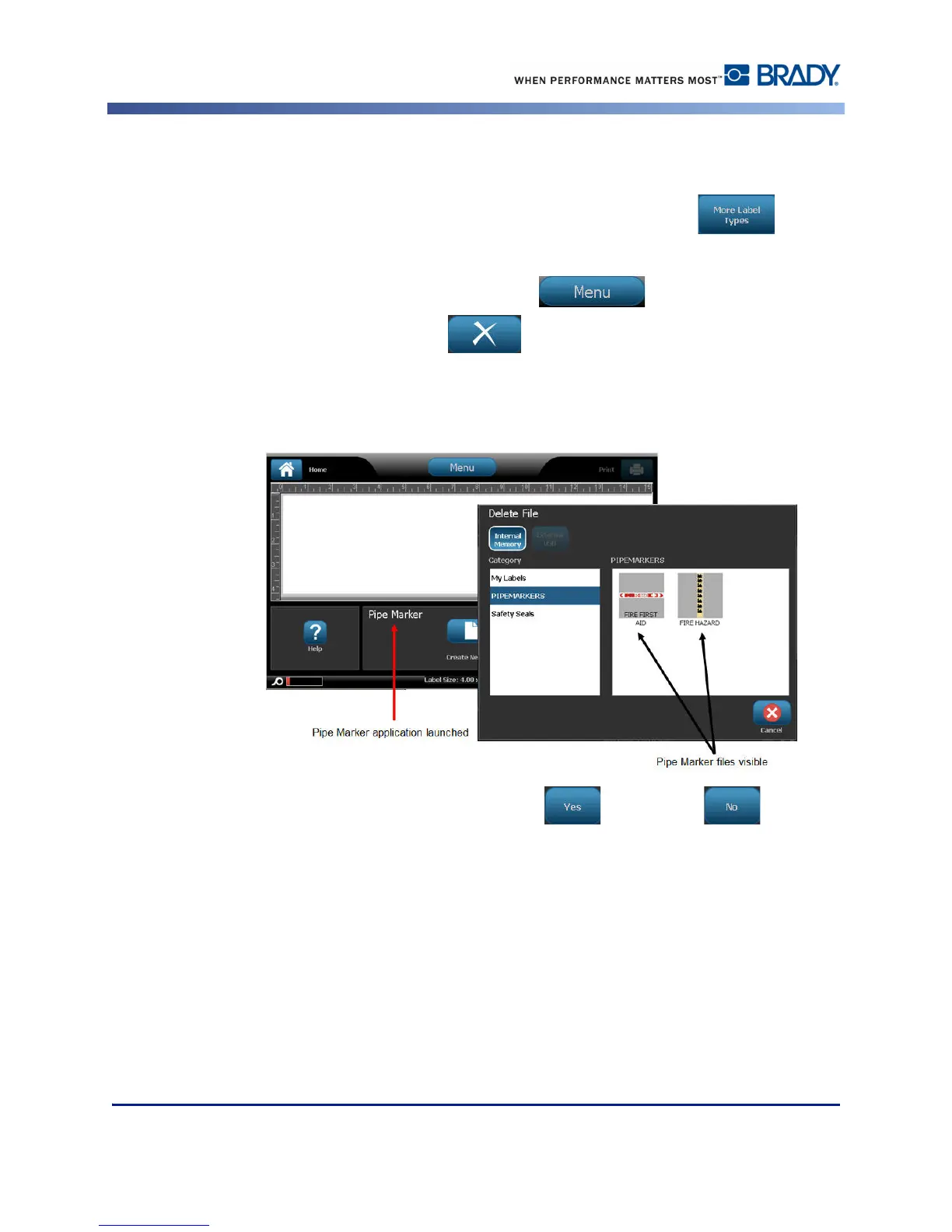
To delete a specific application label type, first launch the application.
1. From the Home page, in the control panel, touch More Label Types .
2. On the Label Types screen, touch the application you wish to launch.
3. In the label type control panel, touch Menu .
4. Under File, touch Delete File .
5. In the Delete File dialog, touch the category where the label is located, then touch the label
you want to delete.
6. When prompted to delete the file, touch Yes . (Touching No cancels the
operation.)



 To Next Page